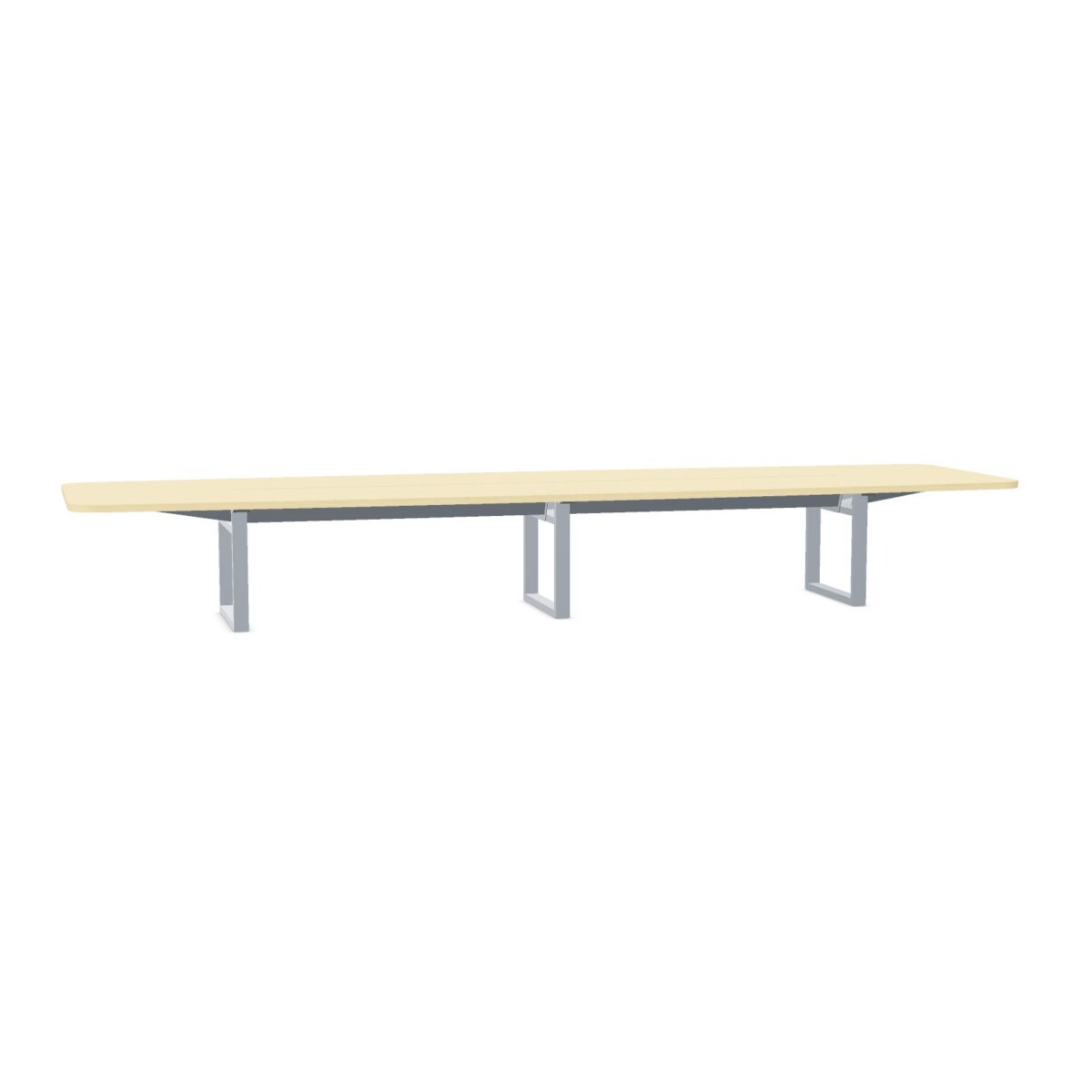
How to choose an Inno F2F table
Begin with the meetings the table needs to support. The collection includes options listed for four and ten people, which can help narrow the choice, but the intended seating count is only one part of the decision. Consider whether people need room for laptops, notes and shared materials, and compare the specific table dimensions with the room’s available floor area.
Match the configuration to the room
Measure the space where the table will sit, allowing for chairs to move and people to walk around the table. Then check each model’s dimensions and frame style. F2F configurations include different metal frame types, so review the product details rather than assuming that every model has the same base. The tables are not listed as linkable or adjustable, which makes it especially useful to settle the room layout and table size before choosing.
Consider the surface and base
Surface choices in the collection include HPL and melamine, with colors listed across neutrals, wood tones and brighter options. Base colors also vary. Some product descriptions refer to natural or birch surfaces, but the exact combination depends on the model. Compare the individual finish information with your existing furniture and the look you want for the meeting space.
Plan for cables and installation
Cable flaps provide access through the tabletop for managing meeting-room connections. The tables are suitable for a cable tray, but the tray is not included. Before selecting a model, consider where power and data connections are located, how cables will reach the table, and whether a separate tray or other accessories are needed. Confirm compatibility and the details of your chosen configuration before finalizing the setup.
For a smaller meeting area, focus on the four-person option and its exact footprint. For larger gatherings, compare the ten-person configuration with the room dimensions and circulation space. If appearance is the priority, shortlist the surface and base colors first; if cable management is central, check the flap layout and tray compatibility for the specific table.
What to check before leasing
Review the product page for the selected model’s full dimensions, surface, frame and color details, then compare these with your room plan and equipment needs. Confirm that the table can be used with your intended cable setup and that any cable tray or accessories are accounted for separately. Myntwork offers these products on a monthly lease, giving businesses an option to furnish meeting spaces without treating the collection as a single fixed configuration.
Frequently asked questions about INNO INTERIOR Table F2F
How do I choose between the four- and ten-person F2F tables?
Start with your typical meeting group, then compare the specific table dimensions with the room, chair clearance and walking routes. The listed seating count is a useful guide, but room layout and how people use the tabletop matter too.
Do all Inno F2F tables include a cable tray?
No. The collection is listed as suitable for a cable tray, but the tray is not included. Check the chosen model’s details and plan separately for any tray or other cable-management accessories you need.
What tabletop materials are available in the collection?
The collection attributes list HPL and melamine. Product descriptions also refer to natural or birch surfaces. Check the individual model listing to confirm its exact material, surface and finish.
Are the F2F tables adjustable or linkable?
The collection attributes list the tables as not adjustable and not linkable. Choose a configuration and size that suit your intended room layout, and confirm the details on the individual model page.
Do all models have the same frame and color options?
No. The collection lists several metal frame styles and a range of base and surface colors. Options can vary by model, so compare the selected table’s product details before deciding.