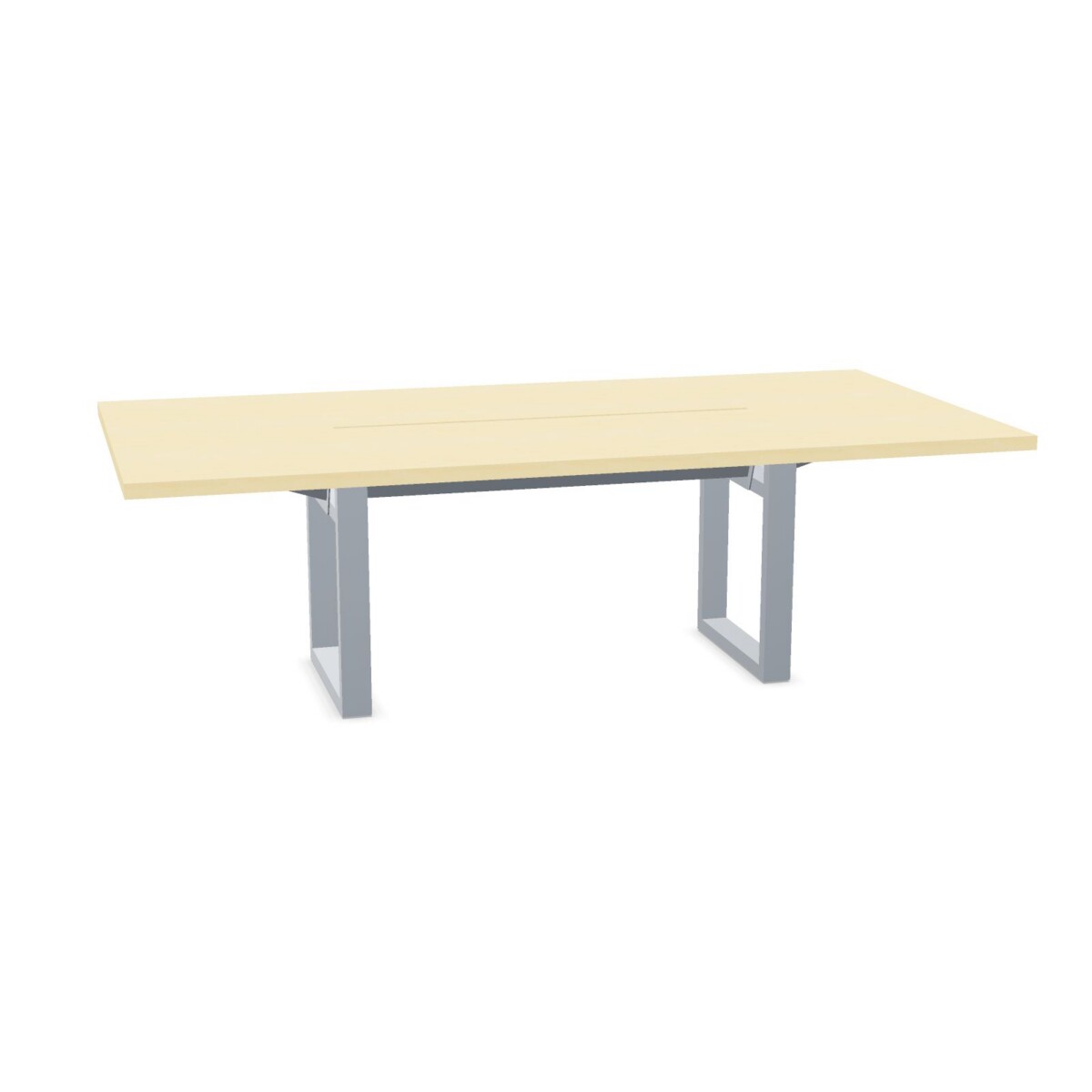
How to choose an Inno S1S table
Start with the number of people who regularly use the room. The S1S range includes tables listed for four, five, eight and ten people. Match that capacity to your typical meeting, rather than choosing only for occasional maximum attendance. Also allow enough room around the table for chairs to move and people to enter and leave comfortably.
Next, check the table’s dimensions against the floor plan. The collection includes different sizes, and the dimensions shown on each product listing are the best reference for comparing a table with your room. Consider nearby doors, walls, screens and other furniture, as well as space for people to walk around the table.
Compare finish and frame details
Tabletop material options listed for the collection include HPL and melamine. Color information also appears across the range, including wood tones and other surface colors; available choices can differ by model. Review the individual product details to confirm the specific surface and color offered, rather than assuming every option applies to every table.
The tables have metal bases, with several frame styles represented in the collection. If the appearance of the base matters to your room design, compare the frame details on the models you are considering. The product information also identifies a two-year warranty for the collection; check the listing for the details that apply to your selected table.
Plan for cables and meeting-room use
Flaps make cable access part of the table design, and S1S tables are listed as suitable for a cable tray. However, the tray is not included. Before specifying a table, consider which devices people will use, where connections need to be available and whether your room requires a separate tray or other cable-management components. Confirm compatibility and the required accessories before finalizing your setup.
For a room used by multiple teams, consider whether the table’s capacity and finish suit both scheduled meetings and day-to-day collaboration. These tables are not linkable, so plan the layout around the size and shape of the individual model rather than expecting to connect tables into a larger surface.
What to check before leasing
Compare seating capacity, dimensions, tabletop material, surface color and frame style across the product listings. Confirm whether cable-management accessories are needed, and check that the selected table fits your room and intended use. Myntwork offers these products on a monthly lease; review the available listing details to choose the S1S configuration that works for your workspace.
Frequently asked questions about INNO INTERIOR Table S1S
Which Inno S1S table should I choose for my team size?
The collection includes models listed for four, five, eight or ten people. Start with your usual meeting size, then compare each model’s dimensions to make sure the table fits the room and the way your team works.
Do Inno S1S tables include a cable tray?
No. The tables are listed as suitable for a cable tray, but the tray is not included. Check the product details and plan for any cable-management accessories your meeting setup needs.
What tabletop materials and colors are available?
HPL and melamine are listed as tabletop materials across the collection, with a range of surface colors represented. Options may vary by model, so confirm the material and color on the specific table listing.
Can Inno S1S tables be joined together?
The collection is listed as not linkable. Choose a model with the capacity and dimensions you need, and plan the room layout around that individual table.
How can I compare the table frame options?
Several frame styles appear across the range, and the tables have metal bases. Check the individual product specifications to see which frame configuration is offered with each model.