Choosing a screen for your layout
Start with the desk arrangement rather than selecting a finish in isolation. For a single workstation, check that the screen width suits the desk and leaves the working area practical. In a row or shared layout, compare screen widths against the desk plan so the divisions look intentional and do not interfere with how people use the space.
The listed widths in this collection run from 120 to 200 cm. Treat these as options to compare, not as a guarantee that every width is available in both models. Confirm the exact width and color for the model you plan to specify, particularly when coordinating screens across several desks.
How the two TCF models differ
Melamine acoustic screen
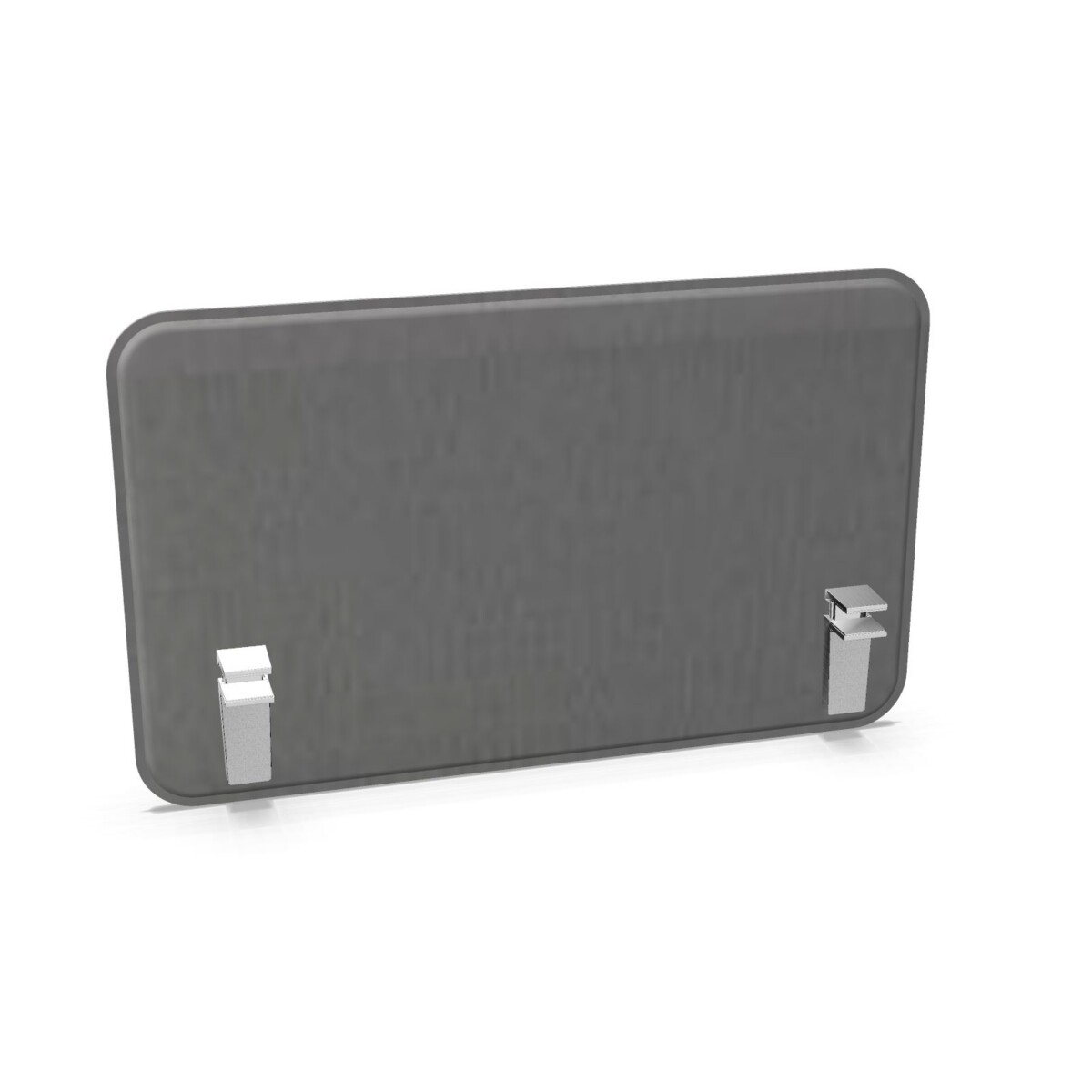
The JG Open Systems TCF Acoustic Desk Screen is the melamine option. Its listed details include an aluminium edge, with white 9003 noted for a configuration. Consider this model when the melamine finish is appropriate for your furniture scheme, and check the chosen variant for its precise finish and color information.
Slim aluminium acoustic screen
The TCF Acoustic Slim Aluminium Desk Screen is described as a slim acoustic desk screen with an aluminium edge. It is available in multiple listed colors. Compare its profile with the melamine model when appearance is a deciding factor, and verify the available color and width for the specific configuration.
Check the details before specifying
Before preparing a furniture schedule, confirm the screen model, width, color, and edge detail against the product information. If you are selecting a color from the collection’s broad range—including options such as beige, grey, blue, green, red, white, and wood—check that it is offered for the model and size you need. Avoid assuming that a color shown for one option applies to the other.
It can also help to review the desk plan and the intended placement of each screen together. This makes it easier to spot differences in width or finish before ordering and to keep a multi-desk installation consistent. If a particular finish or configuration is important to your project, confirm it with Myntwork before finalizing your selection.
Plan your office furniture lease
Once you have narrowed down the screen style and configuration, consider how it fits into the wider workspace furniture plan. Myntwork offers these products on a monthly lease, which may suit businesses furnishing an office while managing furniture as an ongoing cost. Ask about the specific models and options you have selected so you can assess them alongside the rest of your workspace requirements.
Frequently asked questions about JG Open Systems Desk Screen
What is the difference between the two JG Open Systems TCF screens?
The TCF Acoustic Desk Screen is the melamine option with an aluminium edge. The TCF Acoustic Slim Aluminium Desk Screen has a slim profile and an aluminium edge. Check each model’s details for its available finishes.
Which widths are listed for this collection?
The collection lists widths of 120, 140, 160, 180, and 200 cm. Confirm which widths are available for your chosen model and configuration.
Are all listed colors available for both models?
Not necessarily. The collection includes a broad range of colors, but availability may differ by model. Check the specific product details for the color you want.
How should I choose a width for my desks?
Compare the screen width with the desk dimensions and the planned workstation layout. For multi-desk installations, check the full plan and confirm each selected configuration before specifying.
Can I lease these desk screens through Myntwork?
Myntwork offers these products on a monthly lease. Check with Myntwork about the particular model, width, and finish you are considering.