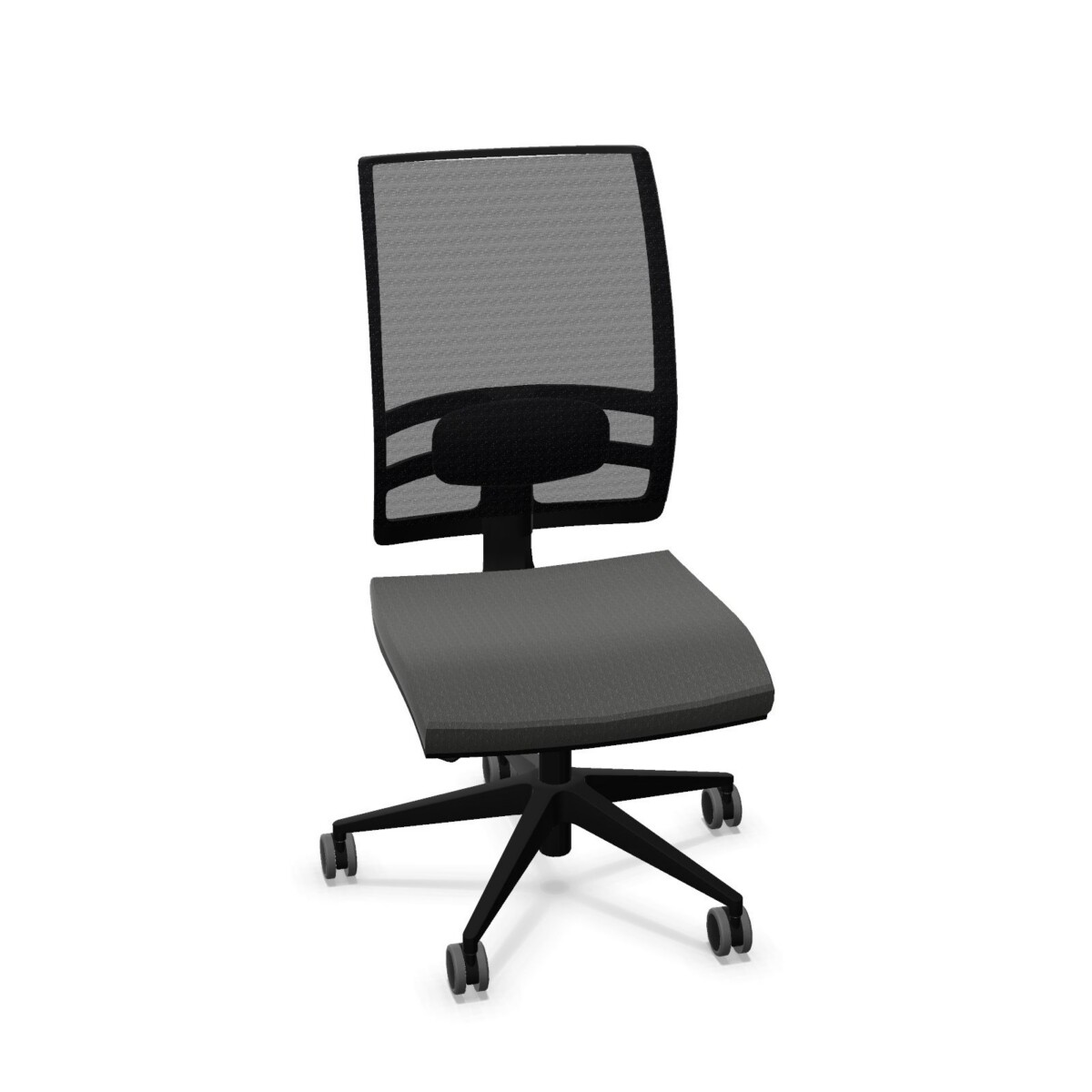
Choosing a Konica chair for your office
For a focused workstation, begin with the person who will use the chair and the tasks they perform. Consider whether the chair will stay assigned to one person or be shared between users. In a shared space, simple seat-height adjustment may be a useful starting point. For an assigned desk, compare models with more adjustment options, such as adjustable seat depth or a synchronous mechanism, where those features are specified.
Armrest preferences also differ. The family includes armless versions and models with armrests; listed materials include nylon and polyurethane, and some variants have 4D-adjustable armrests. Think about desk clearance and how users position themselves at the workstation, then confirm the chosen model’s armrest configuration in its listing.
Compare construction and available options
Back and seat upholstery
The collection centers on a mesh back, with lumbar support featured across the family. Seat upholstery is not identical across every model: listed options include fabric, and one Konica variant specifies a Planet fabric seat. Colors shown for the family include neutral tones as well as blue, green, red and other choices. Confirm color availability and the exact seat material on the individual product page before planning a coordinated office scheme.
Adjustments and mechanisms
Manual seat-height adjustment is listed in the product details, and some models specify a synchronous mechanism. Other listed attributes vary, including seat-depth adjustment, headrest availability and whether armrests are included. Treat these as model-by-model differences, not standard features of every Konica chair. If a particular adjustment matters to your team, verify it against the selected SKU before placing a furniture plan around it.
What to check before selecting
Shortlist chairs by the essentials: intended user, armrest preference, required adjustments and upholstery choice. Then compare the specifications for each model and check the dimensions against your desks and available space. If several people will use the same chair, consider which adjustments they will need to change regularly. For a consistent office fit-out, confirm that the models you choose have the desired color and configuration.
Myntwork offers Kastel products on a monthly lease. Once you have identified suitable Konica models, review their individual listings for current specifications, warranty information and leasing details. This final check helps ensure the configuration you select matches the needs of your workspace.
Frequently asked questions about Kastel Mesh Desk Frame
How do I choose between armless and armrest models?
Consider desk clearance, user preference and how people position themselves while working. The family includes armless options and models with armrests; confirm the style and material on the specific product listing.
Do all Kastel Konica mesh chairs have the same adjustments?
No. Seat-height adjustment is listed across the range, while features such as a synchronous mechanism, adjustable seat depth and headrest availability vary by model. Check the selected SKU for its exact features.
What upholstery choices are available in this family?
The chairs have mesh backs, while seat upholstery varies. Listed options include fabric, with Planet fabric specified on one model. Check individual listings for the exact material and available color.
Which Konica chair is suitable for a shared office?
Compare models based on the adjustments shared users need, including seat-height adjustment and any additional features that matter to your team. Verify each model’s controls and configuration before choosing.