How to choose a Key Smart Advanced configuration
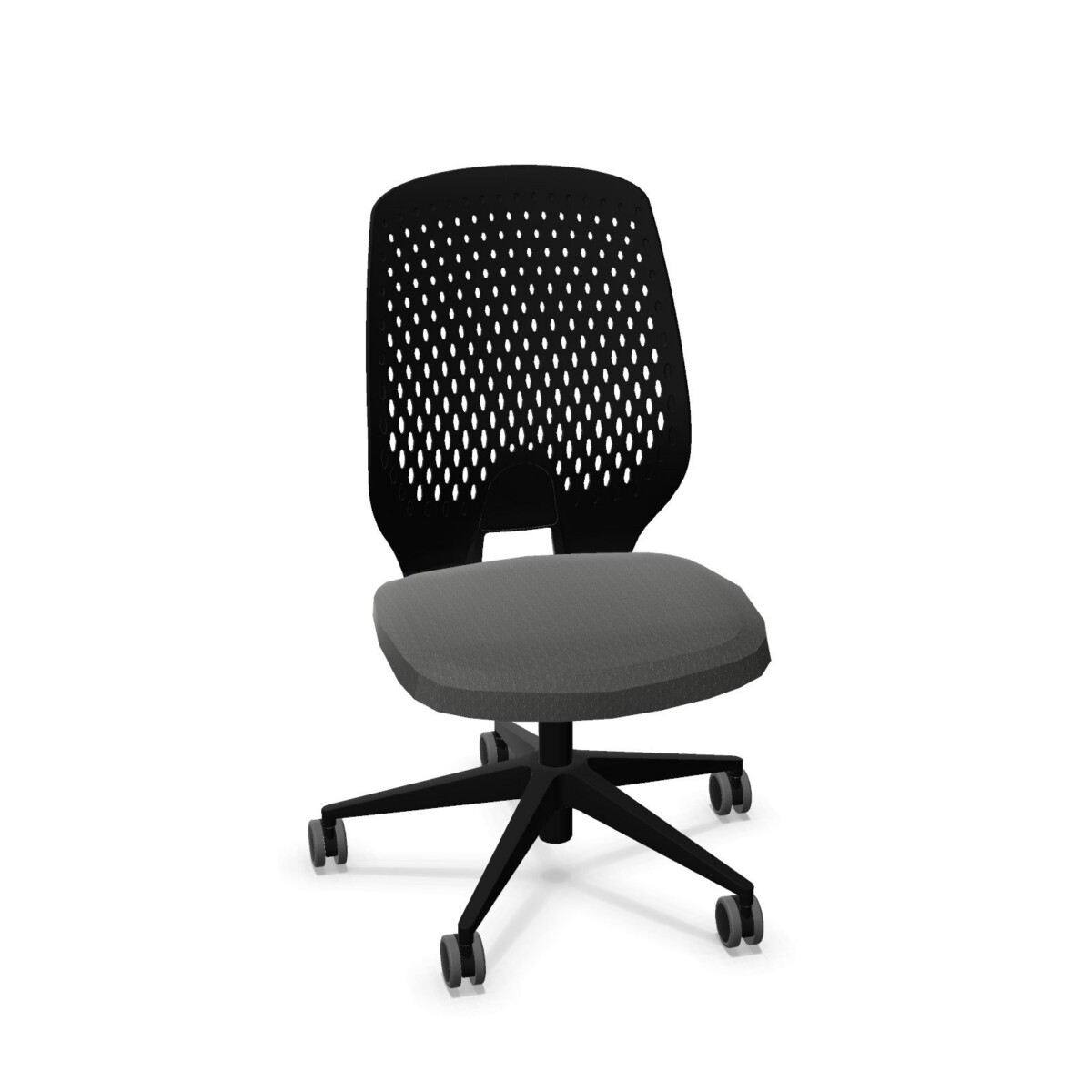
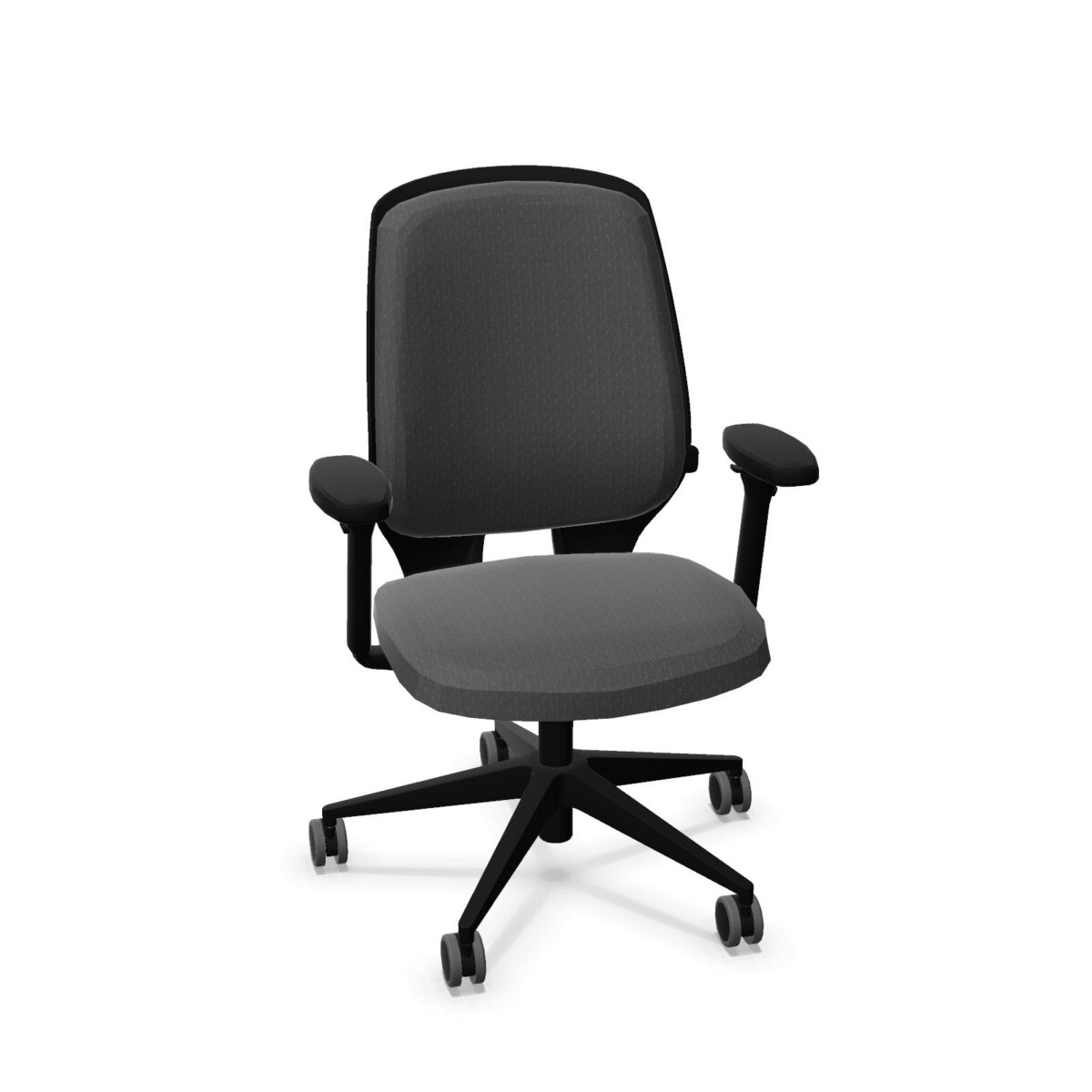
Begin with the way each workstation is used. A chair without armrests can suit a desk where users prefer an open side profile or need to move close to the work surface. Where armrests are wanted, choose between the family’s 2D and 4D armrest configurations based on the adjustment option specified for the model. The collection also includes versions with lumbar support, so you can compare those directly with models that do not list it.
Next, consider the back. Several models combine a polypropylene back with an upholstered seat, while other configurations have a fabric-upholstered back. An upholstered back may be a better match when you want fabric across more of the chair; a polypropylene back gives the chair a different material finish. Confirm the exact upholstery and back construction on each product listing rather than assuming all models share the same specification.
Check adjustment and fit details
All listed family configurations include a synchronous mechanism and adjustable seat height. Seat-depth adjustment varies across the range, and back height is listed as non-adjustable. No headrest is specified for this collection. If a particular adjustment is important to a user, verify that it appears in the details for the model you are considering.
The family attributes list fabric upholstery in a selection of colors, including beige, black, blue, brown, green, grey, purple, red, white, and gold; available choices can depend on the model. Base colors are listed as black or silver. Check the individual listing for the options offered on that chair. The collection information also lists a maximum load of 135 kg and a two-year warranty; confirm these details against the selected model before ordering.
Plan a consistent office setup
For a multi-seat project, first group workstations by requirements: armrest preference, lumbar support, back style, and any need for seat-depth adjustment. Then compare the matching configurations and upholstery choices. This approach helps keep a coordinated look while avoiding assumptions that one chair option will suit every desk or user.
Myntwork offers these products on a monthly lease. Before deciding, confirm the chair configuration, color, and applicable specifications on the model listing, then consider how it fits your workspace plan and leasing needs.
Frequently asked questions about Kastel Key Smart Advanced Office Chair
What is the difference between the Key Smart Advanced chair options?
The configurations vary by armrests, lumbar support, and back construction. The family includes armless chairs, models with 2D or 4D armrests, and versions with either a polypropylene or fabric-upholstered back. Check each listing for its exact combination.
Are all Key Smart Advanced models available with lumbar support?
No. Lumbar support is included on selected configurations in the family. Compare the model details and choose a version that explicitly lists lumbar support if you need it.
Do these chairs have adjustable seat depth?
Seat-depth adjustment is listed for some configurations, but not all. Verify the selected model’s specifications instead of assuming this feature is standard across the collection.
Can I choose a fabric color for a Key Smart Advanced chair?
Fabric upholstery and a range of colors are listed for the collection, but choices may vary by model. Review the individual product listing for the available upholstery and base-color options.
Which adjustments are common across the collection?
The listed models have a synchronous mechanism and adjustable seat height. Back height is listed as non-adjustable, and no headrest is specified. Check each model’s details for any additional adjustments.