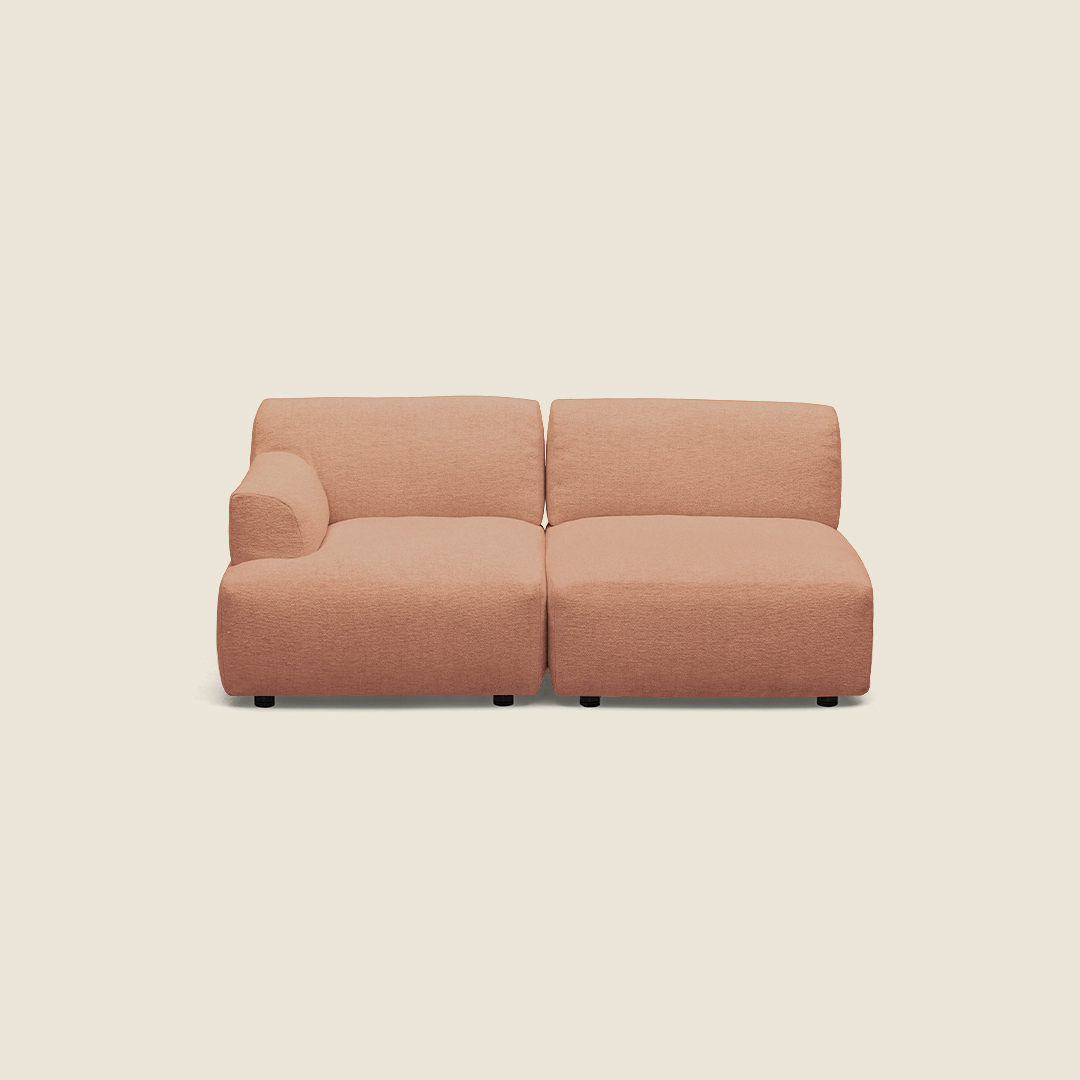
Plan the seating around the room
Start with the area the seating needs to serve. In a reception space, a defined arrangement can help make a waiting area feel intentional. In a workplace lounge or shared meeting area, modular seating can provide a place for informal conversation without fixing the room to one large, unchangeable sofa. These are useful planning contexts for the Forma family; the right arrangement depends on your floor plan and how people move through it.
Measure the available footprint and mark doorways, circulation routes and nearby furniture before selecting modules. Think about whether the seating will sit against a wall or stand as an island. This can help you determine where a terminal or armrest is appropriate and whether a 30° corner element fits the shape you have in mind.
Choose modules by position and use
Identify the ends and corners
Forma includes left- and right-sided terminal modules, as well as left- and right-oriented options among its modular pieces. Match these directions to the layout you are designing, rather than relying on a room sketch viewed from a different side. If you are building a corner arrangement, compare the 30° corner elements and check the individual listing for connection details. One listed corner module uses a clamp connection.
Decide whether armrests are needed
Some models have fixed armrests, while the collection attributes also indicate options with and without armrests. Consider how the modules will be used: armrests can define a seat position, while an arrangement without them may suit a more open, continuous look. Confirm the configuration on each chosen model, particularly where modules meet.
Review upholstery and practical details
Merit fabric by Maharam is specified on several models in the family. The collection attributes also list fabric and leather upholstery, including Category B. These details do not necessarily apply to every module, so check the individual product information for the available material and finish before coordinating a multi-piece order.
The collection information lists a maximum load of 135 kg and a two-year warranty. Origin is available on request, and standards are not specified in the supplied details. Check any project requirements that matter to your organisation before finalising your selection.
Check your layout before you proceed
Make a simple plan showing each module’s position and left or right orientation, then compare it with the product descriptions. Confirm that the number and type of modules suit the intended seating area, and review upholstery details across the full arrangement. Myntwork offers Kristalia Forma products on a monthly lease, giving businesses a way to consider this modular family as part of their workspace planning.
Frequently asked questions about Kristalia Sofa Module Forma
How do I choose between a terminal and a corner module?
Use terminal modules to finish an end of a seating run. Consider a 30° corner element when your plan turns at an angle, and check its individual listing for connection details.
How can I tell whether I need a left- or right-sided module?
Decide where the module sits in your planned arrangement and confirm its orientation in the product details. Check the layout from the same viewpoint when comparing left and right options.
Are armrests included on every Forma module?
No. The family includes models with fixed armrests and collection attributes indicating options with and without armrests. Verify the configuration for each selected module.
Which upholstery can I choose for the Forma family?
Merit fabric by Maharam is specified on several models, while collection attributes also list fabric, leather and Category B upholstery. Confirm available finishes on each product.