How to choose an Active RE chair
Begin with the everyday tasks and users the chair must serve. For a desk used by one person, consider which adjustments matter to that user, such as seat height, back height or seat depth. For a shared workstation, prioritize the adjustment features people will need to change between users. The collection includes models with different combinations, so use each listing to confirm what is included rather than assuming every Active RE chair has the same setup.
Match adjustments to the work setting
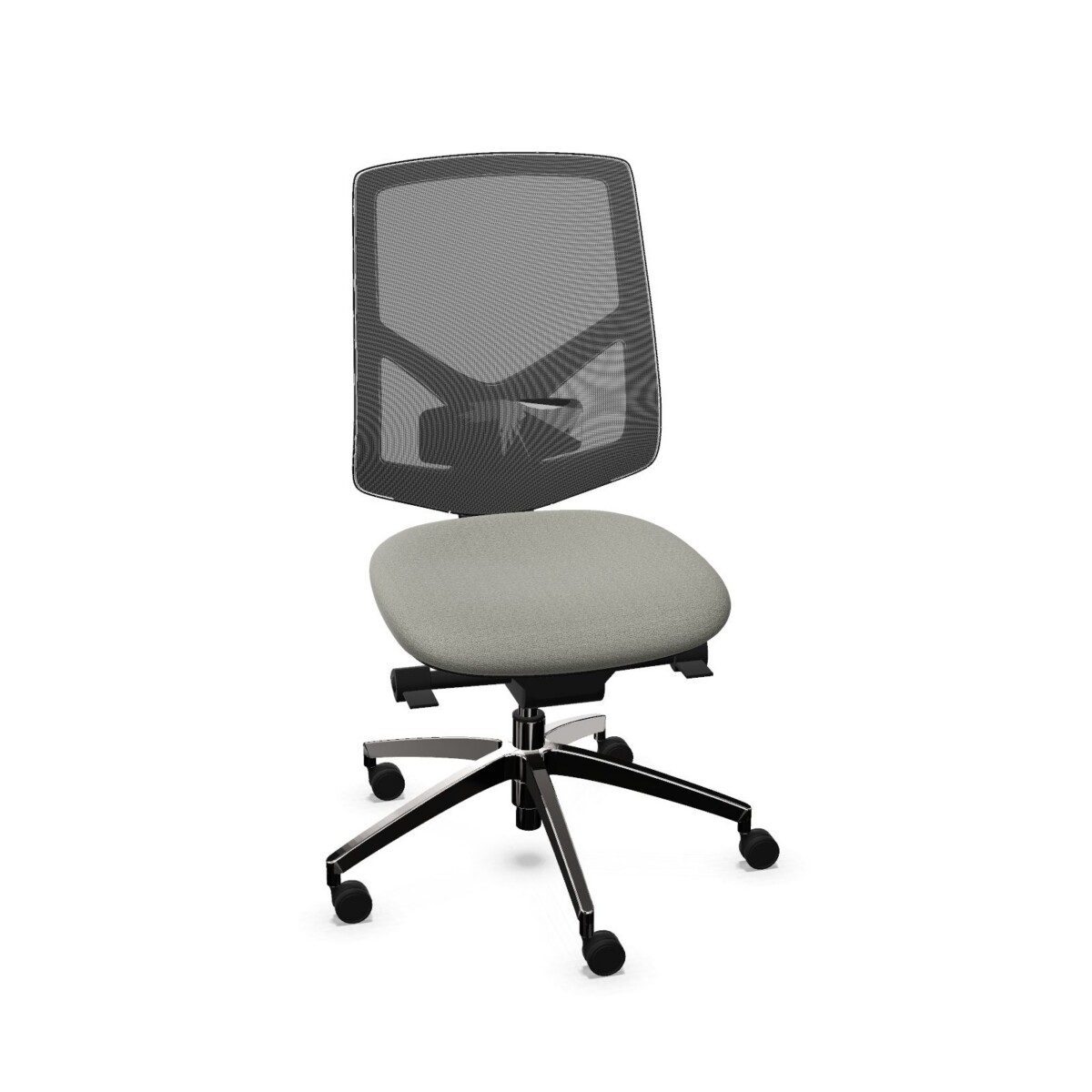
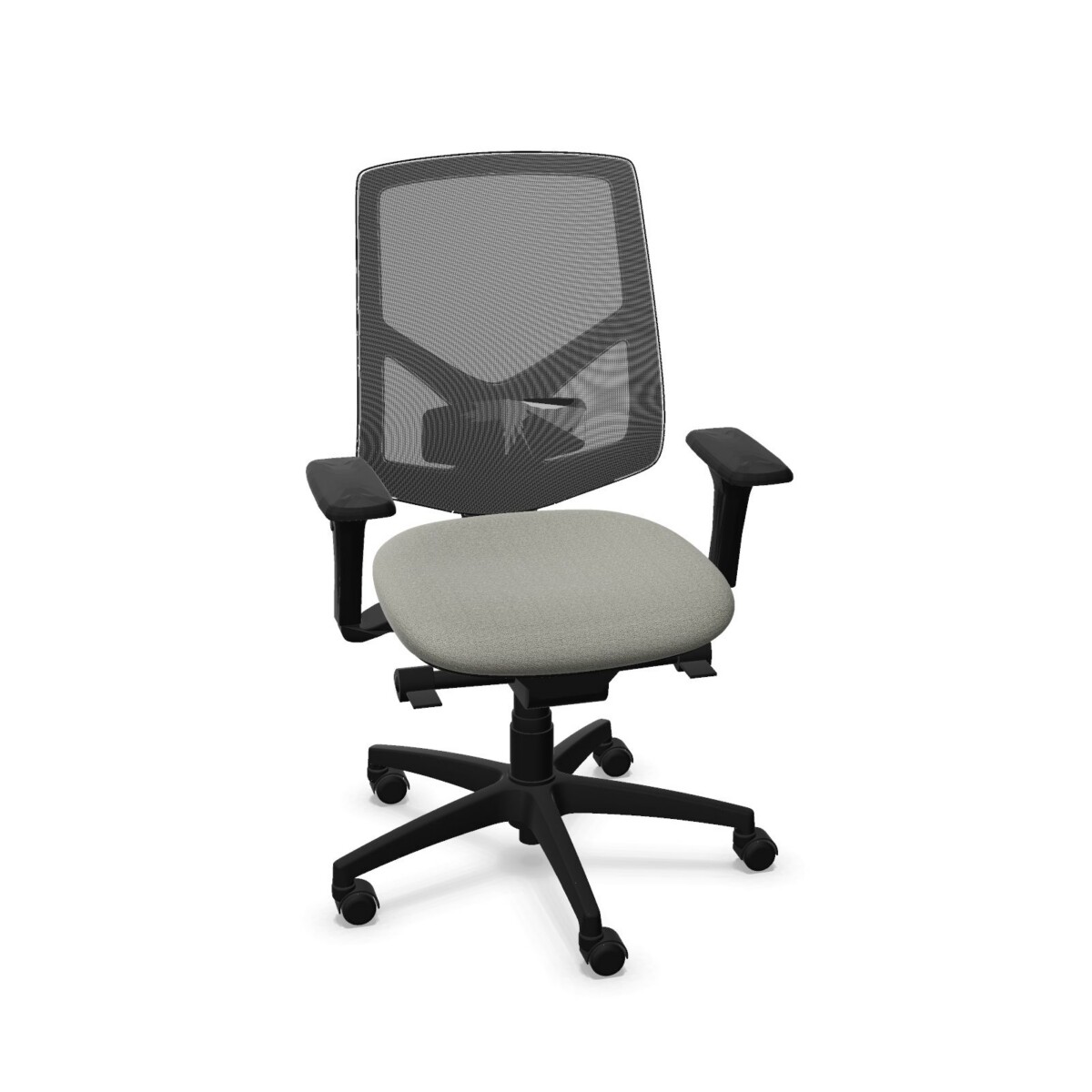
Some models have a sliding seat, and others list adjustable seat depth. A synchronous or Minisynchron mechanism is another point of difference. If adjustable armrests are important, look at configurations with 3D adjustable armrests; fixed-armrest and armless options are also represented. Choose based on the adjustments your team will use, not on a feature name alone.
Choose the look and upholstery
Mesh-back configurations pair a mesh back with an upholstered seat, while the family also includes upholstered chair options. Listed upholstery materials and categories include Mesh, Serie 200, Category B, Upholstered and Fabric. Color choices shown for the collection include beige, black, blue, brown, gold, green, grey, orange, purple, red and white; check the selected model for its available choices. Base colors listed are black and white.
Plan for individual and shared desks
Active RE task chairs can be considered for personal workstations, team offices and other desk-based workplace areas. For a shared space, compare the ease and range of adjustment across the specific models you are considering. For a consistent office layout, also check upholstery and base colors so the chosen configurations work together visually.
The collection lists a maximum load of 135 kg and a two-year warranty. Confirm these details on the model you select, alongside its mechanism, adjustment range and armrest configuration. Standards are not specified in the collection information, so request any additional documentation your workplace requires before finalizing a selection.
What to check before selecting
- Confirm whether the chair has a mesh back, an upholstered finish or a mesh-and-upholstered combination.
- Check the exact seat and back adjustments, including whether a sliding seat or seat-depth adjustment is listed.
- Choose fixed, 3D adjustable or no armrests according to the desk setup and user preference.
- Review upholstery and base color availability for the individual configuration.
Myntwork offers Leyform Active RE chairs on a monthly lease. Compare the available models and their listed features to identify suitable options for your workplace, then check the individual product information for configuration details.
Frequently asked questions about Leyform Office Chair Active RE
What is the difference between mesh-back and upholstered Active RE chairs?
The collection includes mesh-back chairs, upholstered options and configurations that pair a mesh back with an upholstered seat. Check each model listing to confirm its finish and available upholstery.
Which Active RE chairs have adjustable armrests?
Some configurations list 3D adjustable armrests. The family also includes fixed-armrest and armless options, so verify the armrest type on the individual chair.
Do all Active RE chairs have a sliding seat?
No. Sliding seats and seat-depth adjustment are listed on some configurations, but features vary across the collection. Review the details for the model you are considering.
What mechanisms are available in this collection?
The listed options include synchronous and Minisynchron mechanisms, as well as chairs described with manual height adjustment. Check the selected model for its specific mechanism.
Can I choose an Active RE chair by color?
The collection lists a range of upholstery colors and black or white bases. Available combinations may vary by configuration, so confirm color choices on the relevant model listing.