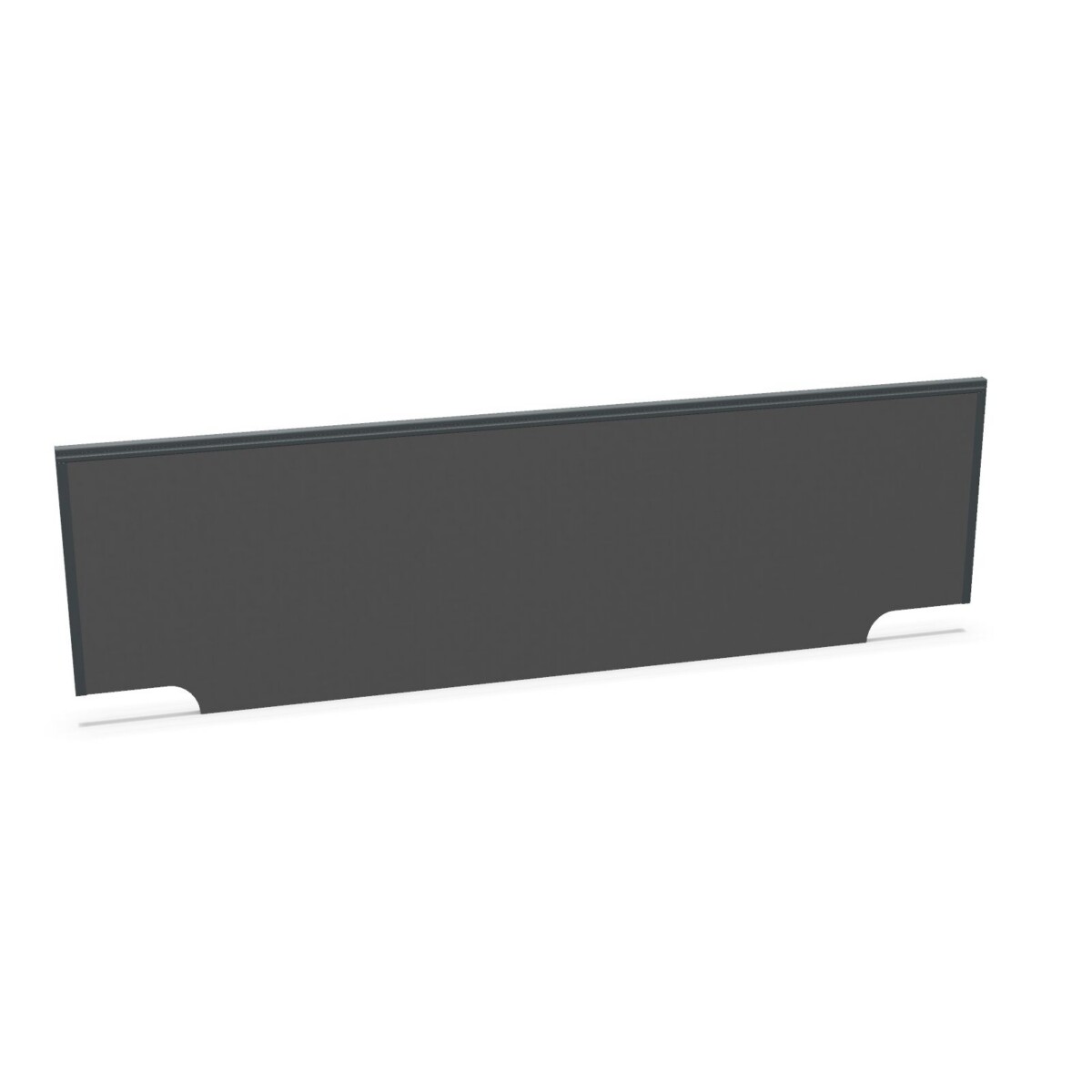
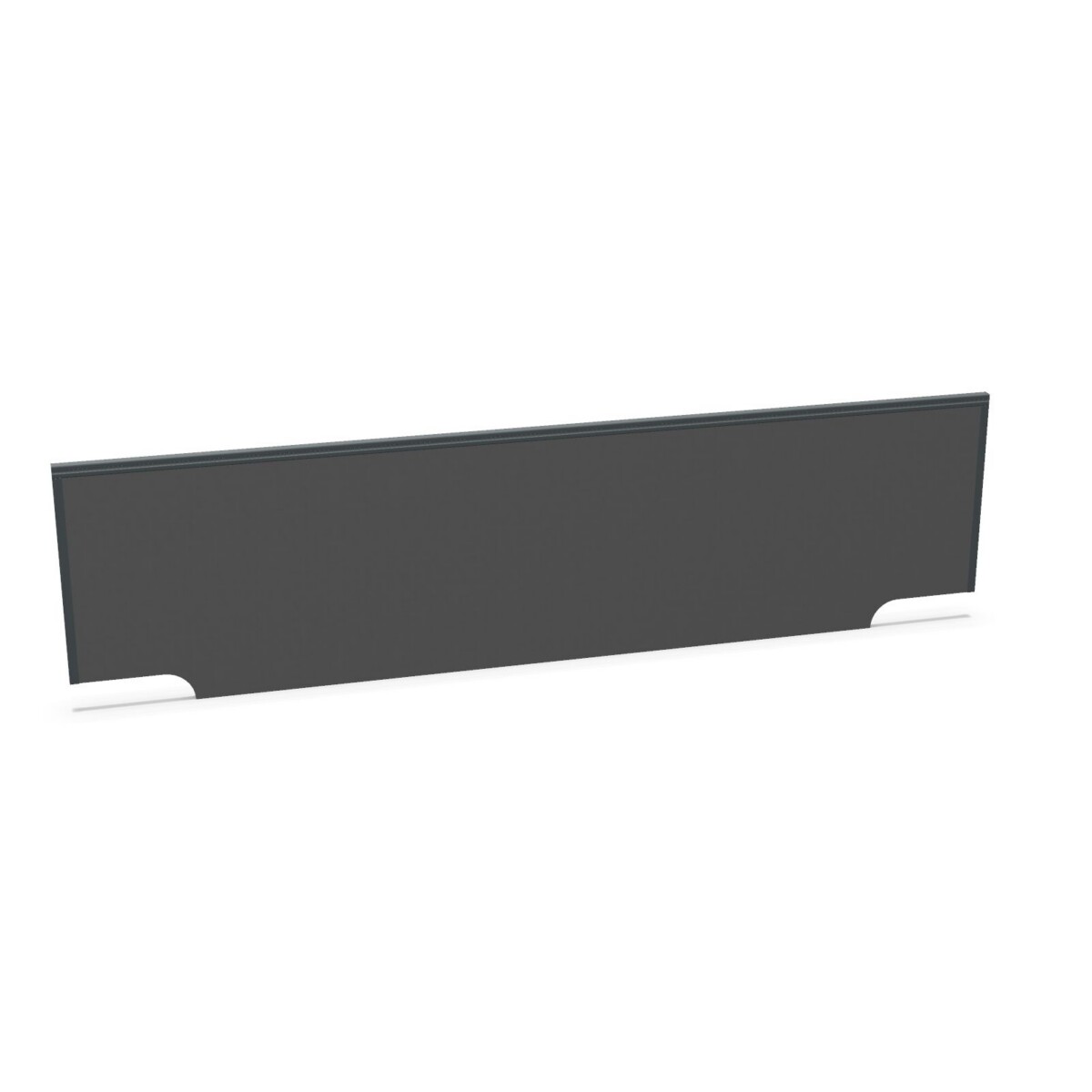
How to choose a Mebelux desk screen
Start with the desk or bench the screen will serve. Measure the span you want to cover, then compare it with the available widths: 120, 140, 160, 180 and 200 cm. A closer width match can help the screen sit appropriately within the workstation, but check the desk layout and fixing position rather than relying on width alone.
Next, decide how the screen should be attached. The family includes bench-mounted models, identified with descriptions such as bench-mounted or bench fixing, as well as single-fixing versions. Certain listings specify one-sided fixing or a left-oriented configuration. These terms matter when coordinating screens across a row of desks, so confirm the model’s description and mounting arrangement before selecting several units.
Compare the listed model options
Width and orientation
Choose from five listed widths, from 120 to 200 cm. Some model names and descriptions identify a left orientation, while others do not state one in the supplied product information. If the screen needs to work in a particular direction or position, use the individual listing to check that detail. The collection lists a height of 42 cm; confirm the selected model’s measurements before planning around it.
Material, color and acoustic designation
Melamine is specified in several model descriptions, and one bench-mounted listing also mentions a metal frame. Treat these as model-level details rather than assuming every screen has the same construction. The collection lists beige, black, green, grey, brown, white and yellow; check which color options are available for your chosen model.
Some models are explicitly described as acoustic, including options at selected widths. If that designation is important to your workspace plan, compare only listings that identify the model as acoustic. The supplied information does not state a sound-reduction rating, so avoid assuming a particular acoustic performance.
Check before planning a workspace order
Before choosing, confirm the screen width, height, fixing style, orientation, color and material in the individual product details. For a multi-desk setup, check that the screens you select share the configuration needed across the layout. Origin and warranty information are listed as available on request, so these can be checked if they are relevant to your decision.
Myntwork offers Mebelux desk screens on a monthly lease. Compare the collection options first, then review the selected model’s details to make sure it fits your workspace plan.
Frequently asked questions about Mebelux Desk Screen
What widths are available in the Mebelux desk screen family?
The collection lists widths of 120, 140, 160, 180 and 200 cm. Check the individual model details to confirm the dimensions of the option you select.
How do bench-mounted and single-fixing models differ?
The model descriptions identify different fixing styles, including bench-mounted or bench-fixing versions and single-fixing versions. Review the selected listing to confirm its fixing arrangement and suitability for your desk layout.
Are all Mebelux desk screens acoustic?
No. Acoustic is specified for selected models in the collection. Check the model description for that designation; the supplied information does not include acoustic performance ratings.
Which colors can I compare?
The collection lists beige, black, green, grey, brown, white and yellow. Color availability may vary by model, so check the details for your chosen screen.
What should I check when choosing a screen for a bench?
Compare the required width, fixing style and any stated orientation with your bench layout. Also confirm the selected model’s dimensions, finish and material in its individual listing.