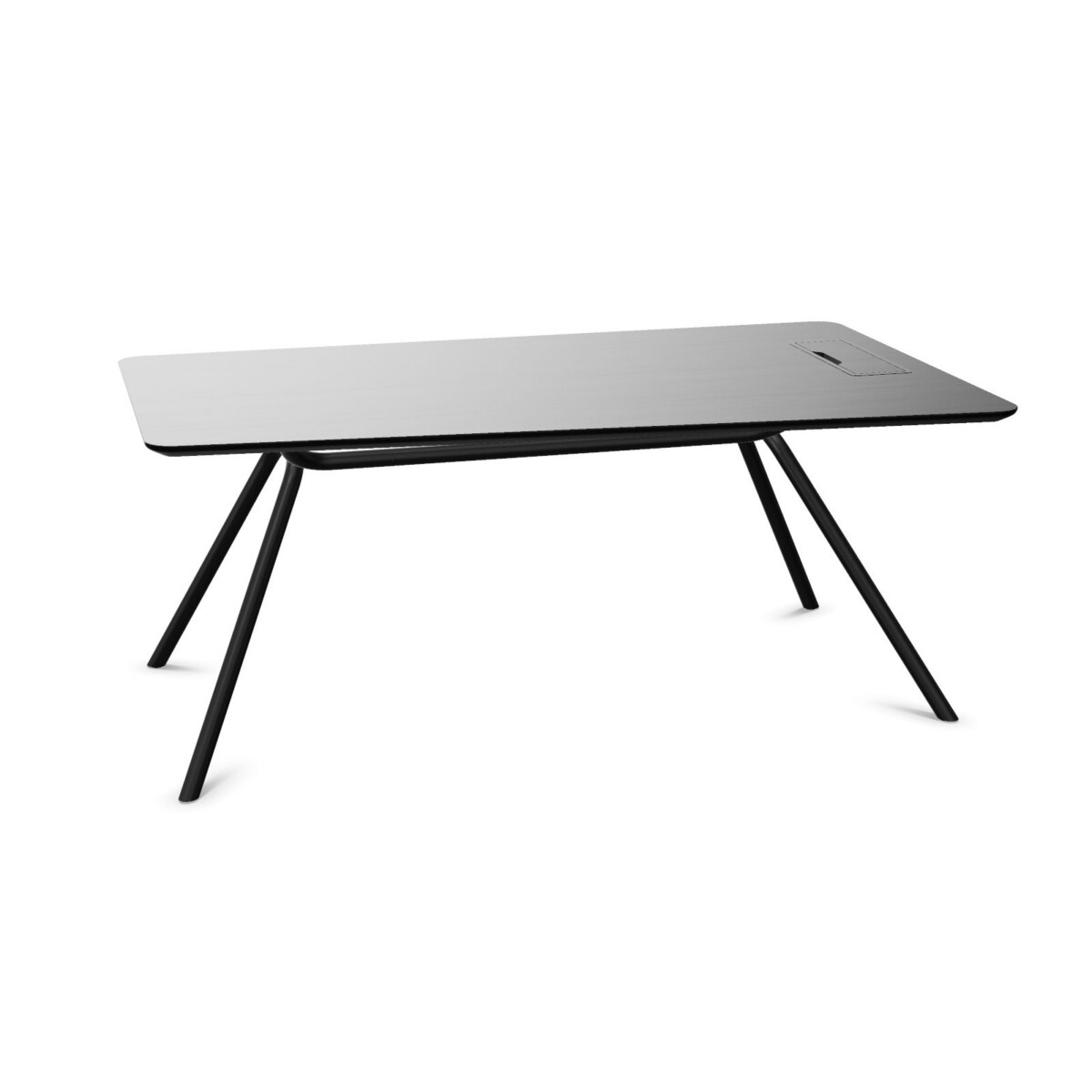
Choose a configuration for the room
Start with the available floor area and the position of the desk. A straight tabletop can be a practical fit against a wall or within a row of private offices. A corner desk or tapered tabletop may suit a room where you want a different working orientation or need to account for nearby furniture. Check the listed width and depth against your room plan, allowing space for the chair and for movement around the desk.
ARQUS is a one-person desk family, and the listed models are not linkable. If you are furnishing several workstations, plan each placement individually rather than assuming desks can be joined together.
Decide whether fixed storage is useful
Choose a model with a fixed cabinet when you want storage incorporated into the desk footprint. The cabinet position differs by model: listings include left- and right-side options. Consider which side will be accessible after the desk is installed and how the cabinet location relates to the room layout. Models without a fixed cabinet leave the area beneath the top more open.
Match the surface and finish to your setting
Surface materials listed across the collection include oak, melamine, walnut veneer and ash veneer. Their appearance and care needs can differ, so compare the specific listing rather than assuming every material is available on every desk. Surface colors include beige, black, brown, grey and red; base colors vary as well. Choose from the options shown for the model you are considering.
Plan power and cable management
Some ARQUS desks feature integrated power and cable-management provisions. Other models are described as suitable for a cable tray, which does not mean that a tray is included. If your setup uses monitors, chargers or other desk equipment, check the listing for the exact included features and plan how cables will reach your power source.
What to check before choosing
- Confirm the desk shape, width and depth against your floor plan.
- Check whether the fixed cabinet is on the side you need, or whether an open desk better suits your setup.
- Review the model-specific tabletop material, surface color and base finish.
- Verify whether integrated power or cable-management equipment is included, or whether the desk is only compatible with a cable tray.
- Note that the listed desks are fixed-height and not adjustable.
Once you have narrowed down the layout and finish, compare the individual ARQUS listings for their exact specifications. Myntwork offers Narbutas ARQUS desks on a monthly lease, providing a way to consider the collection for a professional workspace.
Frequently asked questions about Narbutas ARQUS Desk
How do I choose between a straight, corner and tapered ARQUS desk?
Base the choice on your room layout and working position. Compare each listing’s shape and dimensions with the available space, and consider how you want the desk to sit in relation to walls and nearby furniture.
Do all ARQUS desks include a fixed cabinet?
No. The collection includes desks with fixed cabinets and models without one. Cabinet models may place storage on the left or right, so check the individual product details and choose the side that works for your layout.
Are Narbutas ARQUS desks height-adjustable?
The listed ARQUS desks are fixed-height and not adjustable. Check the specific product listing for its configuration.
Which ARQUS desks have cable management or integrated power?
These features vary by model. Some listings describe integrated power or cable management, while others are compatible with a cable tray. Confirm whether the feature is included or compatibility-only on the desk you select.
What tabletop materials and finishes can I compare?
Collection details list oak, melamine, walnut veneer and ash veneer, along with a range of surface and base colors. Options differ by model, so refer to each listing for the finishes available on that desk.