Choose a format for the workstation
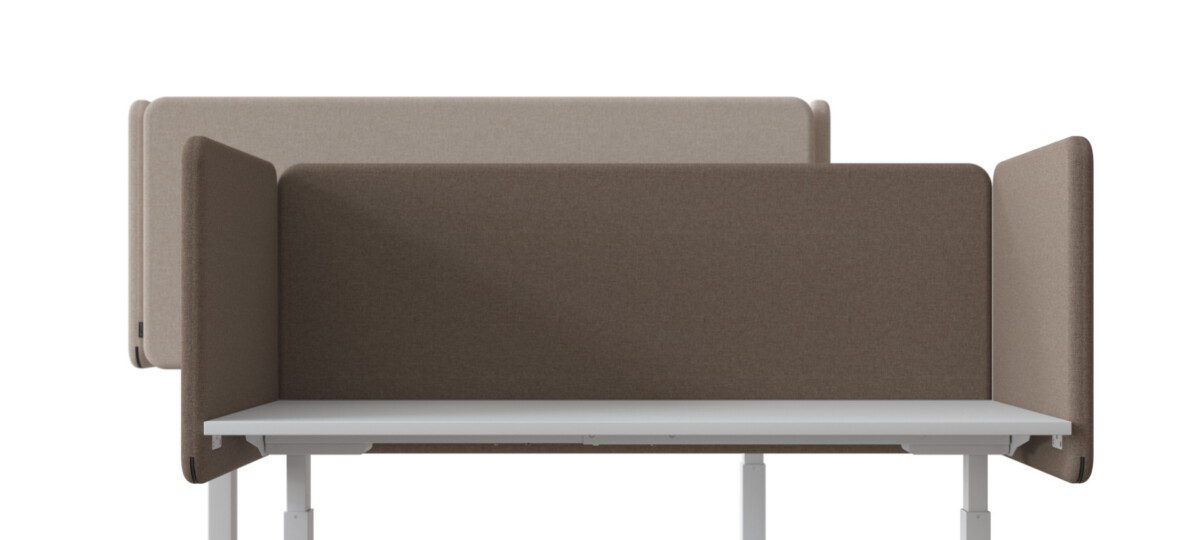
Start by deciding where the screen should sit. Rear-mounted models are suited to creating a boundary behind the user, while the right-side options provide coverage at the side of a workstation. If you are planning a run of desks, consider whether each screen needs to sit on the same side and whether adjoining workstations require a consistent arrangement.
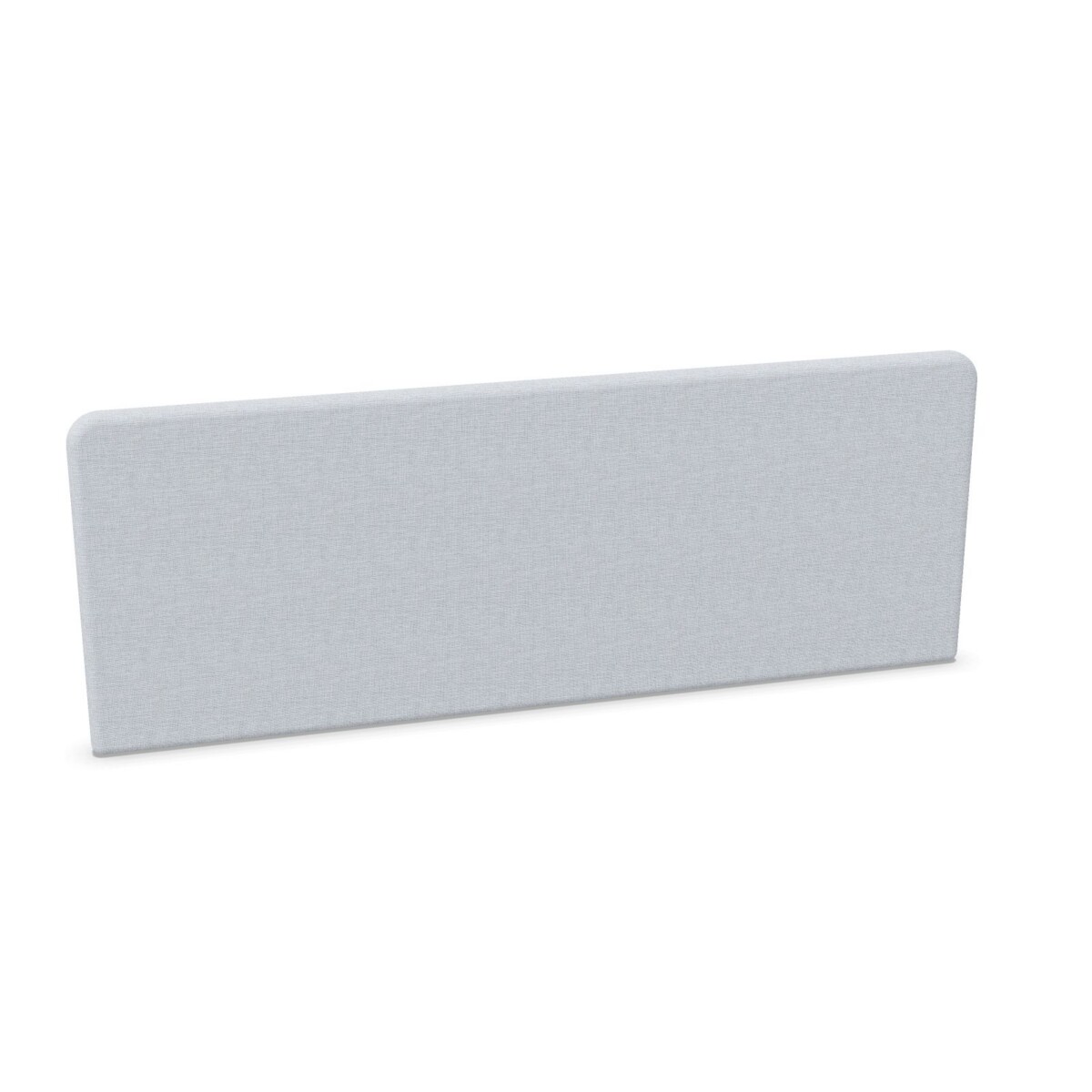
Then compare width with the usable desk area. The collection lists options from 60 to 200 cm wide. A narrower screen can define part of a workstation without spanning the full desk, while a wider one can provide a more continuous rear boundary. These are general layout considerations; use each model’s dimensions and mounting details to confirm fit.
Match the screen to the desk
FONO includes models described as motion-compatible as well as fixed-height and other desk-mounted options. If the desk moves, choose a screen specifically identified as compatible with that desk type rather than assuming every model will work. For a fixed workstation, check the mounting position and the dimensions shown for the individual screen. The listed heights vary, so compare them with your preferred setup and sightline requirements.
Before specifying screens for a whole office, confirm the desk make and configuration, the required screen orientation, and the dimensions for each workstation. Where a desk has equipment or accessories at its edge, check that the screen mounting position will not conflict with them. Product-level details are the best guide to compatibility.
Fabric and color considerations
Berta fabric is specified for a number of FONO models. The collection lists colors including beige, black, green, grey, blue, brown, orange, pink, purple, red, white and yellow. Color availability can differ between models, so check the selected screen’s options rather than assuming every color applies to every size or format.
For a coordinated office, you might use a neutral fabric across shared work areas or select a color to distinguish teams or zones. If matching existing furniture is important, confirm the available color for each model in your shortlist.
Plan your shortlist
Compare the mounting format, desk compatibility, width, height and fabric choice together. For acoustic performance, refer to the individual product information: several FONO screens are listed with Class A insulation under ISO 23351. Avoid treating a collection-level description as a substitute for the details of a particular model.
Myntwork offers Narbutas FONO desk screens on a monthly lease. When preparing a selection, note the desk type, screen position, required dimensions and preferred fabric colors for each workstation. This makes it easier to check the relevant options and narrow the collection to screens that suit your project.
Frequently asked questions about Narbutas FONO Desk Screen
Should I choose a rear or side FONO screen?
Choose based on the position where you want a boundary. The collection includes rear-mounted screens and right-side formats; check the model details for its intended orientation.
How do I select the right FONO screen width?
Compare the listed screen width with the usable desk area and the coverage you want. FONO widths range from 60 to 200 cm, but each model’s dimensions should be checked before specifying.
Are FONO screens suitable for motion-compatible desks?
Some models are identified as motion-compatible. Confirm that the specific screen is intended for your desk type and mounting position rather than assuming all FONO options are compatible.
What fabric colors can I choose from?
The collection lists a range of colors, including neutrals and brighter shades, and Berta fabric is specified for several models. Check the individual product options because color availability may vary.
Do all Narbutas FONO screens have Class A insulation?
Several listed models are described with Class A insulation under ISO 23351. Review the details of the specific model you are considering to confirm its stated insulation information.