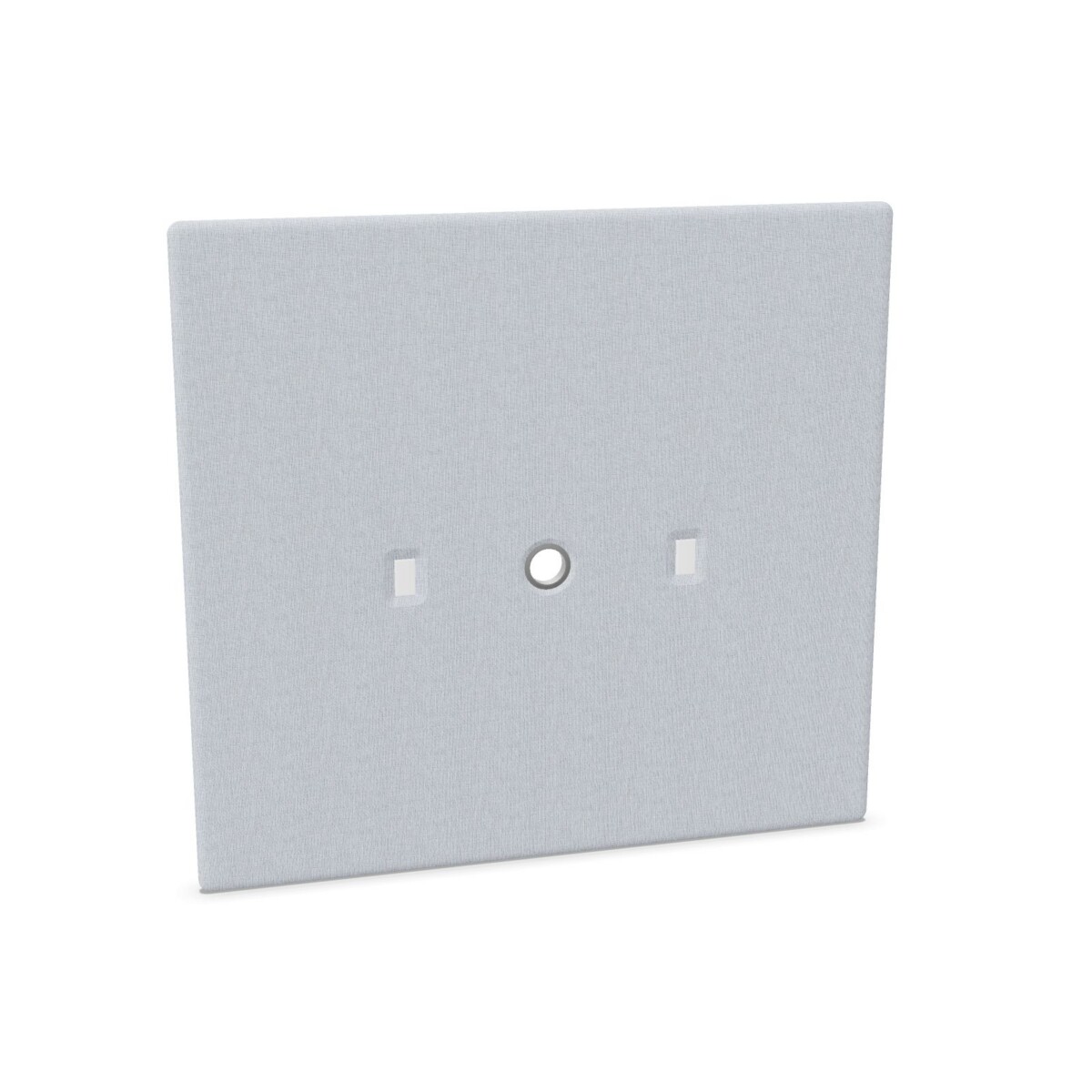
Choose a screen to suit the workstation
Start by considering how the desk is used and where a screen should sit. For a workstation that needs a desk-mounted divider, compare the one-sided fitting models with the two-sided options. If your setup does not call for desk fixings, look at the versions listed without them. The collection includes multiple configurations, so confirm the fitting type on the individual model rather than assuming it is shared across all MY SPACE screens.
A screen can help mark out a personal work area in a shared office, support a more defined arrangement for neighbouring desks, or add a consistent visual element across a row of workstations. Think about the number of desks, their orientation and the position of the screen before choosing a size.
How to compare the models
Check dimensions and coverage
Use the listed width and height to compare the options against your desk layout. The family includes widths from 82 to 162 cm and heights of 132 or 162 cm. The listed depth options are 20 and 33 cm. Check the selected model’s dimensions and how they relate to the desk and neighboring work areas; do not rely on a size from another variant.
Match fittings and cable access
Decide whether you need a screen with one-sided or two-sided desk fixings, or a version without fixings. If cables need to pass through the screen, compare the models specifically described with a cable grommet. Confirm that the fitting arrangement and cable access suit the planned desk position before adding screens to a wider office order.
Select a fabric color
Berta fabric appears in a broad color range across the collection, including beige, black, blue, brown, green, grey, orange, pink, purple, red, white and yellow. Choose a color that works with the surrounding furniture and office palette. Color availability can vary by model, so check the individual listing for the options offered on that screen.
What to check before ordering
Review the selected model’s dimensions, fabric color, fixing type and any cable-grommet detail together. If you are planning screens for several desks, check that the chosen configurations match across the intended layout. Myntwork offers Narbutas MY SPACE desk screens on a monthly lease; confirm the product details and leasing information for the options you are considering.
Frequently asked questions about Narbutas MY SPACE Desk Screen
What fitting options are available in the MY SPACE desk screen family?
The collection includes models without desk fixings, with one-sided desk fixings, and with two-sided fixings. Check each model’s details to confirm its mounting arrangement.
Which sizes can I compare?
Listed widths range from 82 to 162 cm, heights are 132 or 162 cm, and listed depths are 20 or 33 cm. Dimensions depend on the selected variant.
Do MY SPACE desk screens include cable grommets?
Some two-sided desk-mounted models are described with a cable grommet. Check the individual model details if cable access is important to your workstation setup.
What colors are available for these screens?
The collection lists Berta fabric colors including beige, black, blue, brown, green, grey, orange, pink, purple, red, white and yellow. Options can vary by model.
Can I lease Narbutas MY SPACE desk screens?
Myntwork offers these products on a monthly lease. Review the selected model and leasing information to check the details relevant to your order.