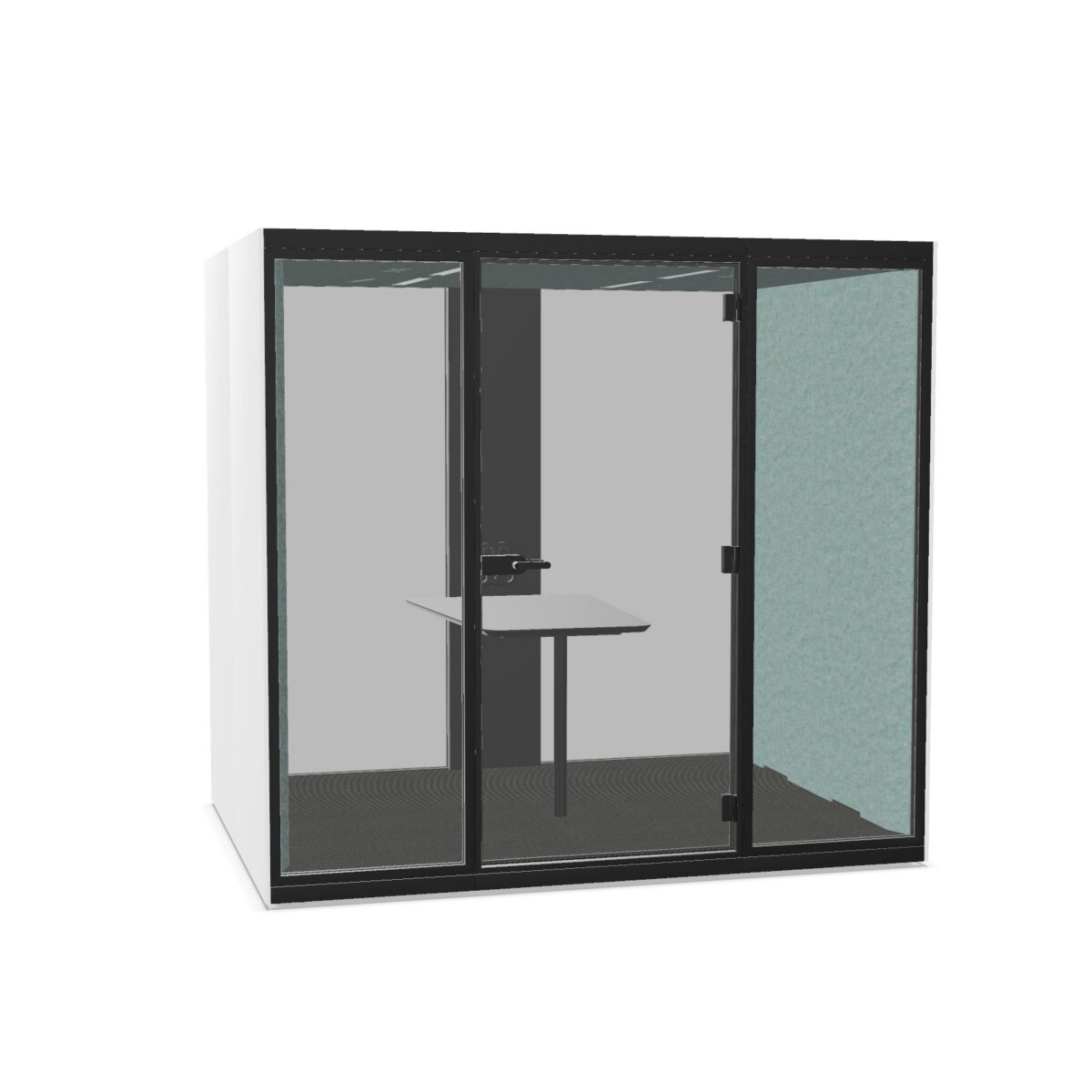
Choosing a SONUS L for your workplace
Start with the task the booth needs to support. For private calls or focused work, consider how the user will work inside and whether a table is needed. For a conversation that involves a screen, compare configurations described with a media wall or monitor holder. Meeting-oriented models can suit short collaborative discussions; check the specific listing for its table and media arrangement rather than assuming every booth includes the same features.
Next, look at how the booth will sit within the room. A left- or right-hand door can affect approach and circulation, particularly when the booth is placed beside a wall, desk row or other furniture. Think through the door swing and the route people use to enter and leave before settling on a configuration. If several booths are planned, consider how each door orientation works with the overall floor plan.
Compare panels, surfaces and materials
The collection includes models with a clear-glass rear panel and models described with a PET-felt back panel. Choose between them based on the look and material treatment you want in the office, while checking the exact configuration details. Glass, melamine, PET or PET felt, and metal are among the materials listed across this family; the combination varies by model.
Work-surface options also differ. Some listings describe a high table and others a low table, so consider the intended posture and activity before comparing models. If a screen is part of the planned setup, check whether the specific model mentions a media wall or monitor holder. Treat these as configuration details, not universal features of every SONUS L booth.
What to check before selecting
- Confirm the door orientation that best fits the intended position and nearby circulation.
- Choose a rear-panel style and review the materials specified for that model.
- Check whether the listing includes a high or low table, media wall or monitor holder.
- Review the available color choices for the configuration you are considering; collection attributes include a range of colors and wood tones.
- Compare the listed model details with the needs of the people who will use the booth.
Once you have shortlisted configurations, verify their individual specifications and included features before planning the layout. Myntwork offers Narbutas SONUS L products on a monthly lease, providing a way for businesses to consider the collection as part of their workplace furniture planning.
Frequently asked questions about Narbutas SONUS L Phone Booth
How do the SONUS L configurations differ?
The listed differences include left- or right-hand doors, clear-glass or PET-felt rear panels, high or low tables, and media features. Check each model listing for its exact combination.
How should I choose a left- or right-hand door?
Consider where the booth will sit and how people will approach it. Choose the orientation that works with nearby furniture and the circulation route, then confirm the listing's door direction.
Do all SONUS L phone booths include a table?
No. The collection includes configurations described with high or low tables, while the features vary by model. Review the individual product details to confirm what is included.
Which rear-panel materials are available in this collection?
The listed configurations include clear-glass rear panels and PET-felt rear panels. Check each model's details for its panel and other specified materials.
Are media features included with every SONUS L model?
No. Some listings mention a media wall or monitor holder, but these features are not specified for every configuration. Confirm the details of the model you are considering.