How to choose a TOP 530 screen
Start with the workstation layout. For an individual desk, look at the single-desk and rear-facing options. For a shared bench, the family includes a screen made for a two-person desk. These configurations are not interchangeable by default, so match the screen format to the desks it will be used with.
Next, compare the screen dimensions with the usable width and the arrangement of each workstation. TOP 530 options are listed in widths from 70 to 160 cm and heights from 53 to 76 cm. Check the dimensions on the individual model listing, including its depth, and consider whether the intended screen position leaves the desk practical for the people using it.
Choose between acoustic and other configurations
If you want an upholstered screen, review the acoustic options, including versions in Berta fabric. The family includes both fixed-height acoustic screens and a height-adjustable acoustic option. Consider whether a fixed or adjustable format better suits the way the workstation will be used. Acoustic describes the product category; the listed information does not establish a particular level of sound reduction, so avoid treating the screen as a substitute for a room-level acoustic plan.
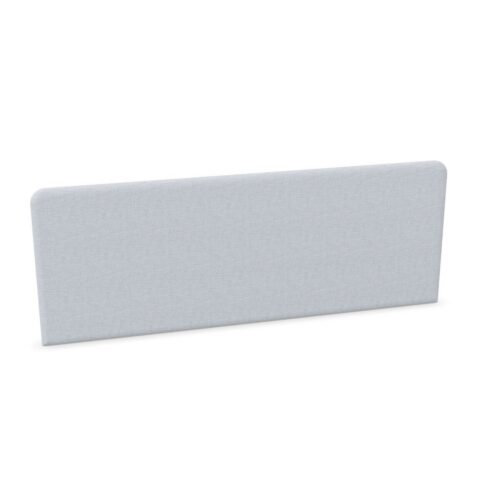
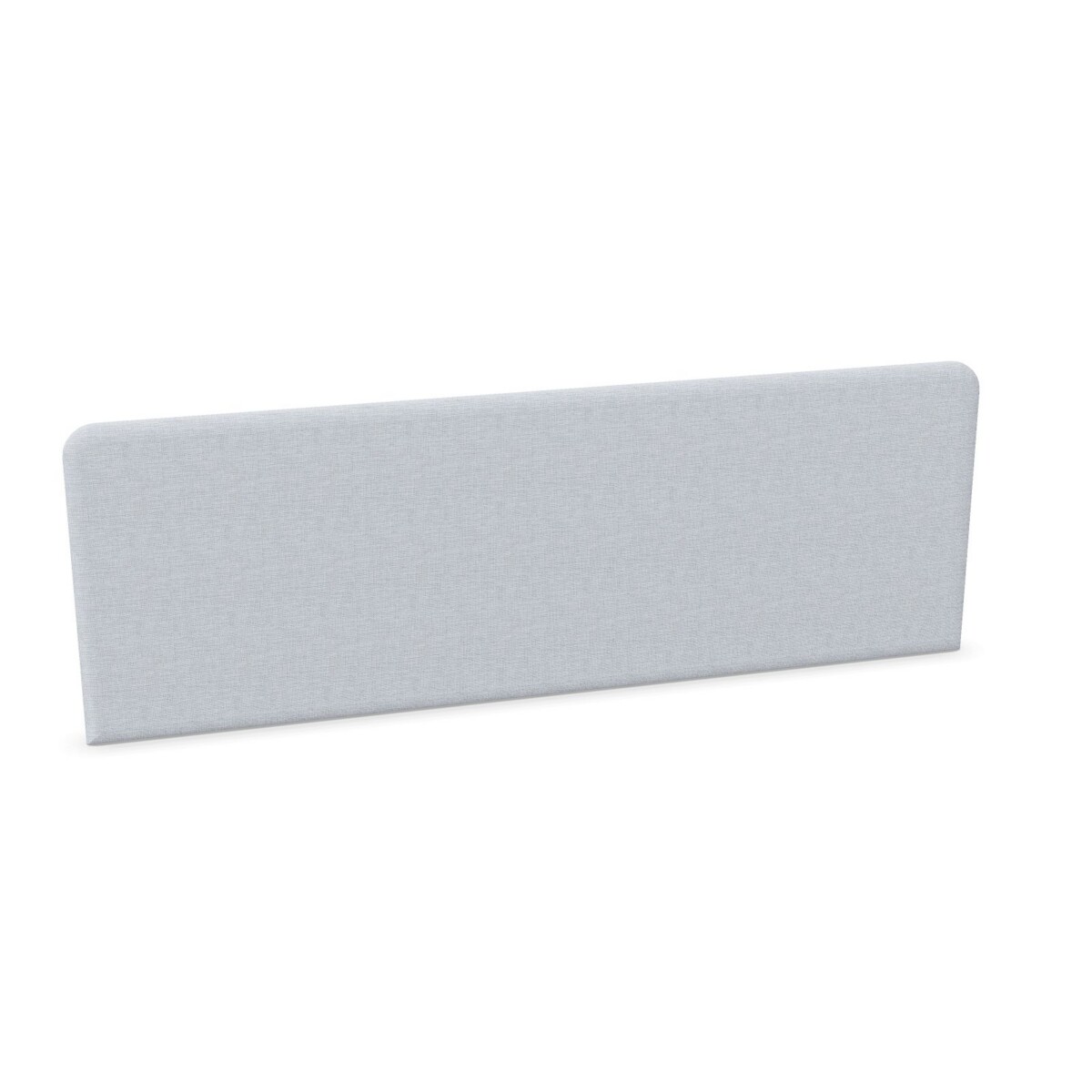
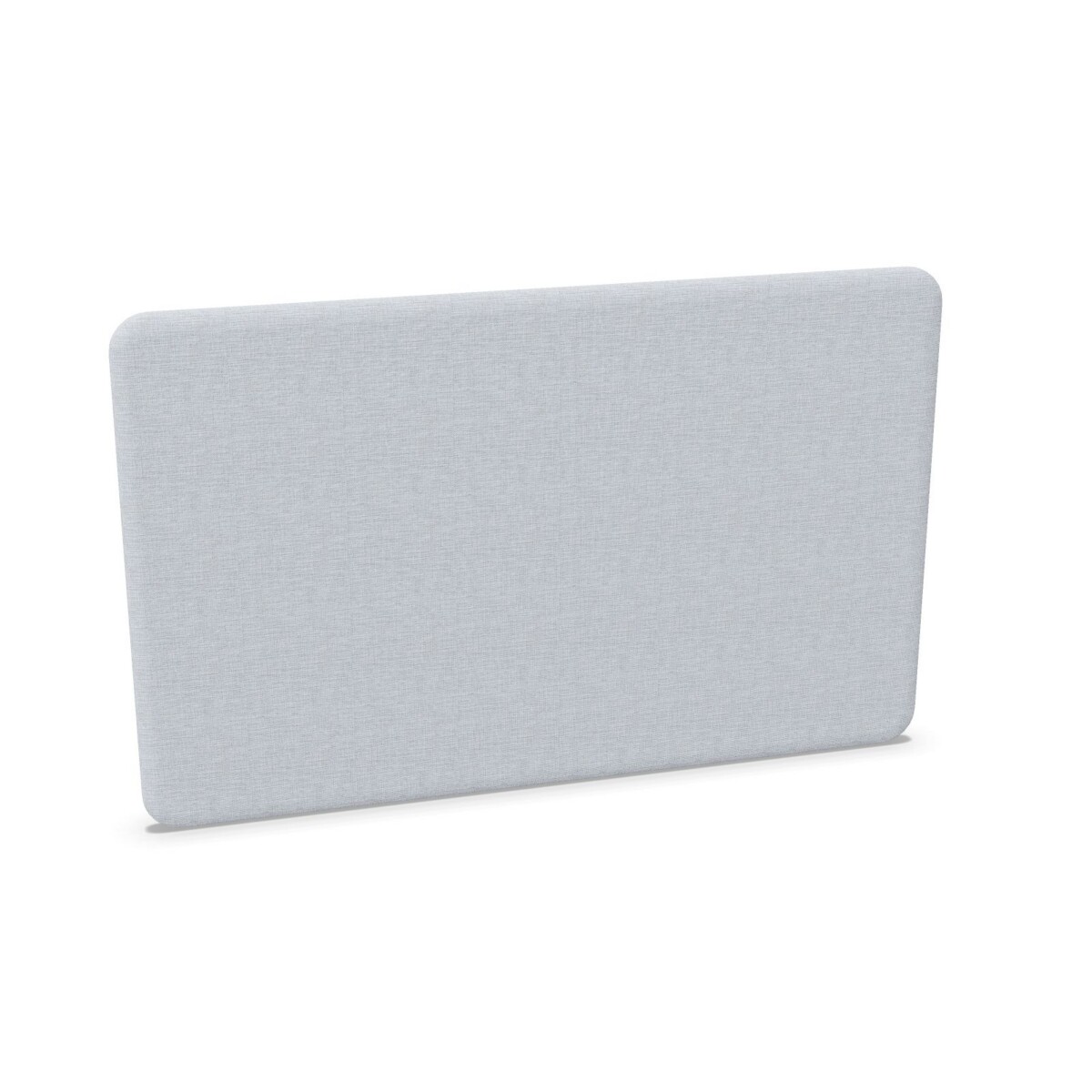
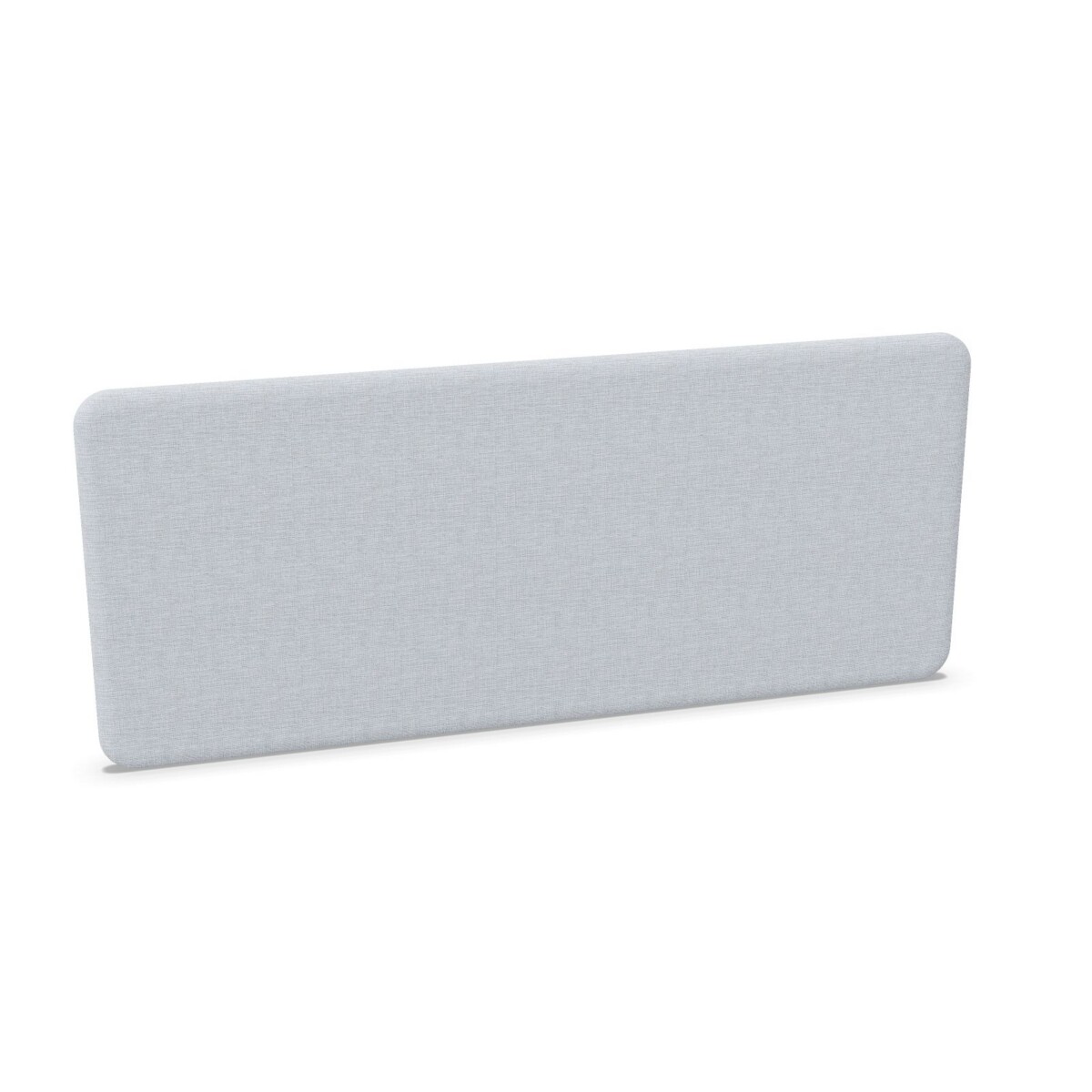
Also check the shape and orientation described for each option. The range includes rectangular and chamfered screens, as well as right-side and rear-facing configurations. Choose a format based on where the screen will sit in relation to the user and desk, then confirm that the listed width and height suit that position.
Check mounting and finish before specifying
Mounting details matter as much as the screen itself. Some listings identify desk-mounted screens with fittings, while the collection also contains fittings sold as separate items. Confirm what is included with the selected screen and whether the corresponding fixing set is required. Check the mounting arrangement against the desk you have, especially when specifying screens for several workstation types within one office.
Use the listed color options to coordinate with the wider workspace, and verify the color available for the particular model you select. Not every size, shape, mounting format and color should be assumed to come together in every combination. Compare the exact model details before finalizing a specification.
Plan the next step
Before placing a larger order, make a short schedule of desk type, screen position, required width and height, finish, and mounting needs for each workstation. This makes it easier to spot mismatches between single desks and bench layouts. If details such as origin or warranty are important to your specification, check the relevant listing, as these are shown as on request. Myntwork offers Narbutas products on a monthly lease; ask about the options for the specific TOP 530 models you are considering.
Frequently asked questions about Narbutas TOP 530 Desk Screen
Which TOP 530 screen should I consider for a two-person bench desk?
The collection includes an acoustic screen identified for a two-person desk. Compare its listed dimensions and mounting details with your bench layout before selecting it.
Are all Narbutas TOP 530 screens acoustic?
No. The family includes acoustic screens as well as related fittings and other configurations. Check the individual model description to confirm the type.
What sizes are available in this collection?
Listed widths range from 70 to 160 cm, and listed heights are 53, 60 and 76 cm. Availability varies by model, so confirm the exact dimensions on its listing.
Does TOP 530 include height-adjustable screens?
A height-adjustable acoustic screen is listed in the family, alongside fixed-height options. Check each model’s details to confirm its adjustment type.
How do I check whether a screen will fit my desk?
Match its width, height, orientation and mounting arrangement to your desk. Confirm whether fittings are included or need to be selected separately.