Plan cable routing around the workstation
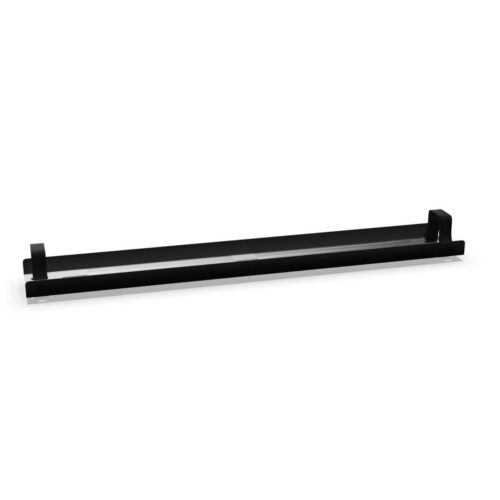
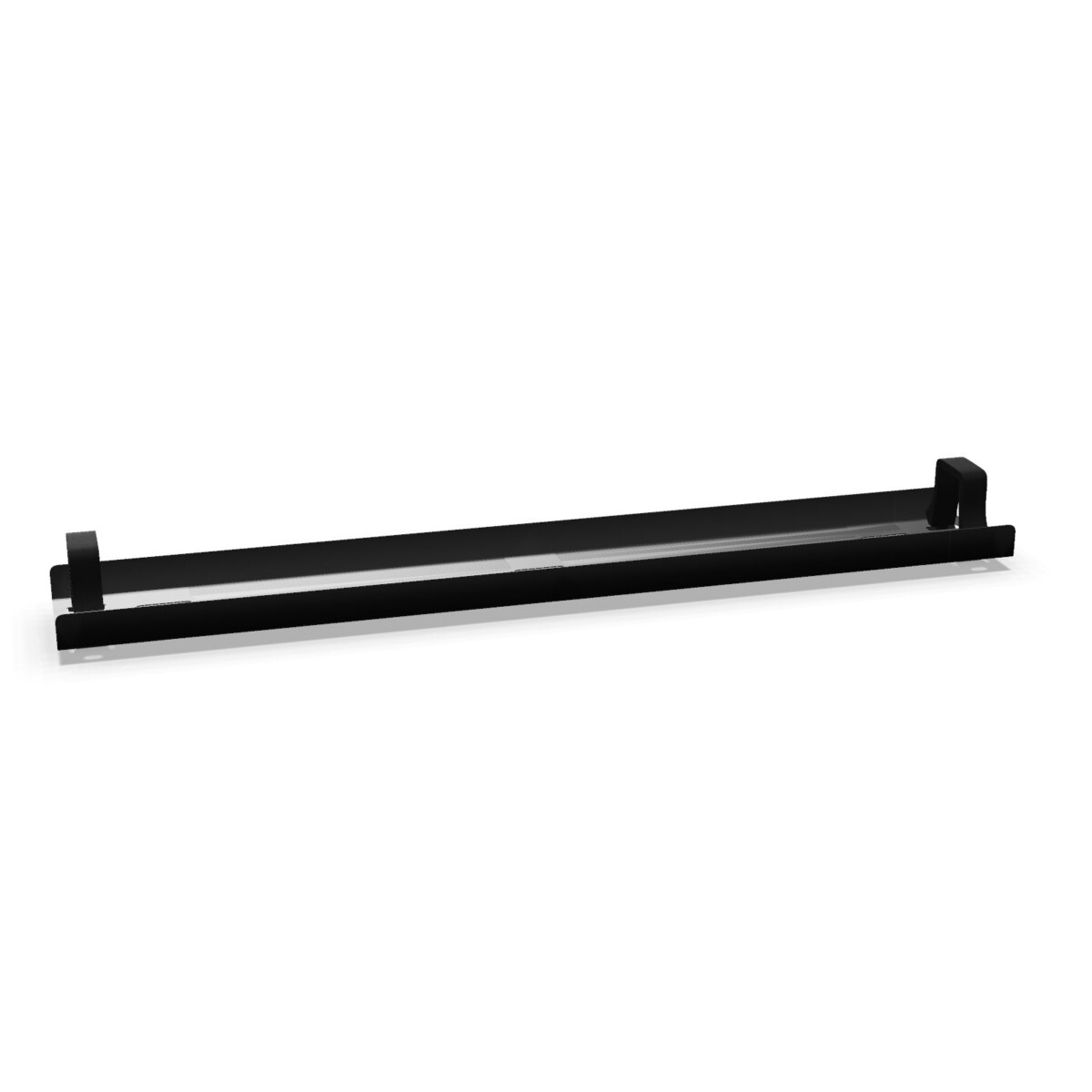
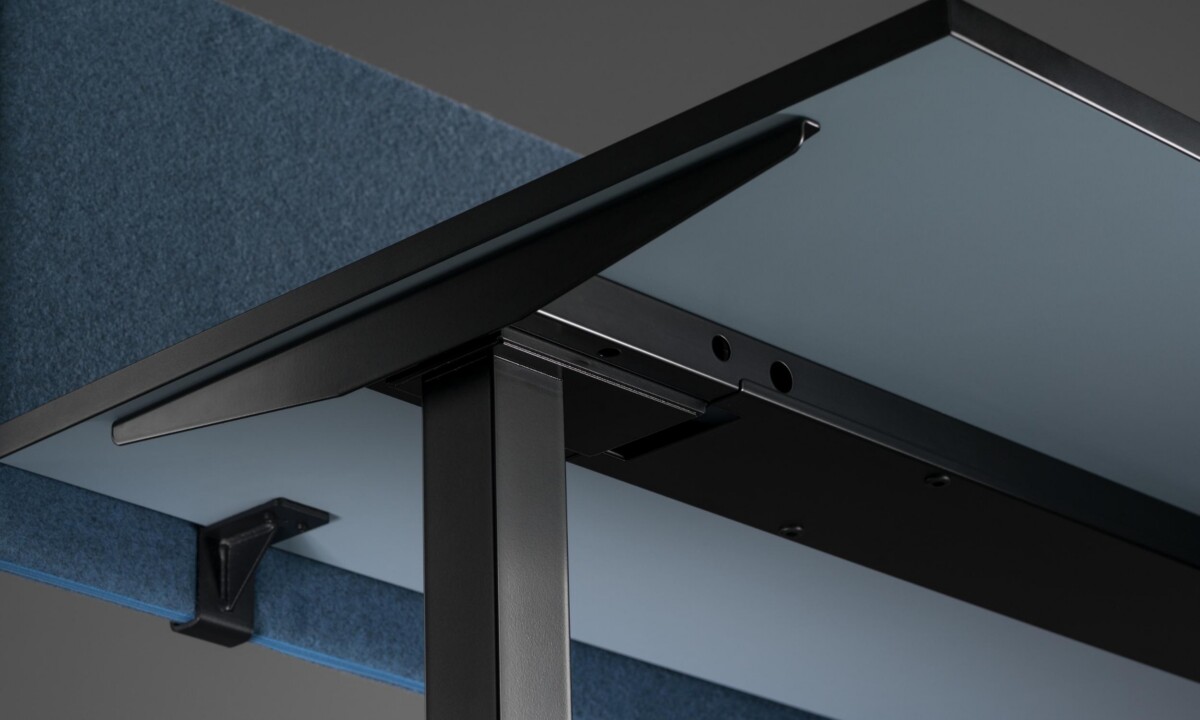
Begin by considering where power and data cables need to travel. If the main cable path runs horizontally beneath a desk, the hinged metal trunking is the most direct option in this family. Its foldable construction can support access during installation or future adjustments, while the powder-coated steel format provides a more structured solution beneath the desktop.
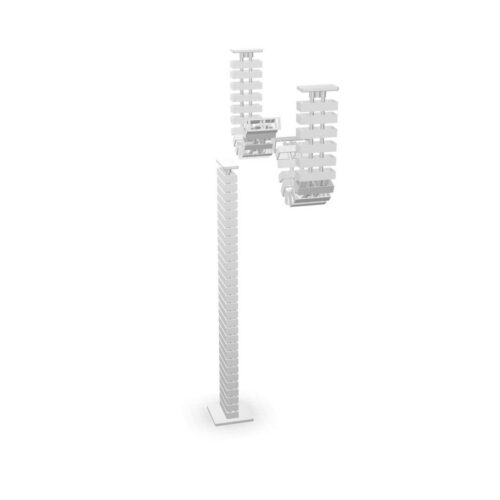
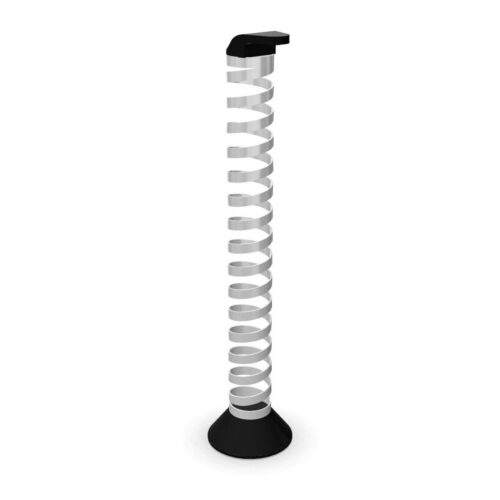
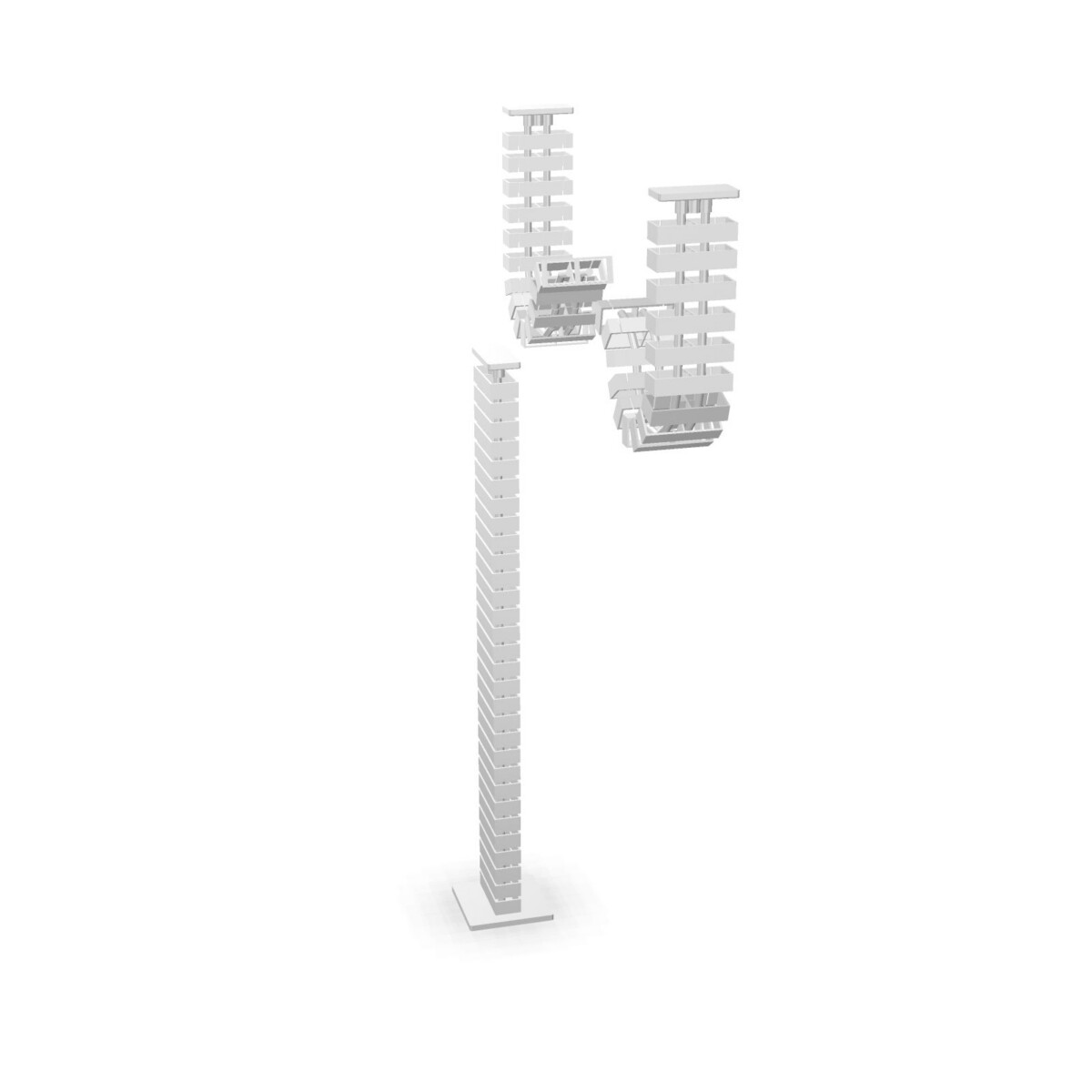
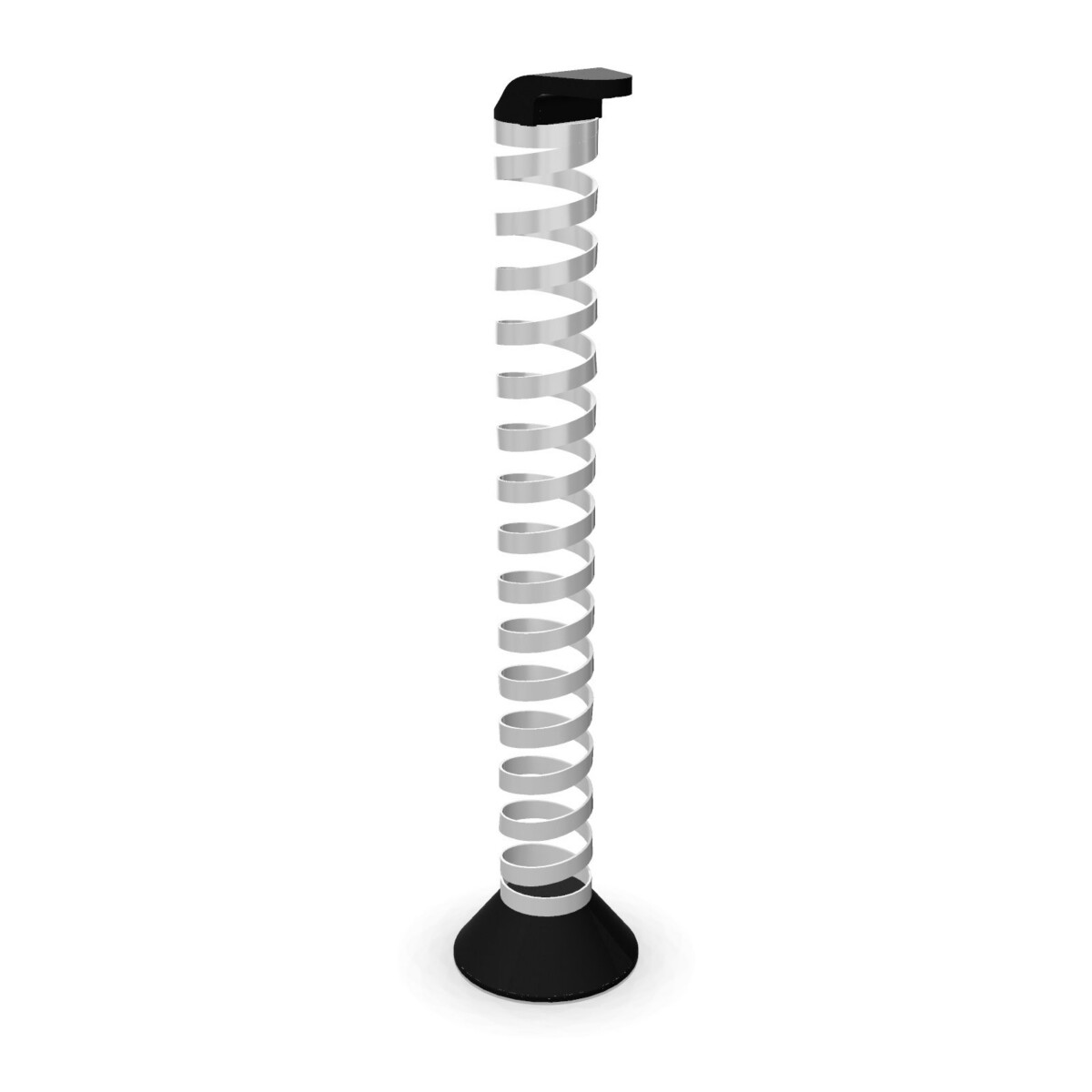
For cables that need to descend from a work surface, choose between the two vertical plastic accessories. The modular version is intended for eModel 2.0 workbench integration, making it a practical choice for shared or linear workstation arrangements. The spring version is intended for tabletop assembly and offers a vertical, flexible route with a stated length of up to 1300 mm.
How to compare the three components
Match the component to its position
- Horizontal desk routing: select the metal hinged and foldable wire trunking.
- Workbench integration: consider the vertical plastic modular cable accessory.
- Tabletop assembly: consider the vertical plastic spring cable accessory.
Check the installation details
Before selecting a component, confirm the furniture configuration, the intended mounting position and the direction in which cables must move. A horizontal trunking piece and a vertical cable drop perform different roles, so they should not be treated as interchangeable. For workbench projects, check whether a modular construction is more suitable than a spring-style vertical route.
It is also worth checking the required cable path and available clearance beneath or beside the tabletop. The spring cable is listed at up to 1300 mm long, but the appropriate length depends on the layout and installation point. Review the product facts and the available colours before finalising a consistent office scheme. Collection colour options include black, grey, silver, white and transparent, though availability may vary by component.
What to confirm before ordering
- Confirm that the desk or workbench belongs to the Nowy Styl eModel 2.0 system.
- Identify whether routing is horizontal, vertical, modular or tabletop-mounted.
- Check the required finish and cable-drop length where relevant.
- Review the available colour and materials information for the chosen item.
- For a multi-desk project, confirm that the selected components support the same overall routing plan.
Myntwork offers these Nowy Styl eModel 2.0 cable-management products on a monthly lease, allowing businesses to consider them as part of a broader workplace setup. Compare the three listings, then confirm compatibility and installation requirements for your furniture configuration.
Frequently asked questions about Nowy Styl Cable Management eModel 2.0
Which eModel 2.0 cable-management option is right for horizontal routing?
Choose the horizontal wire trunking when cables need to run beneath an eModel 2.0 desk. It is the collection’s foldable, hinged component and is made from powder-coated steel.
What is the difference between the two vertical cable accessories?
The vertical modular cable accessory is intended for eModel 2.0 workbench integration. The vertical spring cable accessory is intended for tabletop assembly and is listed as up to 1300 mm long.
Can these products be used with any desk or workbench?
They are described as components or accessories for Nowy Styl eModel 2.0 desks, workbenches or tabletop assemblies. Confirm compatibility with the specific furniture configuration before ordering.
Which colours are available in this collection?
The collection lists black, grey, silver, white and transparent. Check the individual product details to confirm which finishes are available for the component you need.
Should I choose metal or plastic cable management?
Choose the metal horizontal trunking when you need a structured route beneath a desk. Choose a vertical plastic accessory when cables need to drop from a workbench or tabletop, then select modular or spring construction according to the installation.