How to choose an XIO 2.0 PC holder
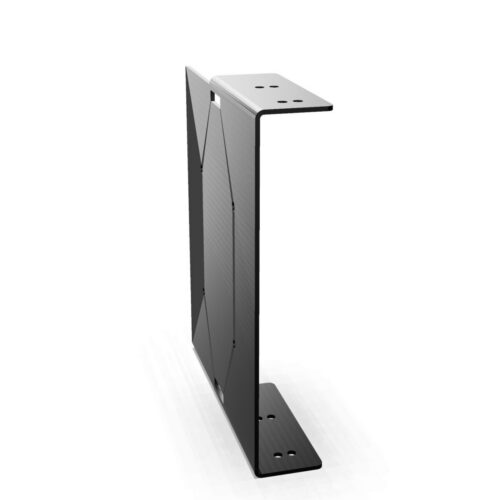
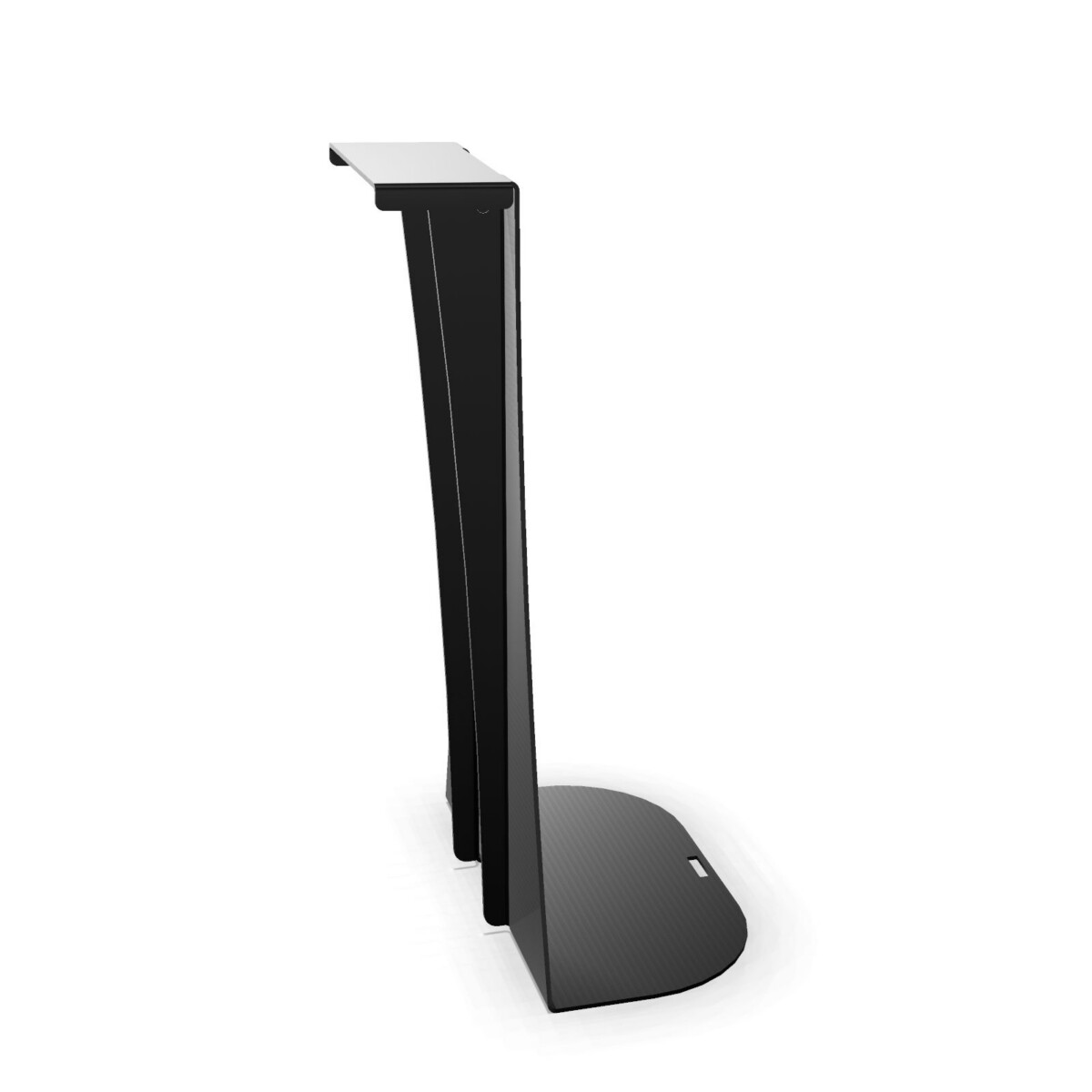
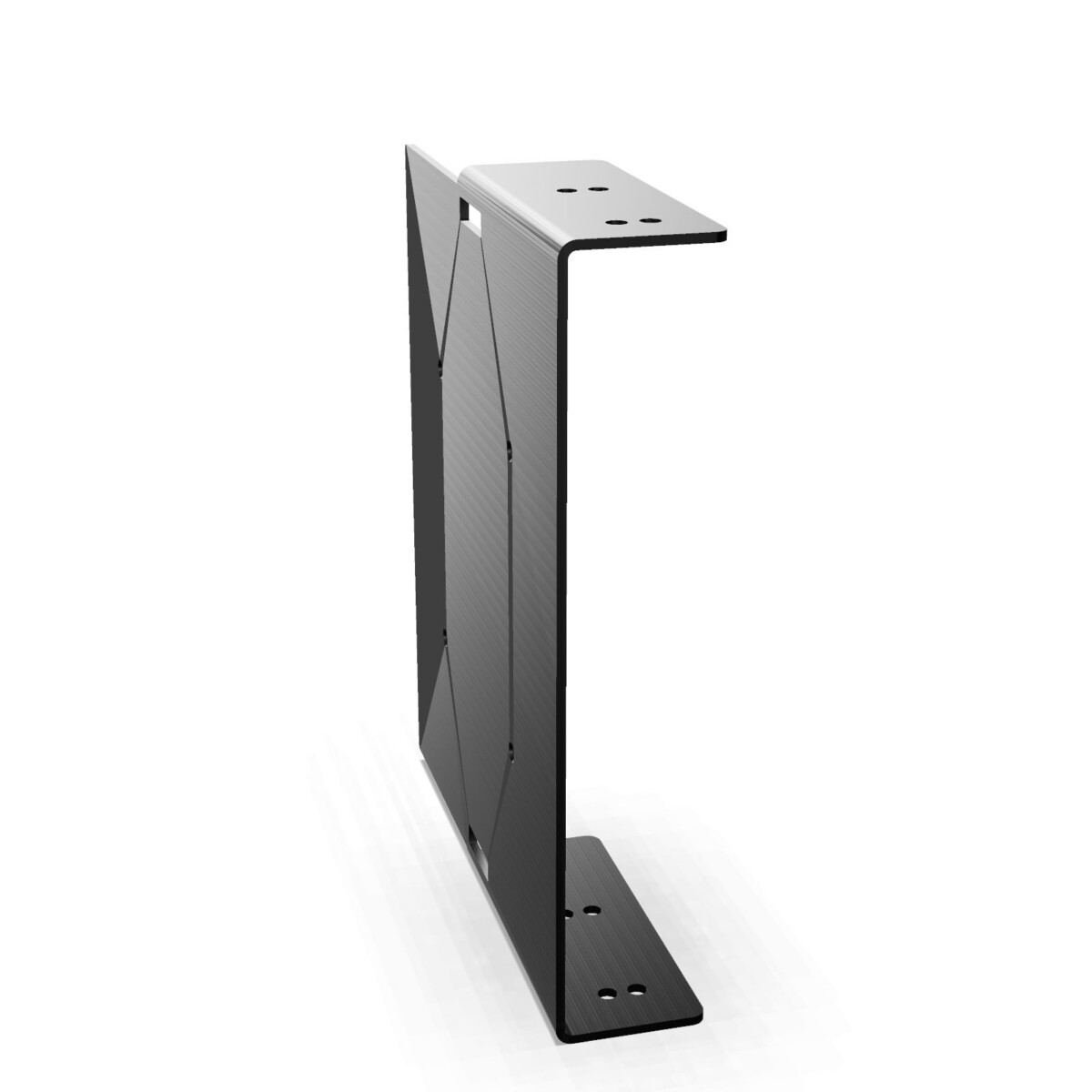
Start with the computer format used at the workstation. Select the Tower Frame-Mounted model when the setup uses a tower PC, or choose the Thin Client Frame-Mounted model when the workstation is based on a thin client. This is the main distinction within the collection and should guide the initial selection.
Next, check that the intended workstation can accommodate a frame-mounted accessory from the XIO 2.0 family. For a larger rollout, review the workstation type, mounting position and equipment configuration across each area rather than assuming one option will suit every desk.
For individual desks and wider office projects
These holders can be considered for individual workstations, shared desks, team offices and projects where a consistent computer-support solution is required. They may also be useful when a clearer desktop layout is part of a wider workstation planning brief. The right choice depends on the computer hardware already specified for each position.
Review colours and project requirements
The collection is listed in Black, Grey, Silver and White, giving you several options for coordinating accessories with the surrounding workstation. Colour availability should be checked for the exact model and configuration you need.
The product data identifies the collection as circular and lists origin as available on request. If those details form part of an internal purchasing or workplace standard, ask for the applicable information for the selected item rather than applying a general assumption to both models.
What to check before requesting a lease
- Identify whether each workstation uses a tower PC or a thin client.
- Confirm frame compatibility with the planned XIO 2.0 workstation setup.
- Select a preferred colour from the listed Black, Grey, Silver or White options.
- Check the required quantity and whether different workstation areas need different holder types.
- Request confirmation of configuration, availability and origin details where relevant.
Myntwork offers the Nowy Styl XIO 2.0 PC Holder collection on a monthly lease, allowing you to discuss the required mix of tower and thin-client holders for your workplace. Provide the workstation context and computer types when enquiring so the next step is based on the actual project requirements.
Frequently asked questions about Nowy Styl PC Holder XIO 2.0
What is the main difference between the two XIO 2.0 PC holders?
The Tower Frame-Mounted PC Holder is intended for tower PCs, while the Thin Client Frame-Mounted PC Holder is intended for thin-client equipment. Both are frame-mounted members of the Nowy Styl XIO 2.0 collection.
Can I use either holder for any type of computer?
The models are differentiated by computer format, so select the tower version for a tower PC and the thin-client version for a thin client. Confirm the equipment and mounting compatibility for the specific workstation before ordering.
What colours are available in the collection?
The listed collection colours are Black, Grey, Silver and White. Confirm the available colour for the exact model and configuration you require.
Are these holders suitable for an XIO 2.0 workstation project?
They are members of the XIO 2.0 collection and use a frame-mounted format. Before a project order or lease request, check the workstation configuration and mounting requirements for the intended installation.
Can I lease Nowy Styl XIO 2.0 PC holders monthly?
Yes. Myntwork offers these products on a monthly lease. When enquiring, specify the required holder type, quantity, colour preference and workstation context.