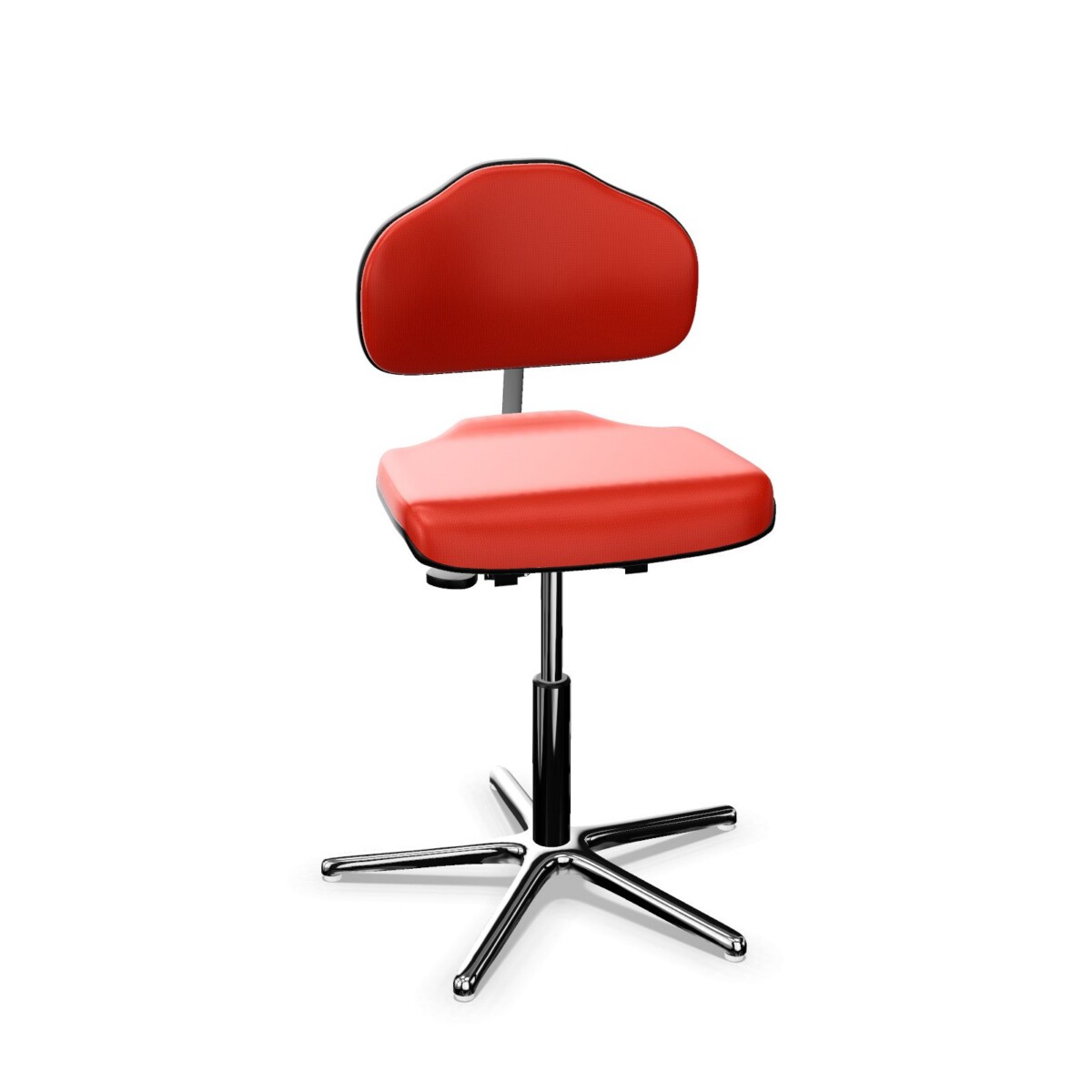
Choosing a chair for your workspace
Start with where and how the chair will be used. For a dedicated workstation, focus on the adjustments and support features that matter to the person using it. In shared work areas, seat-height adjustment can help different users adapt a chair to their desk. If chairs need to fit beneath a desk or close to neighboring workstations, check whether the model has armrests and compare its base style with the available space.
The collection includes task-chair configurations as well as models described as ergonomic office chairs. That label alone does not determine which option is right for a particular user, so compare the actual product details. The listed seat depth is 44 cm, and the family’s specifications include a maximum load of 135 kg and a two-year warranty. Confirm these details on the model you are considering.
How the models differ
Adjustment and armrests
Look for the adjustment features that suit the work routine. A WS 1310 KL Classic listing specifies manual height adjustment and a synchronous mechanism, and is described as armless. The WS 1310 T KL XL-Ergo listing specifies a synchronous mechanism and adjustable seat and back height. Other models may list seat-height adjustment without the same set of features. Compare each product’s specification rather than assuming all adjustments are shared across the family.
Upholstery and base
Fabric upholstery runs through the range, with colors varying by product. The WS 1310 T is listed with red upholstery, while the collection’s color options also include neutral and brighter shades. Base details differ too: listings refer to aluminum or metal bases, and one T KL XL-Ergo model has an aluminum disc base. The KL XL-Ergo is listed with glides, which may be relevant when checking how a chair will sit on your floor. Verify the exact finish and base included with each model.
What to check before choosing
- Match the adjustment features to the users and the length or pattern of use.
- Check armrests, base type and whether the selected model uses glides.
- Confirm the upholstery color and any model-specific dimensions or capacity in its listing.
- Review the stated warranty and other product details before finalizing a workplace setup.
When comparing models for a team, consider whether a consistent chair family with different configurations would suit different workstations. Myntwork offers these products on a monthly lease, so businesses can also consider leasing as part of their furniture planning. Check the individual listings to confirm the configuration that best fits your requirements.
Frequently asked questions about WERKSITZ Work Chair WS 1310
How should I choose between WS 1310 models?
Compare the listed adjustment features, armrests, base style and upholstery for each model. Select according to the users and workstation, and confirm the exact configuration on its product listing.
Do all WS 1310 chairs have armrests?
No. The WS 1310 KL Classic is listed as armless, and armrest configurations can vary across the family. Check the individual model details before choosing.
Which WS 1310 models have a synchronous mechanism?
The supplied details specify a synchronous mechanism for the WS 1310 KL Classic and the WS 1310 T KL XL-Ergo. Check each listing for the mechanism on other models.
Are the WS 1310 chairs available in different upholstery colors?
The collection includes several fabric color options, including black, blue, brown, green, grey, orange and red. Color availability can differ by model, so confirm it in the product listing.