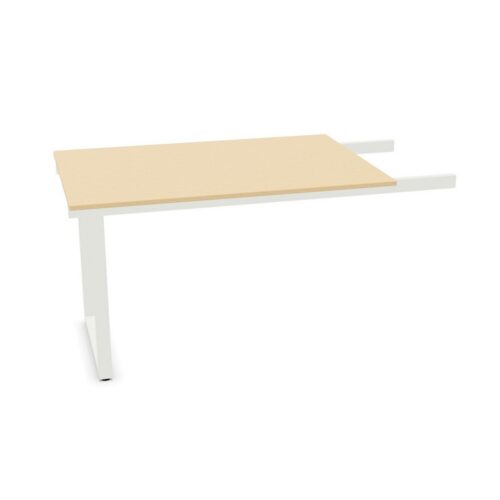
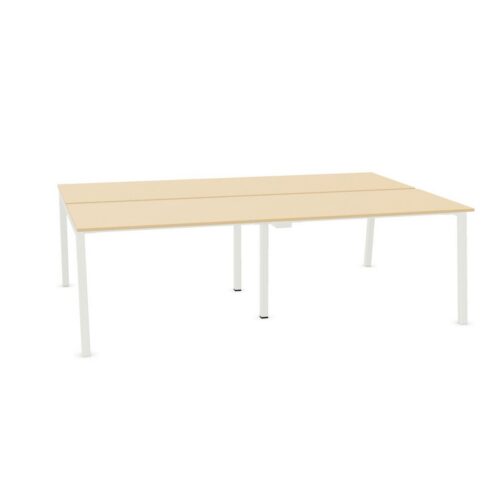
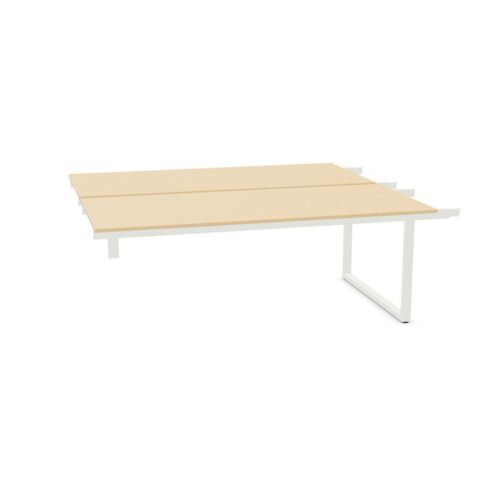
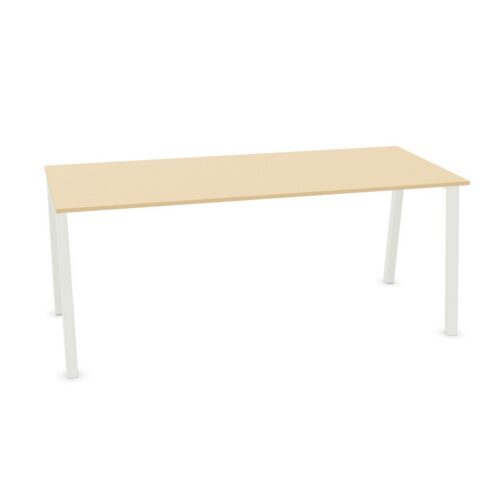
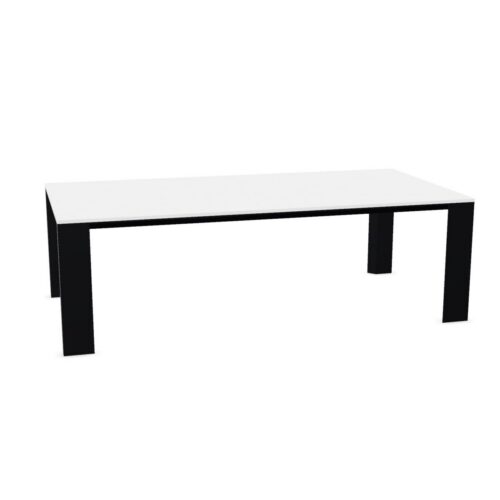
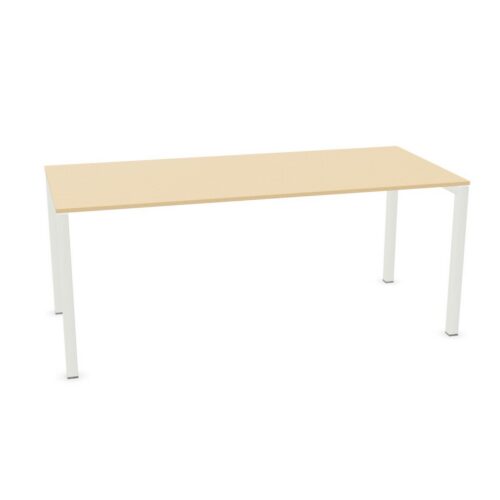
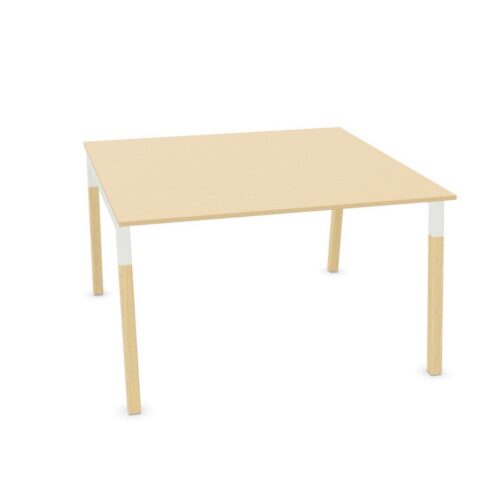
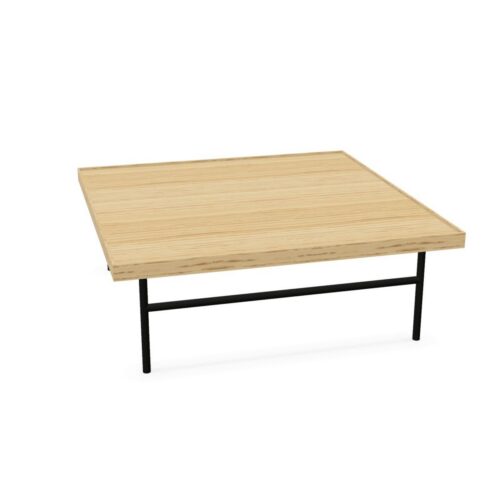
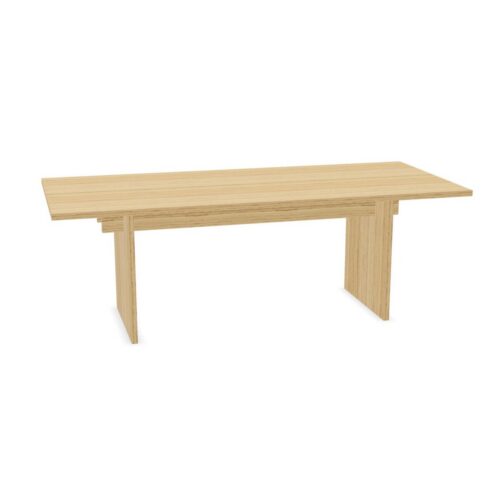
Desks and tables not marked as suitable for a cable tray are intended for workplaces where under-desk cable-tray compatibility is not a stated requirement. This filter is useful when a project does not need a dedicated tray fitting, or when cable management will be handled through another part of the furniture or building installation.
A cable tray is not the same as a desk that simply has space below it. Trays are normally fixed beneath a worktop to support power leads, data cables and extension blocks. Where this archive shows “No”, buyers should not assume that a standard under-desk tray can be fitted without checking the particular product’s construction and fixing points.
What does “not suitable for cable tray” mean?
This value indicates that cable-tray suitability is not specified for the relevant desk or table. The item may have a design, frame arrangement, modesty panel, top construction or intended use that makes a conventional tray unsuitable, impractical or unconfirmed.
It does not necessarily mean that a workplace using the item cannot manage cables. It means that a cable tray should not be treated as an expected compatible accessory. A tray can sometimes be accepted by a desk even when it is not supplied with one, but this needs to be confirmed against the individual product specification rather than inferred from the product category.
Why this filter matters in office procurement
Cable management affects both the appearance and day-to-day usability of a workstation. However, it is not equally important for every setting. Filtering for products without stated cable-tray suitability can help teams compare furniture for spaces with light technology use, shared facilities or alternative power arrangements.
- It separates worktops where a tray is not a defined specification from those planned around under-desk cable routing.
- It helps avoid ordering a tray separately before checking whether the top and frame can accommodate it.
- It can narrow a broader furniture search where integrated cable management is not needed.
- It supports clearer conversations between furniture, IT and facilities teams when responsibilities for power and data differ.
For larger schemes, record cable management as a separate requirement alongside dimensions, seating capacity, finishes, access needs and workstation layout. This makes it easier to identify where a tray is essential and where a simpler arrangement is appropriate.
Where furniture without cable-tray suitability is commonly used
Desks and tables in this selection can be considered for areas where devices are used occasionally, cables are kept above the work surface, or services are managed through floor boxes, wall outlets or other local solutions. The right choice depends on the room plan and the equipment expected at each position.
- Meeting and project spaces with temporary laptops rather than permanently connected screens.
- Reception, touchdown and collaborative areas where workstation equipment is limited.
- Training or multipurpose rooms that need layouts to remain flexible.
- Private offices where power points and cables can be managed through a different agreed method.
- Dining, breakout and informal work settings that do not require a fixed technology setup.
In a bank of permanently occupied desks, particularly where monitors, docking stations and desktop power are planned, a product specifically identified as suitable for cable-tray installation may be easier to coordinate.
Desk and table details to check
Before selecting an item for a cable-conscious workplace, review more than the presence or absence of a cable tray. Underframe geometry, leg positions and top thickness can all affect whether accessories can be fitted later. A clear under-desk area may still contain rails or structural elements that interfere with brackets.
Also consider the route from the power source to the user. A tray only manages part of the journey: cables may also need to pass through a desk top, down a leg, across a floor or into a wall. For meeting tables, the position of any power module and the number of users around the table are particularly relevant.
Questions to consider
- Will the desk support fixed monitors, docking stations or other permanently powered equipment?
- Is a cable tray required by the workplace standard, or is another cable-management method planned?
- Are there confirmed fixing locations beneath the top, and do they avoid the frame and any modesty panel?
- Will the intended tray fit the worktop depth and leave sufficient clearance for legs and chairs?
- Where are floor boxes, wall sockets and data outlets located in relation to the furniture?
- Will the arrangement need to be moved, reconfigured or used for different activities over time?
Planning for alternative cable management
Where a cable tray is not part of the furniture specification, the project team may choose another approach. This might include keeping equipment portable, locating power close to the point of use, using an appropriate tabletop access solution where specified, or organising services independently of the desk. The chosen method should suit the building, the technology and the cleaning and maintenance needs of the space.
Do not rely on an improvised installation to solve a compatibility issue. Unsecured leads can affect access, cleaning and the overall presentation of a room. Where alterations or added accessories are under consideration, check the product information and the requirements of the installation before proceeding.
Choosing furniture for the wider layout
Cable-tray suitability is only one filter within a practical office-furniture brief. Compare the available products against the intended use of the room, worktop size, number of users, chair clearance and any need for storage or privacy. A well-planned layout may combine different desk and table types, with cable-managed positions reserved for staff who need fixed equipment.
For guidance on assessing furniture requirements across a workplace, see our resource on choosing office furniture. It can help place this technical detail within a broader plan for rooms, teams and ways of working.
Related Myntwork ranges
This archive brings together items where cable-tray suitability is marked “No”; individual product details remain the appropriate source for dimensions, construction and any compatible accessories. To compare these products with other workplace furniture types and specifications, browse the wider office furniture collection.