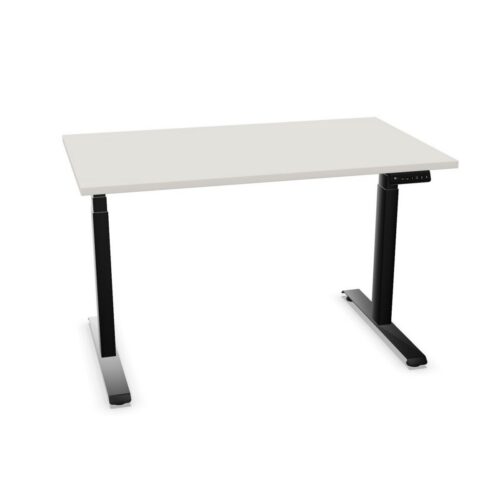
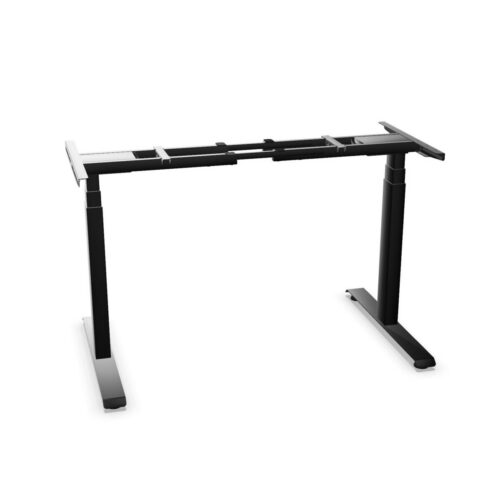
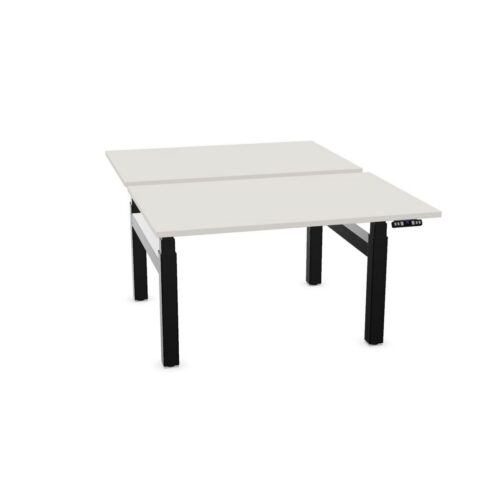
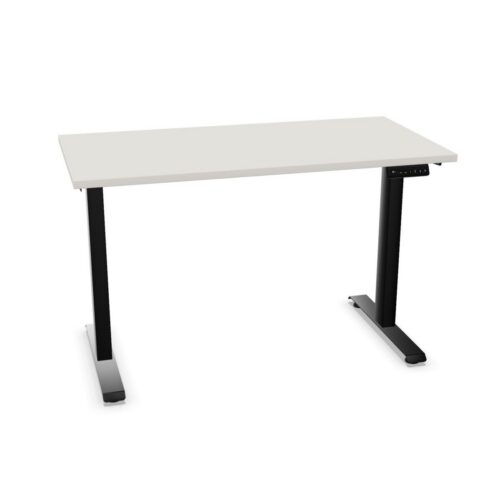
Desks and tables suitable for cable trays can accommodate a tray beneath the worktop, helping to create a more orderly route for power and data cables. The tray may not be supplied with the furniture itself, but the desk or table is designed or configured to accept compatible cable-management accessories.
This is a practical consideration for workplaces using desktop monitors, docking stations, desk telephones or other powered equipment. Selecting furniture that can take a cable tray gives facilities and procurement teams more flexibility when planning installations, changes in technology and future workstation moves.
What does suitable for a cable tray mean?
A cable tray is generally fitted underneath a desk or table top to hold, guide or contain cables between the power source and the equipment used at the workstation. Furniture marked as suitable for a cable tray has provision for this type of accessory, such as an appropriate frame, fixing points or a compatible under-desk arrangement.
The exact method of fitting can vary by product. Some ranges use a tray designed for a particular desk system, while others may allow an appropriate separately specified solution. This attribute indicates compatibility rather than inclusion, so product details should be checked when a tray is required as part of the order.
Why cable-tray compatibility matters
Cables left loose below a worktop can make cleaning, reconfiguration and routine access more difficult. A tray gives them a dedicated place and can make the area beneath the desk easier to organise, particularly where several devices share one workstation.
- It helps keep power and data leads away from the floor area.
- It supports a tidier appearance in open-plan offices and client-facing spaces.
- It can simplify workstation moves when cables need to be traced or adjusted.
- It provides a clearer route between a desk, floor box, wall outlet or desktop power module.
- It allows cable management to be specified alongside desks rather than treated as an afterthought.
Compatibility can also be useful where a business is standardising its workplace furniture. Desks that accept trays can support a more consistent installation approach across individual workstations, bench desks, meeting areas and project spaces where appropriate.
Where are cable-tray-ready desks and tables used?
Furniture with the option to fit a cable tray is commonly selected for offices where technology is used throughout the day. Individual desks and benching systems are obvious examples, but meeting tables and collaboration tables may also benefit when they support screens, video-conferencing equipment or charging provision.
It is particularly relevant in:
- Open-plan work areas with multiple monitor-based workstations.
- Private offices where desktop equipment needs a neat installation.
- Meeting rooms with presentation displays, conferencing devices or table power.
- Training and learning environments with shared IT equipment.
- Hot-desking areas, where a consistent and uncluttered setup helps users connect quickly.
- Refurbishment projects where existing electrical infrastructure must work with new furniture.
Not every setting needs the same cable-management approach. A single laptop-based touchdown desk may need very little provision, whereas a bank of fixed workstations with monitors, chargers and network connections is likely to need more considered routing.
Furniture types to consider
This filter can include desks and tables across a range of workplace applications. The most suitable format depends on the layout, number of users and the equipment being accommodated.
Single desks can offer a straightforward way to keep a personal workstation organised. Bench desks may provide a shared cable route along a run of positions, helping to support larger teams. Height-adjustable desks require particular attention because cables need sufficient movement and an appropriate route as the worktop changes height. For meeting tables, a tray may be one element of a wider arrangement that includes cable ports, power modules or floor connections.
When comparing items in the wider office furniture collection, consider the furniture’s frame design and the accessories available for that specific range. Dimensions, leg positions and worktop construction can all influence the type and placement of a tray.
How to choose a suitable cable-tray arrangement
Start with the equipment that will sit on or near the worktop. Count monitors, computers, docking stations, phones, task lights and charging leads, then consider where power and network connections enter the workstation. This provides a more reliable basis for specifying cable management than choosing a tray solely by desk width.
Also consider how the furniture will be used after installation. A fixed assigned desk may allow a more permanent arrangement, while flexible workspaces may need easy access for users and IT teams. For sit-stand desks, ensure that the intended solution is compatible with the desk’s moving components and preserves enough cable length for its full operating range.
Questions to consider before ordering
- Is a cable tray included, or does it need to be specified separately?
- Which tray or fixing arrangement is compatible with the chosen desk or table?
- How many cables, adaptors and power units will need to be accommodated?
- Where are power and data connections located within the room?
- Will users need access to cables for regular changes or maintenance?
- Does the desk have a fixed or height-adjustable worktop?
- Are desktop cable ports, power modules or other accessories also required?
Planning cable routes with the workstation layout
A cable tray is most effective when considered with the whole room layout. The route from the building supply to the furniture should be clear, with enough capacity for the equipment planned at each position. In a bank of desks, this may mean coordinating floor boxes, shared power distribution and under-desk cable routes before furniture is installed.
Keep access in mind as well as appearance. Facilities, cleaning and IT teams may need to reach connections later, so an arrangement that is neat but difficult to service may not suit a changing workplace. Product documentation and room plans can help identify potential conflicts with pedestals, modesty panels, monitor arms and under-desk storage.
Related Myntwork furniture ranges
Suitable-for-cable-tray furniture can form part of a wider office project, from individual task areas to shared meeting settings. Pair the desk or table requirements with seating, storage and other workplace elements that suit the intended use of the room. For broader guidance on matching furniture to work patterns, space constraints and operational needs, see our resource on choosing office furniture.
Browse the relevant desk, table and workplace categories within the Myntwork collection to compare configurations and identify products that support the cable-management approach required for your layout.