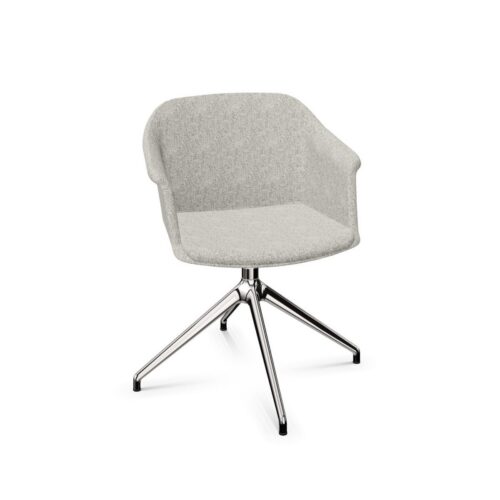
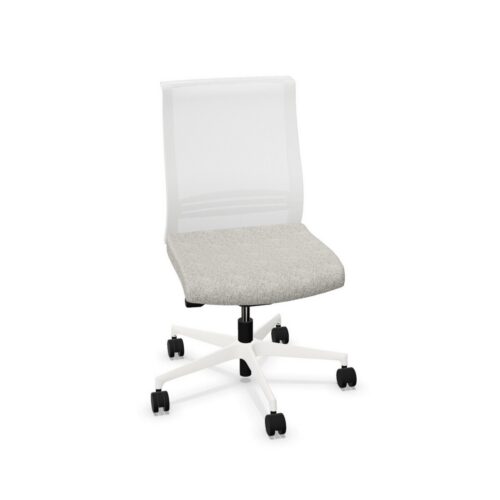
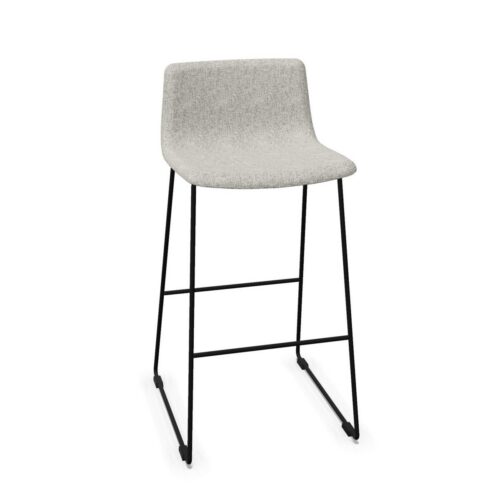
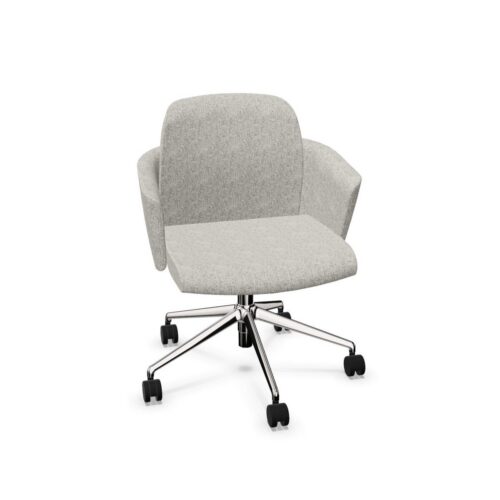
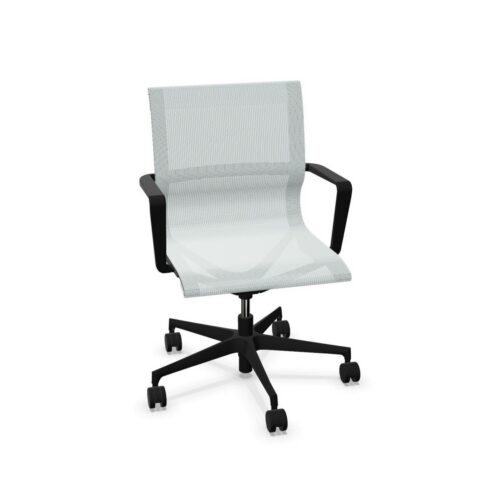
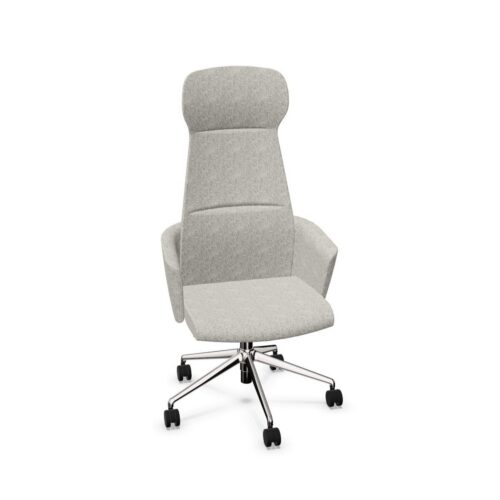
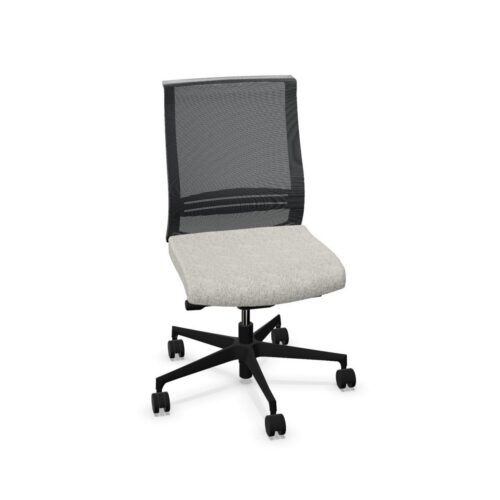
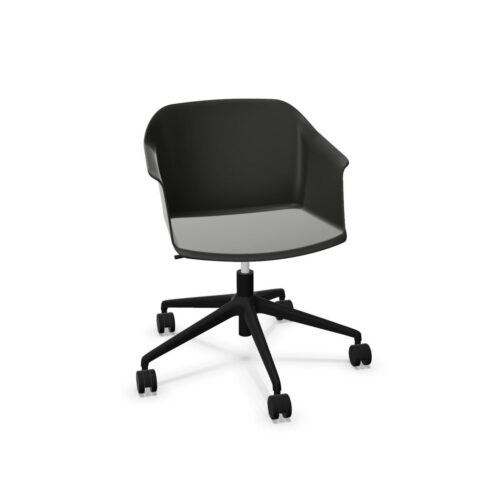
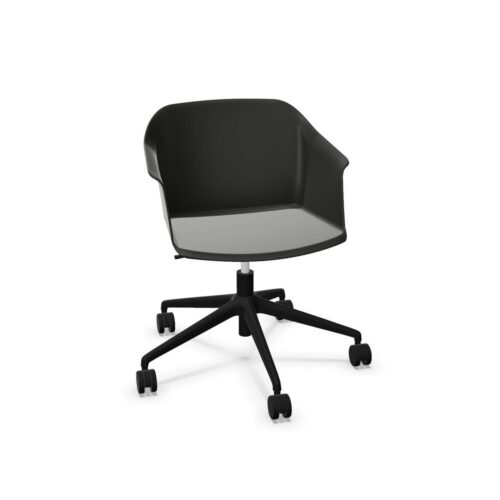
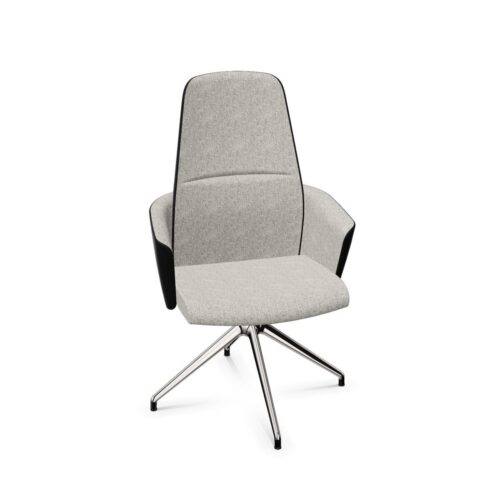
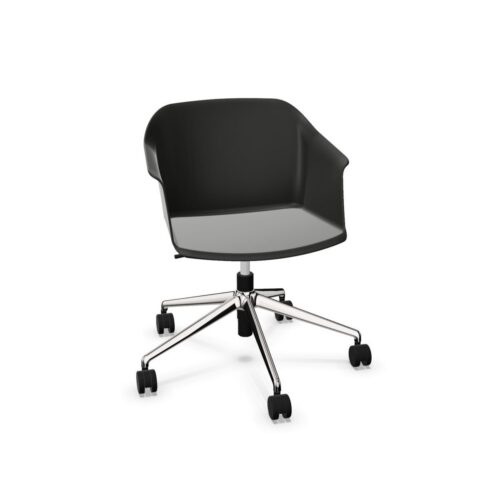
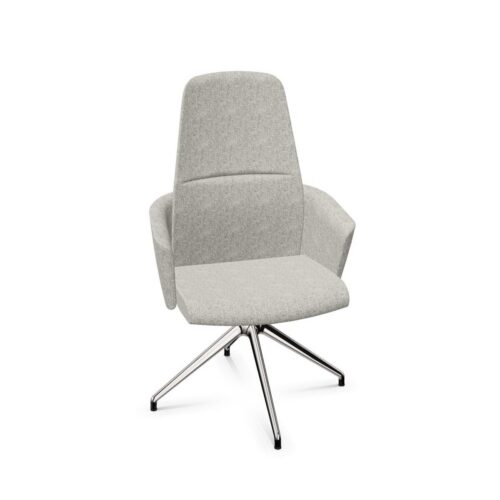
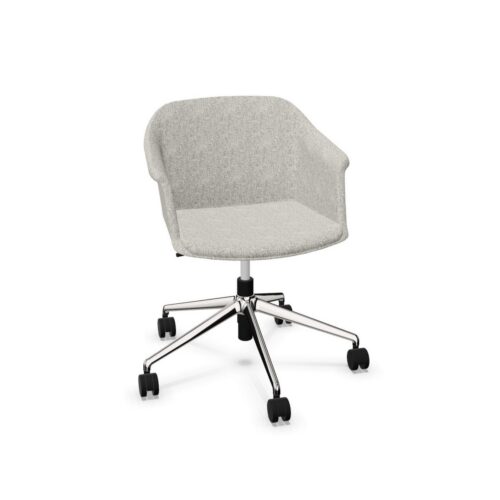
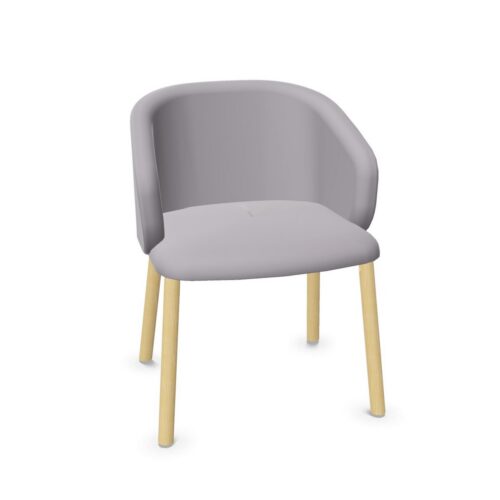
Office chairs without a headrest offer a streamlined seating option for workstations, meeting rooms and shared offices. On this page, the “No” value means that the chair does not include a headrest as part of its specified configuration. It does not, by itself, describe the chair’s back height, lumbar shaping, adjustment range or intended period of use.
For many workplace settings, a headrest is not essential. The right choice depends on the tasks being carried out, the time people spend seated, the user population and the layout of the space. A chair without this component can still provide an appropriate, supportive seating position when its dimensions and adjustments suit the user and the work being done.
What does “without a headrest” mean?
A headrest is an upper support positioned behind the head or neck. Where this attribute is marked “No”, the chair is supplied without one. The top of the backrest may finish below the shoulders, around shoulder level or higher, depending on the individual design; headrest status should therefore not be used as a substitute for checking the product’s overall backrest dimensions.
Some chair ranges are offered in more than one configuration. A model without a headrest may be selected to keep the profile simpler, while another version of the same family may include one. Always review the specification of the particular product and configuration being considered, especially where standardisation across a larger order is important.
Why choose an office chair with no headrest?
Headrest-free chairs are widely used because they suit a broad range of everyday desk-based work. They can create a less visually prominent seating arrangement and may be easier to place beneath shelving, storage or other features behind a workstation, subject to the chair’s overall height and the available clearance.
They are often considered for environments where users need to turn, collaborate and move frequently rather than remain in a reclined position for extended periods. In agile offices and touchdown spaces, a straightforward chair configuration can also help maintain a consistent appearance across varied work settings.
- Task work where the user is primarily focused on a screen, keyboard or desk surface.
- Shared desks used by different people throughout the day.
- Meeting and project spaces that need a coordinated, uncluttered furniture scheme.
- Work areas with limited space behind the chair or close visual sightlines.
- Projects where seating needs to align with an existing headrest-free chair standard.
Where are headrest-free chairs commonly used?
Individual workstations are a common setting for chairs without headrests. For users working at a desk, practical features such as seat-height adjustment, backrest support, arm options and controls may be more relevant to day-to-day suitability than the presence of a headrest. The appropriate specification will vary with the desk height, monitor setup and user requirements.
These chairs can also be useful in meeting rooms, training areas and multi-purpose workplaces. In these settings, occupants may spend shorter or more variable periods seated, and the chair’s footprint, mobility and ability to work with the table layout may take priority. For reception, visitor or conference seating, it is particularly important to distinguish between a task chair and a chair designed mainly for occasional use.
Choosing the right level of support
A chair without a headrest should be assessed as a complete seating system. Consider how the backrest supports the user’s posture during normal work, whether the seat and arms can be positioned sensibly in relation to the desk, and whether the controls are understandable for the people who will use it. A headrest is only one potential element of a chair design, not a measure of ergonomic quality on its own.
For organisations furnishing varied roles, it can be useful to offer a small, considered selection rather than one specification for every setting. A standard task chair without a headrest may work well for most desks, with alternative seating considered where particular roles, preferences or workplace assessments identify a different need.
Questions to consider when comparing chairs
- How long will people typically use the chair in one sitting, and what tasks will they perform?
- Will the chair be assigned to one person or used across a shared-desk arrangement?
- What seat, backrest, arm and lumbar adjustments are needed for the intended users?
- Does the chair’s back height work with the space, including windows, storage and desk screens?
- Are there individual requirements identified through a workplace assessment or internal policy?
- Will the finish, base and overall form coordinate with the other furniture in the area?
Headrests and different ways of working
A headrest may be considered by some users who spend time reclining, resting between screen tasks or working in a chair with a high back. However, it is not automatically necessary for every office role. When seated for active desk work, the user’s position, screen placement and the chair’s lower and mid-back support can be central factors.
It is also worth separating personal preference from a general procurement specification. Some people may prefer the appearance or feel of a headrest-free chair, while others may need to trial a different configuration. Where chairs are being selected for a large team, documenting the intended use and any adjustment requirements can help make comparisons more consistent.
Planning a coordinated workplace furniture scheme
Choosing chairs with no headrest can contribute to a calm, uniform visual language across open-plan offices, meeting suites and focused work zones. It may be particularly helpful where chair backs are highly visible from circulation routes or client-facing areas. Nevertheless, procurement decisions should balance appearance with practical fit, user needs and the function of each space.
Check each product listing for its stated dimensions, mechanism, arm configuration and materials. If a project includes a mixture of task seating, collaborative seating and occasional-use chairs, grouping products by use case can be more effective than relying on a single feature filter. The absence of a headrest simply narrows the configuration; it does not establish every other aspect of the chair.
Related seating ranges
Browse the wider selection of office chairs to compare styles and configurations for desk work, meeting spaces and shared workplaces. For broader guidance on assessing fit, adjustments and everyday use, see Myntwork’s resource on how to choose an office chair.

Bralco