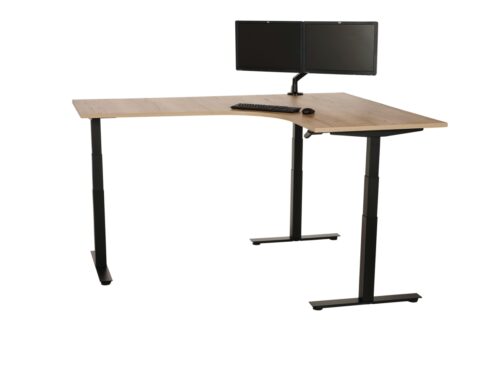
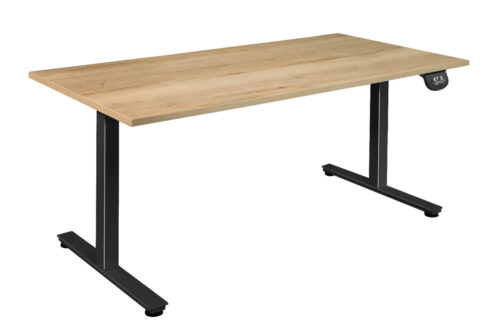
Office furniture with Bluetooth control allows compatible products to be operated or adjusted through a Bluetooth connection, typically using a mobile app. On a sit-stand desk, this may provide an alternative way to change the desk height, save preferred positions or access usage information, depending on the model and its accompanying controls.
This filter identifies products for which Bluetooth control is included as a stated feature. It can be useful for workplace teams seeking connected desk controls alongside conventional operation, or for individuals who want to manage their workstation settings from a phone rather than relying solely on a handset.
What does Bluetooth control mean for office furniture?
Bluetooth is a short-range wireless connection between a product and a compatible device. In an office-furniture context, it is most commonly associated with electrically operated sit-stand desks. Once paired, the desk may be controlled through a manufacturer-supported app on a smartphone or tablet.
The exact functions available vary by product. Bluetooth control does not necessarily mean that every connected desk has the same app, display, reminders, height-memory settings or reporting functions. Buyers should review the individual product specification and operating information to understand what can be controlled through Bluetooth and what remains available through the desk’s physical controls.
Why Bluetooth-enabled controls can be useful
Connected controls can make it simpler for a user to access desk adjustments and maintain a consistent working setup. This can be particularly relevant where desks are used frequently throughout the day and people prefer to save a comfortable sitting or standing height.
- Users may be able to operate compatible furniture from a paired mobile device.
- Preferred desk heights may be easier to recall where memory functions are provided.
- App-based controls can complement, rather than replace, the controls fitted to the product.
- Some systems may support prompts or usage features designed to encourage changes of posture.
- Bluetooth control can suit organisations looking to include digital features within a broader workstation standard.
For procurement, the feature is worth considering as part of the overall specification rather than in isolation. Desk dimensions, adjustment range, control type, cable management, desktop finish and the needs of the intended user remain central to a suitable selection.
Common applications in the workplace
Bluetooth-controlled furniture is often considered for workstations where users benefit from quick, repeatable adjustments. It may be appropriate in assigned desks, private offices and home-working arrangements, where one person is likely to use the same workstation regularly.
In shared offices, the feature can also be relevant when different users need to set a desk to their own preferred height. Whether it is the right choice will depend on the way workstations are allocated, the organisation’s approach to device use and whether staff will have access to the relevant app.
- Individual workstations: for employees who regularly alternate between seated and standing work.
- Executive and private offices: where integrated, low-clutter controls may be preferred.
- Home offices: where a user may want convenient control of their own desk settings.
- Agile work areas: where a connected control option may complement adjustable furniture used by several people.
Furniture types to consider
The Bluetooth control attribute is especially relevant to height-adjustable desk systems, including electric sit-stand desks. These desks use a powered mechanism to move the work surface, with Bluetooth providing a possible additional interface for compatible models.
When comparing products, distinguish between Bluetooth control and other desk features. A product may have a handset, programmable height memory, anti-collision technology or cable accessories without Bluetooth capability; equally, Bluetooth functionality does not confirm the presence of every other feature. Using the product page to compare the full configuration helps ensure that requirements are not assumed from one attribute alone.
How to choose a Bluetooth-controlled desk
Start with the working environment and the tasks the desk must support. The size and layout of the workstation, monitor arrangements, storage requirements and power access all influence the specification. Bluetooth should then be assessed in relation to how users will actually operate and manage the desk.
Questions to consider
- Which staff members will use the desk, and will it be assigned or shared?
- Is app-based adjustment useful alongside the fitted handset or other physical control?
- Are users permitted and able to pair personal or work devices with the furniture?
- Which functions are required: simple movement, saved positions, prompts or other supported app features?
- Does the desk’s size, height-adjustment range and load capability suit the planned equipment?
- Where will power be located, and how will cables be routed around the workstation?
It is also sensible to consider implementation. In a larger project, a consistent control method can make workplace guidance easier, but teams should check device compatibility and product instructions before setting a standard. For a smaller purchase, the priority may simply be a desk that provides a practical combination of physical and connected controls.
Bluetooth control and day-to-day workstation use
A connected control feature can support regular desk adjustment, but it does not determine how a workstation should be set up. Users still need an appropriate chair, screen position, keyboard placement and work surface arrangement for their tasks. The desk should be adjusted gradually and used in a way that suits the individual and the organisation’s workplace guidance.
For shared environments, clear instructions can help users understand the available controls and avoid confusion between an app’s features and those operated on the desk itself. Facilities and IT teams may also wish to consider how mobile-device pairing fits with local policies.
Related Myntwork furniture ranges
Bluetooth control is one useful way to refine a search for connected, adjustable workplace furniture. It can be combined with other product attributes to narrow down options by dimensions, finishes, control arrangements and other practical requirements. For wider project planning, browse the Myntwork office furniture collection and read our guide to choosing office furniture.
- Reset all
- Aluminum