








Verify the lock and key details
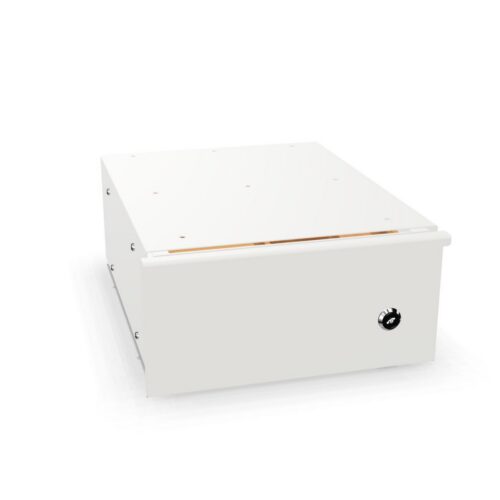
Check the exact model’s description for lock type, included keys and operating instructions. The attribute does not explain key management or security performance.
For shared storage, decide who is responsible for keys and how access changes will be communicated. Follow the model’s instructions.
Assess the silver finish
Compare product images and written finish information with surrounding furniture, metal details and lighting. Silver appearances can differ across models.
Check the product’s material and care guidance. The colour filter does not describe surface treatment or cleaning requirements.
Organise for authorised access
Identify the cabinet’s contents and which users should retrieve them. Group materials so authorised users can locate and return items efficiently.
Keep key custody simple and explain the routine to colleagues. A short contents review can help maintain order.
Check placement and dimensions
Compare the full exterior measurements with the available space and account for doors and user approach. Keep circulation around desks and equipment clear.
Review hardware, assembly and loading details for the selected model. Confirm these points in the product listing.
Compare complete model information
Evaluate options by lock details, interior, access, finish, construction and care. Verify decision-critical details for each cabinet.
After choosing, keep key procedures clear and follow product-specific guidance as work needs change.
Frequently asked questions
Does the filter show a security rating?
No. Check the manufacturer’s stated specifications.
Are keys always included?
Verify supplied components in the product listing.
How should shared key access be handled?
Assign clear responsibility and return procedures.
