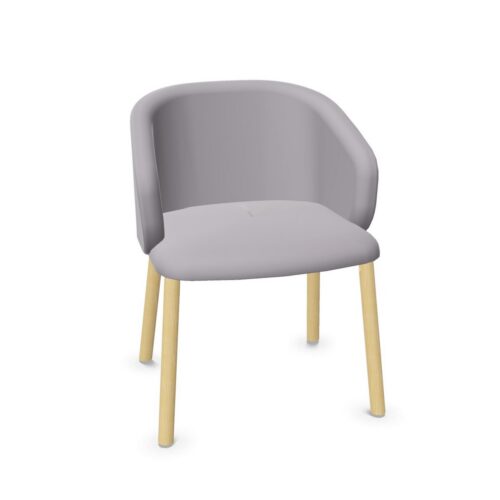
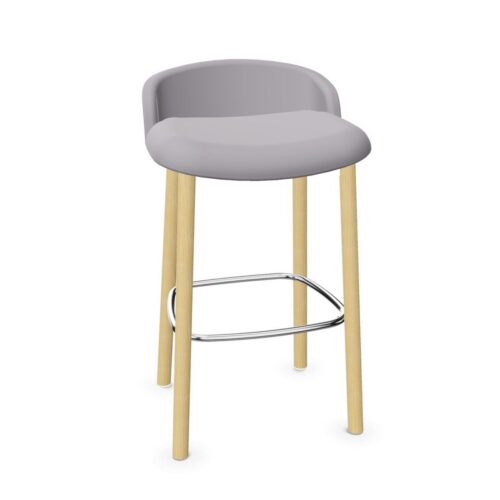
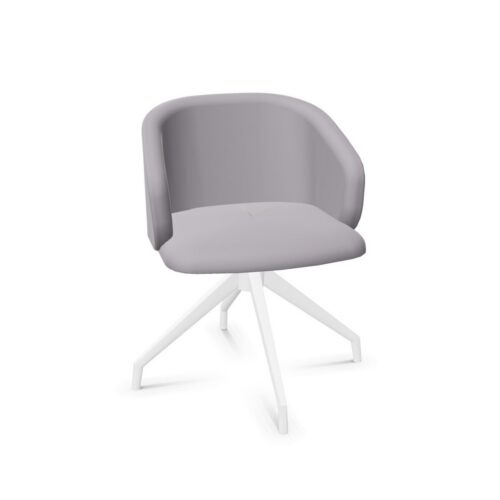
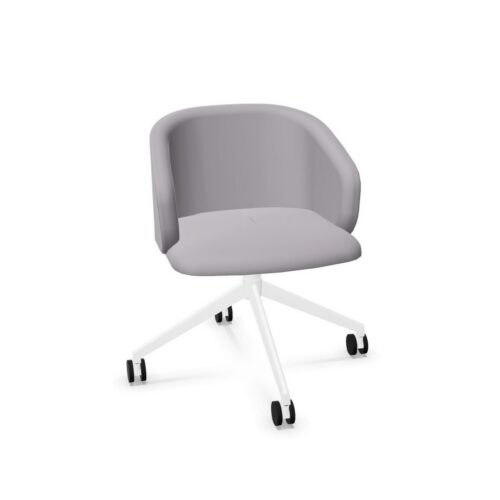
Office chairs without lumbar support are chairs in this selection that are not specified as including a dedicated lumbar-support feature. They can suit workplaces looking for straightforward task seating, meeting chairs or other office seating where a pronounced lower-back adjustment is not a requirement.
Lumbar support is one part of an ergonomic seating specification, rather than a complete measure of whether a chair will suit a particular person or role. When comparing chairs on this archive, it is useful to consider the back shape, adjustment options, dimensions and intended period of use alongside the absence of this feature.
What does no lumbar support mean?
Lumbar support refers to a feature intended to provide support around the lower region of the back. Depending on the chair design, it may be an adjustable pad, a built-in contour, a tensioned component or another dedicated element.
Products filtered as no lumbar support do not include lumbar support as part of their listed specification. This does not, by itself, describe every aspect of the backrest. A chair may have a low, medium or high back; it may use mesh, upholstered or other materials; and it may offer different mechanisms or adjustments. Individual product information remains the appropriate place to check those details.
Why this specification matters when procuring seating
Filtering by lumbar support helps procurement teams separate chair specifications for different workplace needs. Some organisations have a clear brief for adjustable ergonomic task chairs, while others need seating for short meetings, touchdown points, training rooms or shared areas where a dedicated lumbar feature is not necessary.
Using this filter can also make it easier to retain a consistent specification across a project. It allows buyers to review chairs without this feature while comparing practical considerations such as footprint, upholstery, arm options, base type and the setting in which the chair will be used.
- It distinguishes chairs with a dedicated lower-back support feature from those without one.
- It can help narrow a broad seating search for meeting, visitor or occasional-use applications.
- It supports clearer comparison between seating ranges and individual product specifications.
- It helps project teams match chair features to the requirements of different workplace zones.
Where chairs without lumbar support can be used
Chairs without lumbar support can appear in many commercial environments. Their suitability depends on the overall design of the chair and how it will be used, rather than on this one attribute alone.
In meeting rooms, for example, the priority may be a neat, coordinated chair that supports discussion over shorter sessions. In training or multipurpose spaces, buyers may need seating that works with the room layout and can be specified consistently in larger quantities. Reception, visitor and breakout seating may have a different brief again, often focusing on the relationship between the chair, table and surrounding interior.
For a desk-based workstation used for long periods, a fuller ergonomic review is usually worthwhile. This may involve looking beyond lumbar support to assess seat-height adjustment, backrest movement, armrests, seat depth and the needs of the people using the chair.
Chair types to compare on this archive
This filter may include different styles of workplace chair. The exact product mix can vary, so the product page should be used to confirm the construction and features of each item. Common chair categories to consider include:
- Meeting chairs, selected to work around boardroom, conference or project tables.
- Visitor chairs, for reception areas, consultation rooms and guest seating.
- Task chairs, where other adjustment features may still be relevant to the workstation brief.
- Training chairs, chosen for learning spaces, event rooms or flexible layouts.
- Breakout chairs, used in informal collaboration and shared social areas.
Start with the intended use, then review the available chair format and specification. A chair that is appropriate for a meeting table may not be the right choice for all-day individual desk work, even where both sit within the same broad office seating category.
How to choose a chair without lumbar support
It is helpful to consider the complete seating arrangement rather than treating the lumbar-support field as a pass-or-fail indicator. The user group, duration of use and workstation or room design all affect the choice.
Questions to consider
- How long is the chair likely to be used at a time?
- Is it intended for a fixed desk, a meeting table, a shared desk or occasional visitor use?
- Which adjustments are needed for the role, if any?
- What backrest height and profile will work with the intended setting?
- Are arms, castors, glides or a particular base style required?
- Does the chair need to coordinate with existing tables, finishes or other seating?
- Are there space, storage or reconfiguration requirements for the room?
Where a chair will be used by a range of people, consider how easily it can be positioned and adjusted for the task. Where seating is used intermittently, visual consistency, room capacity and ease of layout may carry more weight. Reviewing the dimensions and full product specification helps avoid making assumptions from a single attribute.
Considering ergonomics as a whole
Lumbar support can be relevant to an ergonomic chair specification, but it is only one consideration. The relationship between the user, chair, desk, screen and working pattern is also important. Features such as height adjustment, seat proportions, back movement and arm configuration should be assessed in the context of the work being done.
For teams developing a workstation standard, a documented approach can help distinguish between chairs for regular desk work and seating for meeting or visitor use. Myntwork’s guide on how to choose an office chair provides a useful starting point for reviewing those broader considerations.
Building a coordinated office seating scheme
Many office projects require more than one chair type. A practical scheme might combine task seating at workstations with complementary chairs in meeting rooms, touchdown areas and reception spaces. Filtering the catalogue by individual specifications helps create a more deliberate shortlist for each setting.
When comparing options, check the product-level information for finishes, dimensions, mechanisms and any stated adjustment features. This makes it easier to select chairs that work together visually and functionally without assuming that all products in a filtered group share the same characteristics.
Explore related Myntwork seating
This archive focuses on chairs where lumbar support is not listed as included. For a wider view of seating formats, workplace applications and available specifications, browse the Myntwork collection of office chairs. You can then use the relevant filters and product details to compare chairs for your particular office, meeting or shared-space requirements.