







Understand the lock specification
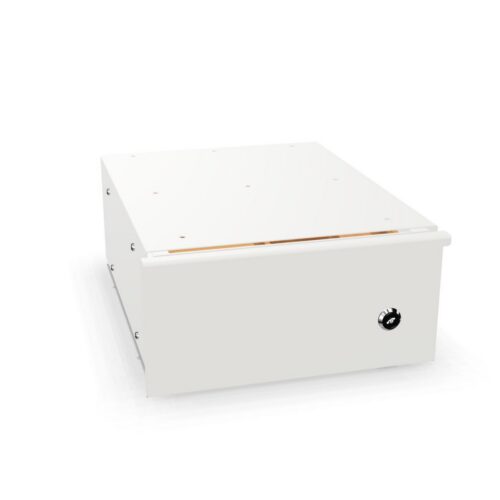
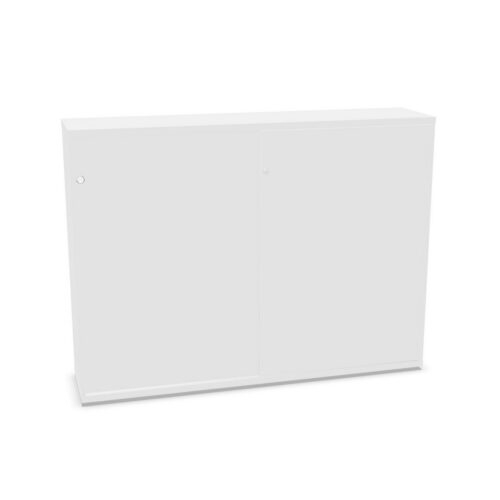
The lock attribute identifies a product feature but may not explain the cylinder, key system, replacement options or security level. Check the exact model details and ask the supplier if the cabinet must meet a specific access requirement.
Plan who receives keys or other access means and how they are managed when staff change. Keep a record of the lock information in an appropriate facilities file. Do not infer a security grade from the presence of a lock alone.
Check the no-frame interior
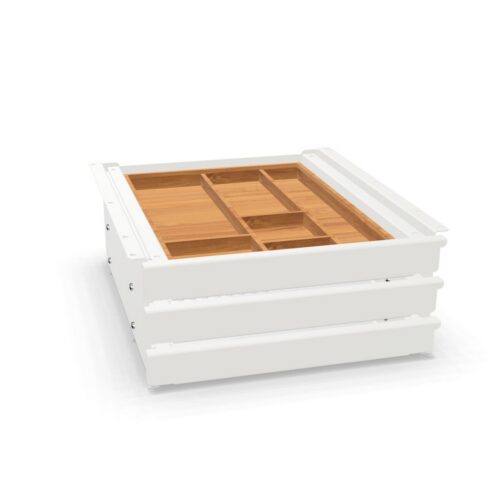
The filter indicates that a hanging folder frame is not listed. It does not establish whether optional frames can be fitted or what other storage components are included. Review the interior description, shelves and dimensions for the exact model.
If the cabinet stores files, supplies or equipment, match those items to the actual interior. Consider access frequency and how the locked contents will be organised. Use labels and clear ownership while following any workplace access rules.
Plan controlled access and daily use
Decide which users need access and how keys or permissions will be maintained. Establish a process for access handover when responsibilities change. This keeps the lock useful and avoids delays when authorised users need stored materials.
Shared storage should have clear categories and an owner who reviews contents. Remove outdated materials and keep the interior accessible. The cabinet’s lock does not replace an organised storage plan or product-specific use instructions.
Frequently asked questions
Does a lock indicate a security rating?
No. Check the model’s lock details and any relevant manufacturer documentation.
Can a hanging frame be added?
Compatibility depends on the cabinet. Verify with the manufacturer.
How should access be managed?
Assign key or access responsibility and maintain an up-to-date handover process.
