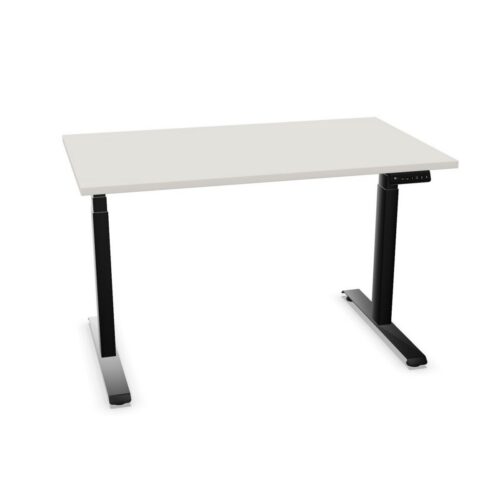
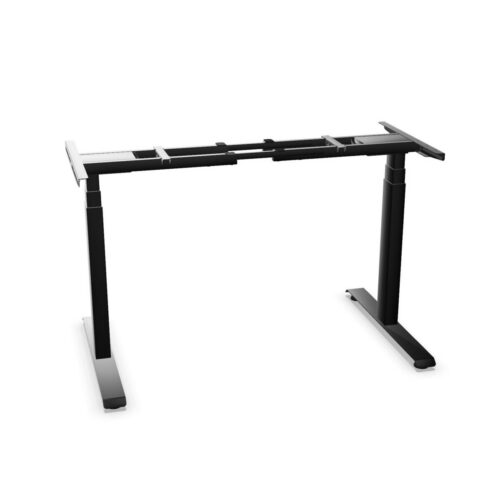
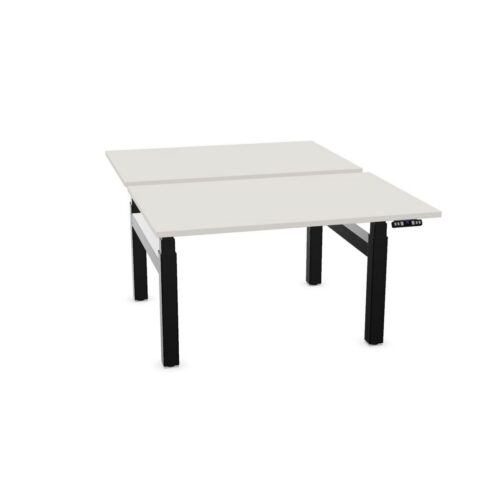
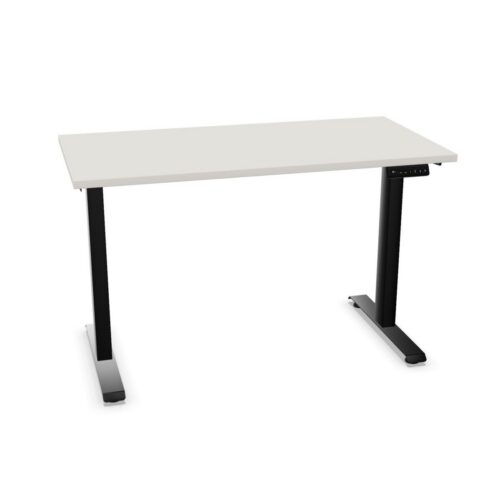
Sit-stand desks give employees the option to change their working height during the day, moving between seated and standing positions at the same workstation. For procurement teams, they are a practical desk type for supporting varied ways of working without changing the overall layout of an office.
This desk configuration is used across individual workstations, team benching, managerial offices and shared touchdown areas. The products shown in this selection are identified as sit-stand desks; specifications such as adjustment method, height range, desktop size, frame finish and control type should be checked on each individual product.
What is a sit-stand desk?
A sit-stand desk is a height-adjustable workstation designed to be used while sitting or standing. Rather than fixing the desktop at one conventional desk height, its work surface can be raised or lowered to suit the user and the task. It may be specified as a single desk, part of a bank of workstations, or within a broader furniture scheme.
The term describes the workplace typology, rather than one fixed technical specification. Some sit-stand desks use powered adjustment, while others may use a different mechanism. Desktop shape, leg design, cable management and the available accessories also vary between ranges. It is therefore useful to compare the product details alongside the intended workspace.
Why height-adjustable workstations matter
Workplace furniture should accommodate different people, roles and patterns of use. A desk that can be adjusted gives the user more choice over their working position, which can be particularly relevant where a workstation is used for long periods or by more than one person.
- It allows a user to alternate between sitting and standing during desk-based work.
- It can help create a more adaptable workstation for employees of different heights.
- It supports ergonomic planning when used with a suitable task chair, monitor position and desk setup.
- It can provide a consistent desk solution across assigned desks and flexible work areas.
- It makes it easier to accommodate changing workplace policies or individual requirements over time.
A sit-stand desk is one part of an ergonomic environment, rather than a substitute for considered workstation assessment. Screen placement, keyboard position, seating, lighting and personal working habits still need to be addressed together.
Where sit-stand desks are commonly used
These desks can be incorporated into many office settings, from focused individual workspaces to open-plan departments. They are often selected where an organisation wants to provide a choice of posture without creating a separate type of work area for every employee.
- Open-plan offices: height-adjustable desks can be planned within rows or clusters while retaining a coherent furniture layout.
- Allocated workstations: a desk can be set up around the needs of a regular user, with adjustment available as those needs change.
- Hot-desking areas: adjustability can be useful when a workstation is shared by different people across the week.
- Home-working and satellite offices: compact or individual desk formats may suit smaller professional workspaces.
- Project and technical teams: areas involving frequent screen work, document review or collaborative activity may benefit from greater flexibility in desk height.
For shared spaces, consider how adjustment controls will be used and whether users will have enough room to alter their desks without affecting adjacent workstations, screens or storage.
Desk formats and specification choices
Sit-stand functionality can be available across a range of desk footprints. A straightforward rectangular top may work well in desk banks and compact layouts, while larger or shaped worktops can provide additional surface area for multiple screens, paperwork or peripheral equipment. The best format depends on the room plan and the work carried out at the desk.
When comparing products, review the dimensions at both working positions where available. A desktop that fits a floor plan when lowered should also have suitable clearances when raised, particularly beside screens, modesty panels, storage and acoustic screens. Consider the frame and base design too, as these influence legroom, cable routes and compatibility with other furniture.
Planning sit-stand desks in an office layout
Successful specification starts with the whole workstation, not the desk alone. Establish the intended number of users, technology requirements and whether the desks will be assigned or shared. This helps determine appropriate desktop sizes, screen arrangements and access to power.
Cable management deserves early consideration. Raising and lowering a desk changes the route that power and data cables need to follow. Check how equipment will be connected, where floor boxes or wall power are located, and whether the selected desk and accessories provide an orderly route for cables. This is especially important in larger installations, where a repeatable approach supports a tidier and more manageable workplace.
Questions to consider before selecting
Workstation use and user needs
- Will the desk be used by one person or shared by several users?
- What equipment needs to sit on the worktop, including monitors, docking stations and desk accessories?
- Is the available work surface sufficient for the tasks undertaken?
- How will chair height, monitor arms and keyboard position work with the adjustable desk?
Space, power and coordination
- What clear space is needed around each desk through its range of movement?
- How will power and data be supplied without creating trailing or strained cables?
- Does the desk finish coordinate with existing storage, seating and screens?
- Are there facilities or access requirements that should be considered in the layout?
It is also worth considering the operational approach after installation. Clear guidance can help users set a comfortable desk and screen position, while regular workspace reviews can identify changes needed as teams, technology or working patterns develop.
Sit-stand desks within a wider furniture scheme
Height-adjustable workstations can sit alongside fixed-height desks, task seating, storage and collaborative furniture. A mixed scheme may be appropriate where different zones have different needs, while a more consistent sit-stand specification can simplify planning across a department. The right balance depends on utilisation, available space and the organisation’s approach to flexible working.
Browse the wider selection of office desks to compare workstation formats and related desk solutions. For guidance on setting up a considered workspace, see the Myntwork ergonomic workplace guide.
- Reset all
- Eup