



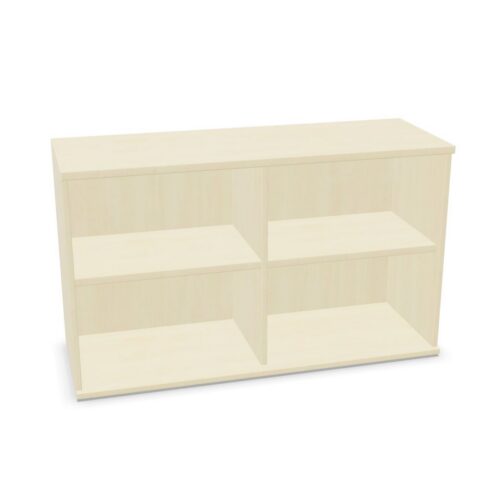


Assess white appearance in context
Compare the product images and finish details with nearby desks, floors and walls. White can support a consistent light palette or provide contrast in a darker room.
The colour filter does not establish exact tone, material or surface treatment. Verify the selected model’s details if they matter. For more than one cabinet, compare product information together and confirm each option separately.
Plan six levels around actual use
The six-shelf value does not state shelf dimensions, spacing or load capacity. Review the actual interior configuration and compare it with the planned contents. Consider how users will retrieve materials and whether the levels support distinct categories.
A shelf plan can separate supplies by task, ownership or frequency of use. Keep category labels clear and confirm measurements for size-sensitive items. Use the selected product’s information rather than inferring capacity from the count.
Check placement and access
Review overall dimensions and opening details against the intended room position. Consider routes, adjacent work areas and user approach. Practical access depends on the selected cabinet and the surrounding layout.
If the cabinet is shared, decide who maintains its contents and when to review them. A clear role can keep six levels manageable and useful.
Compare complete model details
Products with white finishes and six shelves can still differ in materials, doors and other features. Read each listing for verified specifications and care guidance. Do not assume all results match.
Compare the actual configuration with the storage need and room. Confirm relevant details before choosing.
