



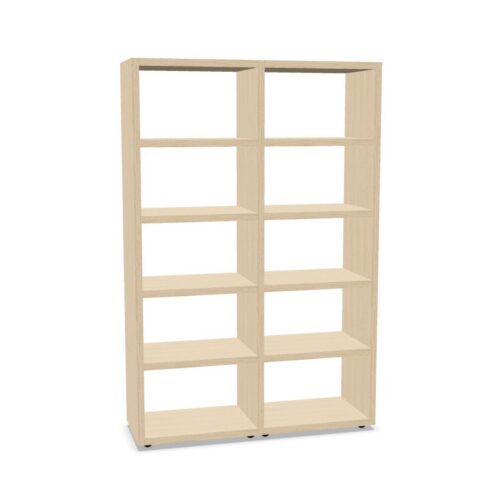


Compare the beige appearance with the space
Beige can cover different visual tones across product listings. Review the images and stated finish details for each cabinet, then consider the nearby furniture and the overall room palette. Decide whether the storage should blend into the setting or provide a clearly identifiable element within it.
Images are a helpful visual reference, but rely on the product description for specified finish information. The colour filter does not establish texture, sheen or material. If the project involves several cabinets, review their details together and ensure each selected product meets the intended visual brief.
Plan the use of eight shelf levels
The eight-shelf value does not specify how much usable space each level provides. Check the selected model’s interior measurements, shelf spacing and other stated details. List the materials to be stored and consider whether their size and use frequency align with the product’s actual configuration.
A written shelf plan can make many levels easier to manage. Separate contents by task or ownership and label groups in a way users can follow. Keep frequently accessed items in convenient positions as the product layout permits. Do not assume weight capacity; confirm it from the individual product information where relevant.
Questions about beige cabinets with eight shelves
Does the filter specify the full interior?
No. Check the selected product information for its actual shelf layout and other features.
Can shelf count confirm capacity?
No. Verify model-specific dimensions and any stated capacity before planning contents.
How can teams organise cabinet storage?
Define what belongs there, use a consistent system and review contents with regular users.
