

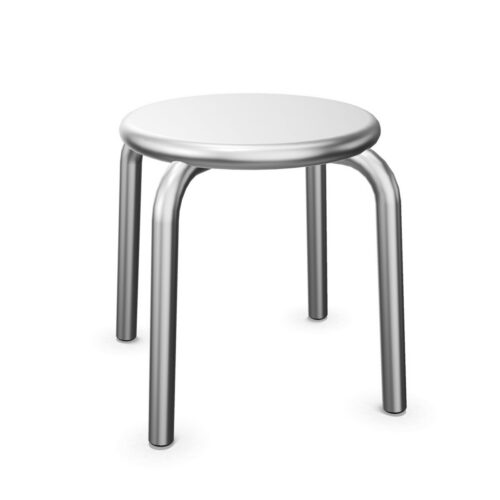
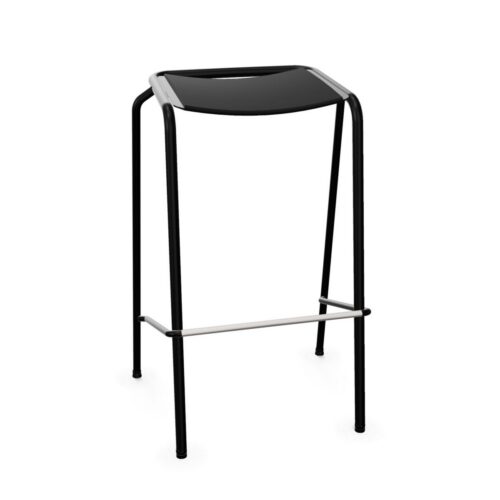
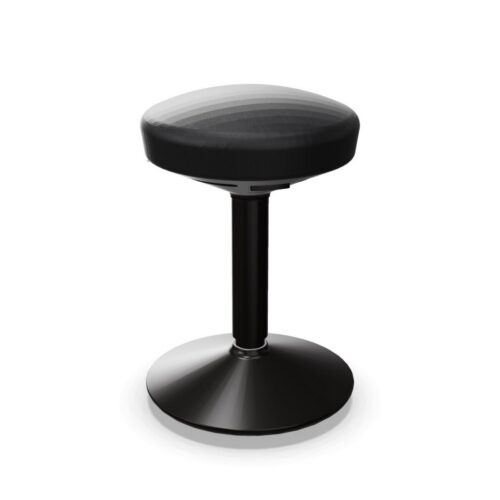
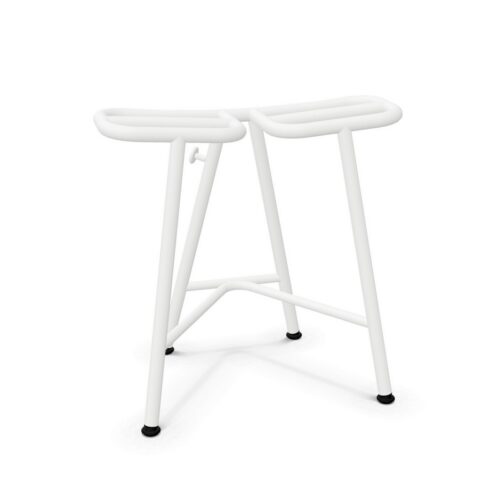
Chairs: No Armrests / No Lumbar Support

For team coordinators, specifying chairs: no armrests / no lumbar support begins with a practical brief. Identify the people and activity, then assess the no configuration alongside the absence of lumbar support. The planned activity may change during the week. Check the absence of lumbar support and the no configuration against both daily team meetings and visitor conversations.

People entering a reception setting notice more than the chair itself; relate the no configuration and the absence of lumbar support to the way the chair meets nearby furniture and the surrounding furniture before finalising the plan. A chair shortlist for a project room should explain why the no configuration matters, how the absence of lumbar support changes the choice, and what needs checking around the furniture already in place. In a project note, explain how the absence of lumbar support affects the chair choice and how the no configuration relates to the number of users who share the space.

5 models
From €34.91 p/m
3 models
From €34.69 p/m
4 models
From €7.01 p/m
€30.54 p/m
2 models
From €5.94 p/m
€21.96 p/m
2 models
From €9.11 p/m
6 models
From €6.87 p/m
2 models
From €5.68 p/m
14 models
From €3.40 p/m
€3.03 p/m
7 models
From €5.06 p/m
3 models
From €6.29 p/m
Price on request
Price on request
Price on request
Price on request
Price on request

Planning a useful workplace layout

A workplace review starts with use. Procurement leads can assess the no configuration, consider the absence of lumbar support, and verify clearance behind each chair before arranging seats. When team coordinators review chairs: no armrests / no lumbar support, they can start from the absence of lumbar support, consider the no configuration, and test both against the balance between density and access before settling a room arrangement.

Reviewing the chair specification

For daily team meetings, map the chair position first and assess the absence of lumbar support alongside the no configuration; this relates the specification to the route users follow. In a shared workplace, people responsible for shared seating can compare the no configuration with the absence of lumbar support, then review whether formal presentations leaves enough room for natural movement.

How the seating will be used

The relevant question for design teams is whether the absence of lumbar support and the no configuration match the users and the working pattern. For workplace planners, the connection between the absence of lumbar support and the no configuration matters most when the room is set up for formal presentations.

How this chair choice fits the room

When the room is shared, operations managers should review the no configuration, ask who relies on the absence of lumbar support, and check the access route. If a space alternates between busy group sessions and quiet individual tasks, check that the no configuration and the absence of lumbar support still serve the circulation plan and user expectations.

Reviewing the chair specification

The seating brief for a canteen should explain how the no configuration and the absence of lumbar support relate to the available floor area. When procurement leads assess a canteen, they can record the absence of lumbar support and the no configuration beside the requirements for daily team meetings.

Questions about chairs: no armrests / no lumbar support

How should I assess the no configuration alongside the room plan?

For interior project teams planning a client-facing space, relate the absence of lumbar support to the no configuration and then check how often the chairs are moved against shared meals. People entering a team hub notice more than the chair itself; relate the absence of lumbar support and the no configuration to seat-to-table relationship and the surrounding furniture before finalising the plan.

How can chairs: no armrests / no lumbar support work in a shared room?

For the planned visitor conversations, check the chair’s relationship with clearance behind each chair; include the absence of lumbar support and the no configuration in the same review. A workplace brief becomes clearer when staff arranging a new workspace document the amount of adjustment required, choose a relevant chair detail such as the absence of lumbar support, and connect it with the no configuration.

How do I compare chairs for collaborative work?

A workplace review starts with use. Office managers can assess the absence of lumbar support, consider the no configuration, and verify how the seating reads across the room before arranging seats. For the planned informal conversations, check the chair’s relationship with how the seating reads across the room; include the no configuration and the absence of lumbar support in the same review.

Assessing the selected chair features

If a space alternates between workshops and interviews, check that the absence of lumbar support and the no configuration still serve the circulation plan and user expectations. In a project note, explain how the absence of lumbar support affects the chair choice and how the no configuration relates to table alignment.

Explore related selections