

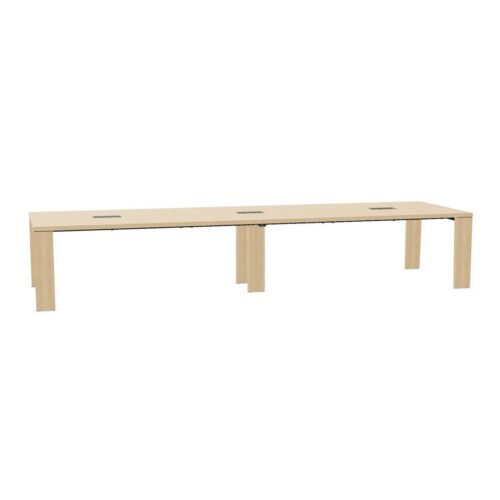
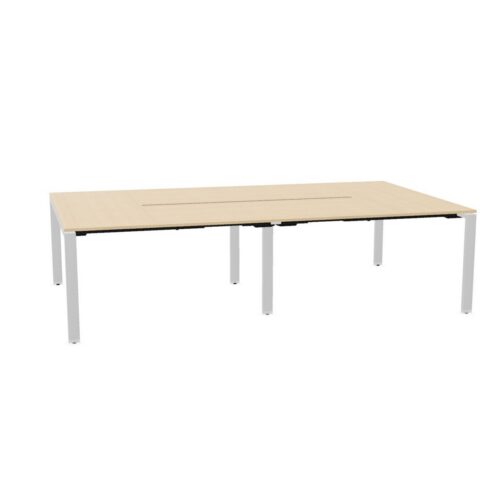
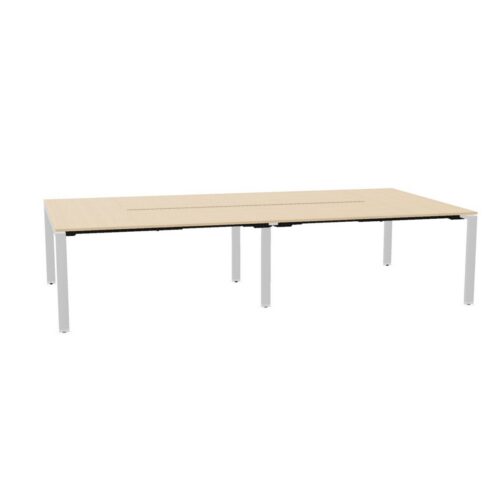
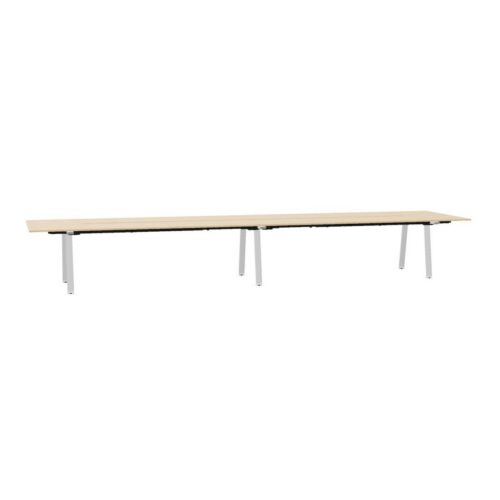
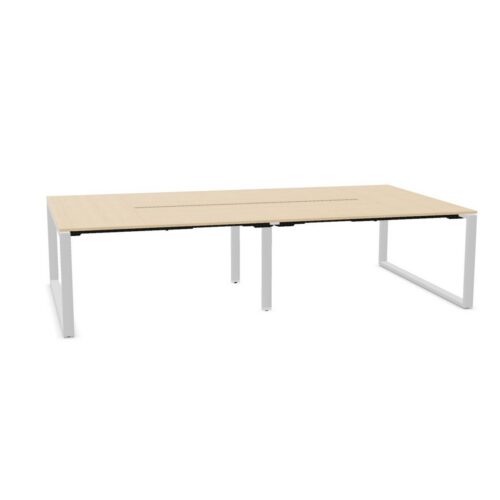
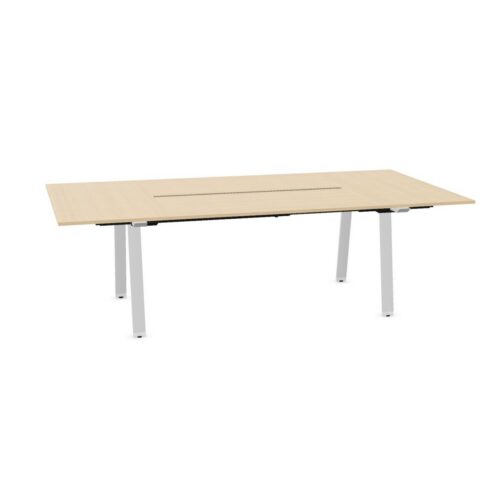
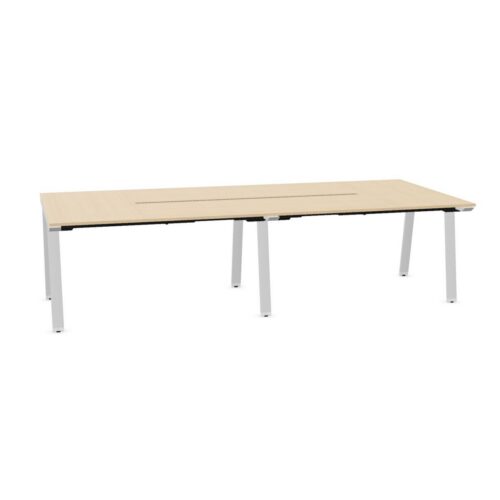
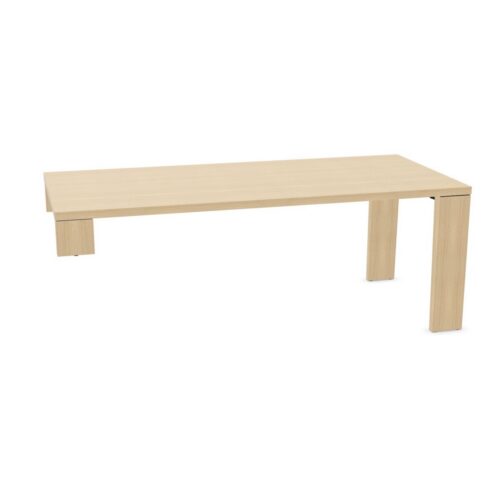
Desks with a red work surface and the no-cable-tray option

This page focuses on desks with a red work surface and the no-cable-tray option, a desk requirements to review alongside the purpose of the workspace. The final arrangement for the office desk specification should reflect the no-cable-tray configuration, the red work-surface colour, the users doing the planned work and the route through the space.

A desk schedule for the filtered range can record the chosen values beside workstation positions, giving colleagues a reference during longer project sessions. For this desk specification, relate the red work-surface colour to the no-cable-tray configuration. The combination should make sense in context. Relate the no-cable-tray configuration to the red work-surface colour, then check whether the office desk arrangement suits a furniture choice that reflects actual tasks. To assess the current workstation option, describe the work area’s purpose, who uses it and how the red work-surface colour relates to the no-cable-tray configuration.

3 models
From €27.53 p/m
3 models
From €44.81 p/m
5 models
From €27.43 p/m
2 models
From €7.99 p/m
12 models
From €4.31 p/m
3 models
From €41.70 p/m
3 models
From €5.25 p/m
5 models
From €65.97 p/m
5 models
From €39.93 p/m
2 models
From €17.02 p/m
8 models
From €39.85 p/m
2 models
From €54.39 p/m
10 models
From €8.34 p/m
14 models
From €8.77 p/m
2 models
From €28.17 p/m
2 models
From €28.70 p/m
2 models
From €61.81 p/m
2 models
From €44.05 p/m

Planning adjacent workstations

People arranging a quiet office should map the activity first, then decide how the red work-surface colour and the no-cable-tray configuration contribute to the project requirements. For office managers, narrowing the listed configuration creates a more focused review of the route between work areas and the details that affect regular office work. Keep the red work-surface colour and the no-cable-tray configuration together in the workstation brief. For longer project sessions, map the planned workstation position first and assess the red work-surface colour alongside the no-cable-tray configuration; this links the listed values to the route people follow. Beyond the visual impression, compare the no-cable-tray configuration with the needs of different users; that outcome should work for both a studio workspace and its regular activities. Record how the red work-surface colour relates to the project brief.

Preparing a clear desk schedule

Before setting up focused computer work in a reception office, weigh the no-cable-tray configuration against the red work-surface colour; how the selected desk sits within the office provides a useful check on the proposed desk setup. For design teams planning a private office, relate the no-cable-tray configuration to the red work-surface colour, then review the route between work areas against document review before finalising the current workstation option. Check how the worktop fits the upkeep routine alongside the selected desk features; together, these points show how the selected desk search fits within the planned workspace. Keep the red work-surface colour and the no-cable-tray configuration together in the project desk brief. Because a private office can support document review as well as daily desk work, assess the red work-surface colour beside the no-cable-tray configuration while keeping the position of screens in view.

Keeping the desk details useful over time

Before the listed configuration is added to the schedule, confirm the listed configuration and relate it to the no-cable-tray configuration, the planned furniture plan and room access. Check the red work-surface colour against the intended use. When use changes from focused computer work to longer project sessions, revisit the workstation brief and check whether the red work-surface colour, the no-cable-tray configuration and the circulation route within the space still match the space. When a team shares a compact work area, work routines may differ. Use the listed configuration as a starting point and check the proposed plan with more than one user in mind. Assess the red work-surface colour alongside the no-cable-tray configuration before confirming the choice. When colleagues assess the filtered range, they can start with the no-cable-tray configuration, consider the red work-surface colour, and test both against the furniture arrangement when nearby desks are occupied before approving a room plan.

Reviewing the working position specification

When reviewing the selected desk configuration, consider the desk setup before and after shared office tasks: people need to reach it, arrange equipment and move around the area. Keep the red work-surface colour and the no-cable-tray configuration together in the desk requirements. A specification for the filtered range is most useful when it answers a workplace question; link the red work-surface colour and the no-cable-tray configuration to a task or planning constraint. The people assigned to this work area should guide the comparison. A shared desk zone may need to support varied routines, while a dedicated zone can follow a narrower brief. When buyers comparing desk needs assess a new office fit-out, they can record the no-cable-tray configuration and the red work-surface colour beside the requirements for collaborative planning.

Frequently asked questions

What does the desks with a red work surface and the no-cable-tray option filter identify?

Begin with the red work-surface colour; then decide how the cable-tray choice fits the proposed arrangement for client-facing offices. Instead of relying on appearance alone, compare the red work-surface colour with access to the working position; that outcome should work for both a shared office and its regular activities. Check the cable-tray choice against the intended use. For the planned collaborative planning, check the planned workstation’s relationship with how a user approaches the selected desk; include the red work-surface colour and the cable-tray choice in the same review.

How can planners review desks with a red work surface and the no-cable-tray option for a shared office?

When a desk will be used in individual stations, discuss the cable-tray choice alongside the red work-surface colour and the expected daily tasks. Before arranging a focused work area, identify the main work tasks and compare the listed configuration with the way people move between desks and shared areas. Assess the red work-surface colour alongside the cable-tray choice before confirming the choice. The selected filters describe separate parts of a desk. Consider the red work-surface colour with the cable-tray choice, then connect both to the needs of people sharing the area in a team hub.

What should a team check alongside desks with a red work surface and the no-cable-tray option?

These desk details are most useful when checked against maintenance access in the proposed work area. For workplace coordinators, narrowing the selected desk search creates a more focused review of the planned room’s visual balance and the details that affect everyday activity. For this desk specification, relate the red work-surface colour to the cable-tray choice. A furniture brief for the selected desk configuration brings together the cable-tray choice, the red work-surface colour, the intended users and the office purpose.

Explore related selections