

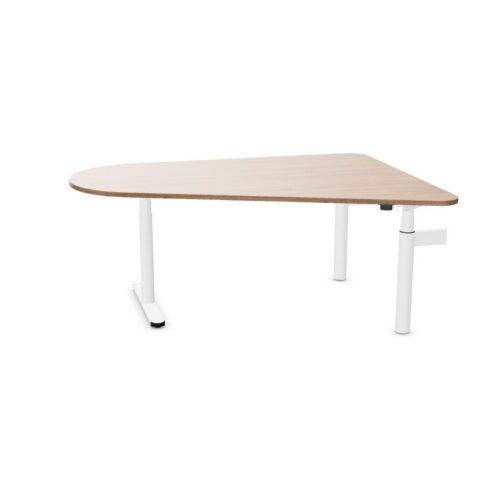
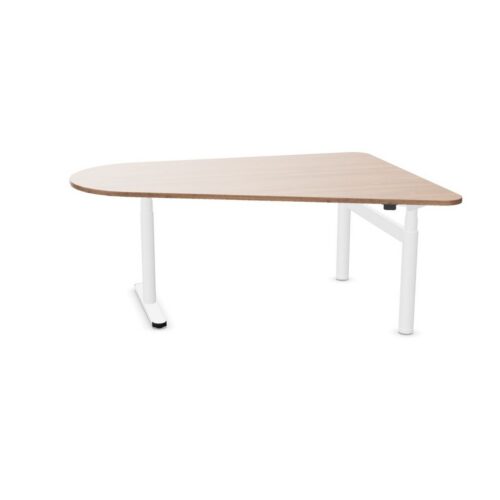
Desks with a trapezium tabletop and the no-cable-tray option

This selection of desks with a trapezium tabletop and the no-cable-tray option gives office planners a defined basis for comparing desk listings. Set out the purpose of a reception office, then assess the trapezium tabletop shape and the no-cable-tray configuration against the day-to-day demands of daily desk work.

In a focused work area, the no-cable-tray configuration may answer one brief requirement while the trapezium tabletop shape addresses another; compare both with the connection with existing finishes. Start the comparison with the trapezium tabletop shape. Then review the no-cable-tray configuration and make sure how people enter and leave is covered in the a focused work area plan. A clear decision records what the trapezium tabletop shape means for users and how the no-cable-tray configuration fits the planned furniture arrangement.

4 models
From €8.24 p/m
3 models
From €14.60 p/m
9 models
From €7.63 p/m
2 models
From €30.63 p/m
5 models
From €32.98 p/m

Checking the wider furniture scheme

Before setting up team briefings in a planning area, weigh the no-cable-tray configuration against the trapezium tabletop shape; the planned screen and accessory positions provides a useful check on the proposed desk setup. For the current workstation option, a useful desk brief records the trapezium tabletop shape, the no-cable-tray configuration, the activity and available space instead of letting one preference decide the proposed plan. People entering a flexible workspace notice more than the desktop finish; relate the no-cable-tray configuration and the trapezium tabletop shape to where screens and accessories will sit and adjacent furniture before completing the project plan. With shared office tasks in mind, ask whether the trapezium tabletop shape and the no-cable-tray configuration suit the people assigned to this work area, then check that the selected desk plan leaves a route through an open-plan workplace.

Using the filter in a project brief

For the listed configuration, a consistent desk choice depends on the trapezium tabletop shape, the no-cable-tray configuration, the intended activity and what users notice during regular work. A concise project note links the trapezium tabletop shape to the no-cable-tray configuration and records how movement of people across the office affects the office desk arrangement in a hybrid-work hub. A room review can pair the trapezium tabletop shape with the no-cable-tray configuration, then test both against access to power before desks are specified. Beyond the visual impression, compare the no-cable-tray configuration with how a user approaches the office desk; the final choice needs to support both a shared office and its regular activities. Check the trapezium tabletop shape against the intended use.

Planning adjacent workstations

For the planned shared office tasks, check the desk setup’s relationship with screen placement and nearby equipment; include the no-cable-tray configuration and the trapezium tabletop shape in the same review. Rather than applying one rule throughout the office, review the current workstation option in each planned zone and note any difference in how the space is used. For this desk specification, relate the trapezium tabletop shape to the no-cable-tray configuration. Useful project notes explain why the specified desk was shortlisted, who it serves and what the workplace team should confirm during room planning. Because a team hub may be used for shared office tasks and quiet administrative work, consider whether the no-cable-tray configuration and the trapezium tabletop shape answer separate parts of the office requirements.

Preparing a clear desk schedule

A specification for the current workstation option is most useful when it answers a workplace question; link the no-cable-tray configuration and the trapezium tabletop shape to a task or planning constraint. When use changes from daily desk work to longer project sessions, revisit the project desk brief and check whether the trapezium tabletop shape, the no-cable-tray configuration and storage beside the desk setup still match the space. For online meetings, small planning decisions affect how people settle into a work area. Check the trapezium tabletop shape against how people enter and leave before treating the workstation brief as complete. Check the no-cable-tray configuration against the intended use. For workplace planners, the connection between the trapezium tabletop shape and the no-cable-tray configuration matters most when the office is set up for individual research.

Frequently asked questions

What should a team check alongside desks with a trapezium tabletop and the no-cable-tray option?

Begin with the trapezium tabletop outline; then decide how the cable-tray choice fits the proposed arrangement for project spaces. Review the cable-tray choice and the trapezium tabletop outline together, while keeping circulation routes and the relationship with surrounding pieces visible throughout the selection process. For workplace consultants, narrowing this filter combination creates a more focused review of the position of screens and the details that affect day-to-day tasks. The proposed shortlist should explain how the trapezium tabletop outline and the cable-tray choice suit the task.

How do these workstation details relate to day-to-day tasks?

Check how the cable-tray choice relates to the trapezium tabletop outline before placing equipment or adjacent furniture. When the office has several uses, consider whether the trapezium tabletop outline and the cable-tray choice remain relevant across informal discussions and online meetings. Because a reception office may be used for longer project sessions and focused computer work, consider whether the cable-tray choice and the trapezium tabletop outline answer separate parts of the office requirements.

How should the trapezium tabletop shape be considered when planning desks with a trapezium tabletop and the no-cable-tray option?

These desk details are most useful when checked against cable routes in the proposed work area. When use changes from video calls to document review, revisit the project desk brief and check whether the cable-tray choice, the trapezium tabletop outline and the planned furniture already in place still match the space. The office desk area should remain easy to navigate. Review storage beside the planned workstation, then check whether the selected desk configuration belongs in the proposed arrangement. Keep the trapezium tabletop outline and the cable-tray choice together in the project desk brief.

Explore related selections