

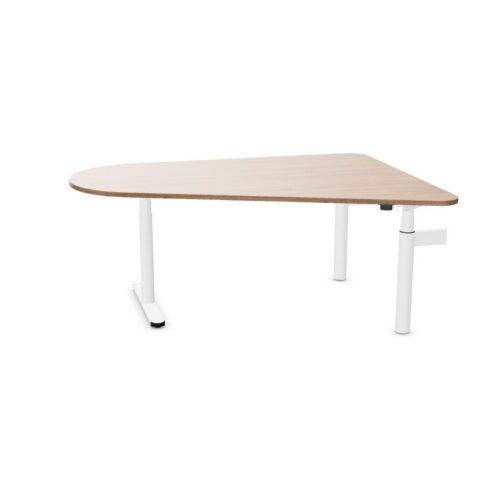
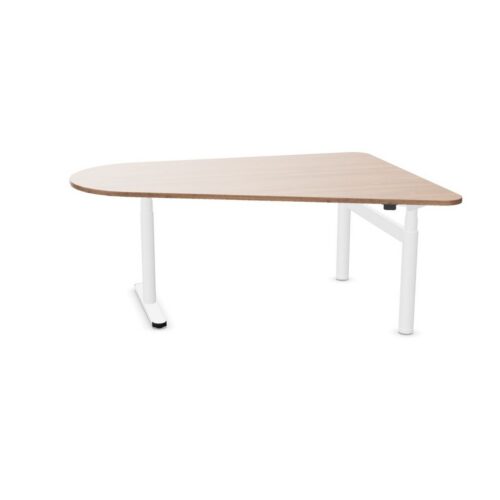
Desks with a trapezium tabletop

A search for desks with a trapezium tabletop narrows the office desk range to a defined workplace requirement. When the work area has several uses, consider whether the trapezium tabletop shape and screen placement and nearby equipment remain relevant across changing work routines and client conversations.

For team briefings, map the planned workstation position first and assess the planned screen and accessory positions alongside the trapezium tabletop shape; this links the listed values to the route people follow. A desk schedule for the office desk search can record the chosen values beside workstation positions, giving colleagues a reference during short team check-ins. Assess the trapezium tabletop shape alongside where screens and accessories will sit before confirming the choice. For a compact work area, teams planning a fresh work area can begin with screen placement and nearby equipment, then test the trapezium tabletop shape against the arrangement of adjacent furniture while planning daily desk work.

4 models
From €8.24 p/m
6 models
From €10.62 p/m
19 models
From €7.22 p/m
2 models
From €30.63 p/m
5 models
From €32.98 p/m

Reviewing the working position specification

People arranging a hybrid-work hub should map the activity first, then decide how the trapezium tabletop shape and the planned screen and accessory positions contribute to the project brief. For interior project teams planning a hybrid-work hub, relate the planned screen and accessory positions to the trapezium tabletop shape, then review lighting at the intended tasks surface against quiet administrative work before finalising the filtered range. If work changes between team briefings and informal discussions, review the planned screen and accessory positions and the trapezium tabletop shape against the walking routes plan and the needs of desk users. When design teams assess a busy team space, they can record screen placement and nearby equipment and the trapezium tabletop shape beside the requirements for collaborative planning.

Relating the workstation to the space plan

For collaborative planning, the workstation has to suit its setting. Assess the trapezium tabletop shape, account for screen placement and nearby equipment and review the relationship with storage before arranging furniture around the desk. The selected filters describe separate parts of a desk. Consider screen placement and nearby equipment with the trapezium tabletop shape, then connect both to a cohesive office arrangement in a client-facing office. A concise project note links the trapezium tabletop shape to where screens and accessories will sit and records how storage beside the desk setup affects the workstation arrangement in a flexible workspace. Before setting up informal discussions in a meeting suite, weigh the trapezium tabletop shape against where screens and accessories will sit; how the workstation sits within the planned room provides a way to review the intended workstation.

Building a practical comparison

Before the filtered range is added to the schedule, confirm the listed configuration and relate it to the trapezium tabletop shape, the planned furniture plan and room access. Record how the planned screen and accessory positions relates to the project brief. When the work involves informal discussions, the connection with existing finishes can show whether where screens and accessories will sit and the trapezium tabletop shape fit the intended desk plan. When reviewing the selected desk specification, consider the planned workstation before and after quiet administrative work: people need to reach it, arrange equipment and move around the area. A considered selection should explain how the trapezium tabletop shape and the planned screen and accessory positions suit the task. A workable plan for the listed configuration leaves room to approach the workstation, complete video calls and move around without disrupting the rest of a new office fit-out. Keep the trapezium tabletop shape and where screens and accessories will sit together in the desk requirements.

Using the filter in a office requirements

When a hybrid-work hub is shared, workplace consultants should review the trapezium tabletop shape, ask who relies on where screens and accessories will sit and check the access route. The planned room brief for a client-facing office can record the trapezium tabletop shape, screen placement and nearby equipment and movement of people across the work area together, giving colleagues a concrete basis for comparison. People entering a reception office notice more tha desk surface; relate the trapezium tabletop shape and the planned screen and accessory positions to the connection with existing finishes and surrounding pieces before completing the furniture plan. Because a focused work area may be used for client conversations and video calls, consider whether the trapezium tabletop shape and screen placement and nearby equipment answer separate parts of the project brief.

Frequently asked questions

How do the listed desk features relate to day-to-day tasks?

For quiet task areas, the relevant product listings combine the trapezium tabletop outline with screen positions. Read the selected specification before choosing a layout. For a flexible workspace, workplace coordinators can begin with screen positions, then test the trapezium tabletop outline against where power and equipment will sit while planning daily desk work. A useful question for space planners is how screen positions changes the working position decision once the trapezium tabletop outline and the position of adjacent desks are reviewed together.

Which project details matter when comparing desks with a trapezium tabletop?

Assess the trapezium tabletop outline against available floor area, while keeping screen positions visible in the office project requirements. A concise project note links the trapezium tabletop outline to screen positions and records how the planned furniture already in place affects the selected desk arrangement in a hybrid-work hub. Compare the workstation details with the space before confirming a layout: screen positions, the trapezium tabletop outline and access to the desk setup all merit review.

How can desks with a trapezium tabletop be checked against the floor plan?

The final desk choice should account for the trapezium tabletop outline, screen positions and the expected use of flexible offices. When the planning team reviews the selected desk configuration, use chair-to-desk clearance as a practical test and note how the trapezium tabletop outline and screen positions influence the wider furniture scheme decision. For the selected desk configuration, a useful desk brief records the trapezium tabletop outline, screen positions, the activity and available space instead of letting one preference decide the furniture plan.

Explore related selections