


EN 1335 Office Chairs Without Armrests

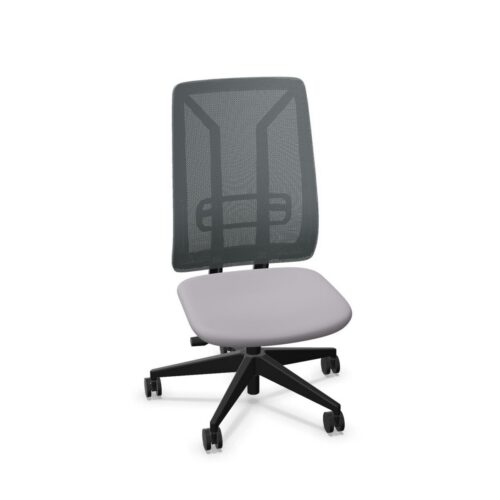
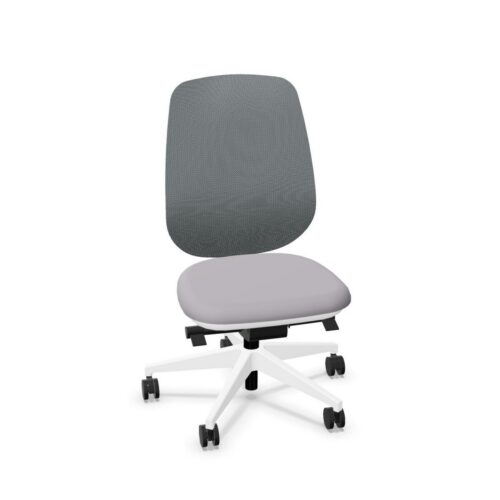
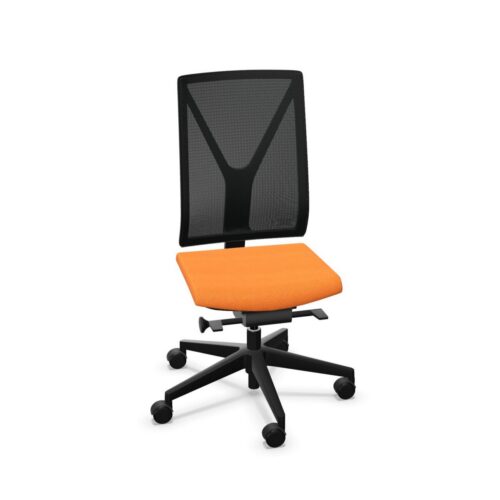
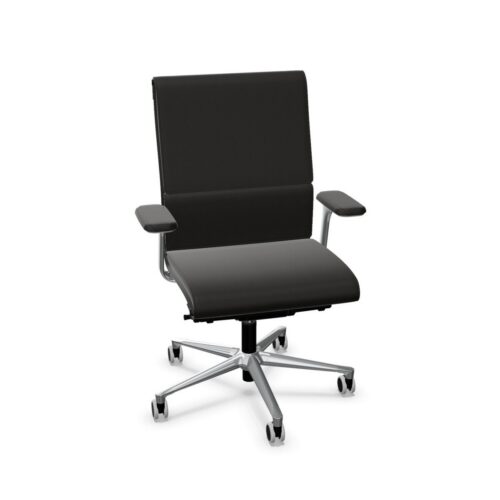
EN 1335 office chairs without armrests put the relationship between the user and the working surface at the centre of assessment. There are no chair arms to position beneath the desktop or alongside the body, but the workstation still needs to support a suitable working posture. The stated standard and the absence of armrests address different aspects of the choice. Review the evidence for the former, then test how the latter affects the actual desk tasks.

For office managers planning shared or varied work areas, this combination deserves a task sequence rather than a quick sit. Typing, writing, turning towards a colleague and leaving the desk can reveal different requirements. Compare office chairs at the seat position each participant needs, with equipment arranged as it would be during normal work. That gives a clearer picture of access, reach and forearm support than judging the open sides of the chair alone.

2 models
From €7.97 p/m
2 models
From €17.81 p/m
2 models
From €11.56 p/m
2 models
From €11.99 p/m
18 models
From €15.83 p/m
3 models
From €16.85 p/m
6 models
From €17.67 p/m

Begin With The Working Surface

EN 1335 office chairs without armrests leave forearm support to the way the user and workstation are arranged. Establish where the keyboard, pointing device and paperwork will sit before assessing the chair. Otherwise, a change in equipment position can obscure what the seating itself contributes to the working arrangement.

Ask each participant to settle into a normal task rather than adopt a demonstration pose. Observe shoulder position, reach and contact with the desk edge. The aim is to understand the whole arrangement, including any tendency to lean forward or hold the arms away from the body during work.

Check Access Through Real Movements

The absence of armrests removes one possible point of contact with the desktop, but it does not establish how close every user can sit. Seat dimensions, desk structure and personal proportions remain relevant. Inspect the approach to the working surface from the position required for the person's usual activities.

Include entry, exit and changes of direction in the trial. Ask users to reach for frequently handled items and turn towards adjacent work areas. Record the movements that feel restricted and identify their cause. Open sides alone should not become a substitute for checking the surrounding workspace carefully.

Make Shared Seating Assessments Representative

When assessing EN 1335 office chairs without armrests for shared use, involve people whose tasks and body proportions differ. A workstation arrangement that works for one colleague may require changes for another. Keep the equipment position consistent initially, then document any changes needed to support each participant's work.

Separate observations about the chair from observations about the desk. For example, reaching towards a distant keyboard calls for a different response from difficulty achieving an appropriate seated position. This distinction helps an office manager decide which issues seating can address and which require attention elsewhere in the workstation.

Connect The Standard With Workplace Evidence

Review the documentation supporting the EN 1335 designation and identify the seating configuration to which it applies. Do not use the designation as an answer to every question about individual suitability. It belongs alongside the practical findings, with any gaps or uncertainties made clear before chairs are allocated.

A useful comparison of EN 1335 office chairs without armrests records the same tasks, questions and observations for every option. Include working reach, desk contact, changes of position and the support available during each activity. Keep the assessment focused on the intended setting instead of assuming suitability across unrelated uses.

Armless Seating Questions

Does the absence of armrests ensure desk clearance?

It removes armrest contact from the assessment, but clearance still depends on the chair, desk and user together. Check the desk structure and seated position directly. A chair without arms can still leave someone too far from equipment if other dimensions are unsuitable.

Where should forearm support come from?

Assess the working surface and equipment arrangement during the intended task. Check whether the user can work with relaxed shoulders and without reaching excessively. The absence of chair arms makes this relationship especially relevant, but it does not prescribe one arrangement for every workstation.

How should managers compare feedback from different users?

Ask each person the same practical questions and record the task behind each comment. Distinguish a preference for open sides from an observed problem with reach or posture. Compare those findings with the intended user group and the evidence supporting the stated standard.

Explore related selections