

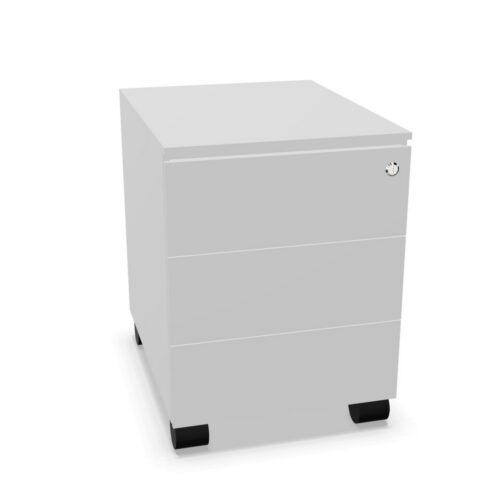
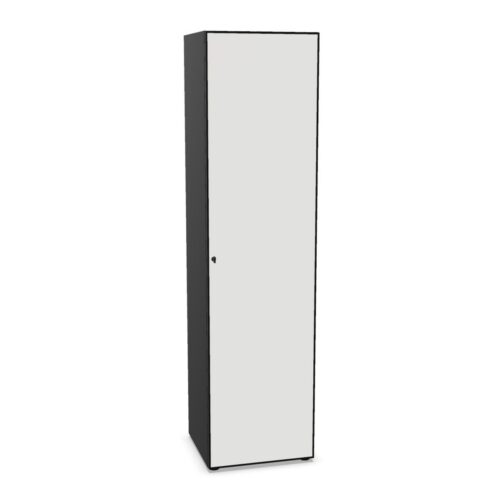
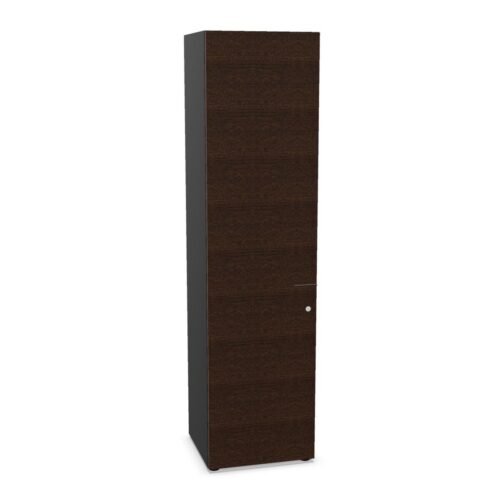
Office Cabinets with Cylinder Locks and Metal Doors

This group contains cabinets carrying both a cylinder-lock attribute and a metal-door value. The filters help narrow the catalogue but do not fully describe the lock, door finish or cabinet body. Review the selected product’s information for the exact configuration and components.

A cylinder lock does not by itself establish a security grade or keying arrangement. Metal identifies the door material, not necessarily the sides, back or interior. Confirm each feature in the product specification rather than extending a filter value to the whole cabinet.

Compare dimensions, storage layout and door access with the intended room. Product drawings and manufacturer instructions can clarify the exact details. These checks help assess whether a cylinder-lock cabinet with metal doors fits the storage requiremen

Review the specified key operation and metal finish separately, since the two filters do not describe a single complete cabinet feature.

65 models
From €0.96 p/m
40 models
From €3.03 p/m
34 models
From €2.91 p/m
36 models
From €2.44 p/m
36 models
From €4.22 p/m
3 models
From €16.97 p/m
13 models
From €3.20 p/m
39 models
From €5.17 p/m
2 models
From €7.99 p/m
2 models
From €17.65 p/m
131 models
From €2.93 p/m
8 models
From €9.02 p/m
2 models
From €10.09 p/m
2 models
From €17.06 p/m
45 models
From €4.39 p/m
37 models
From €6.25 p/m
10 models
From €21.87 p/m
3 models
From €12.67 p/m
3 models
From €4.69 p/m
10 models
From €10.21 p/m

Verify the cylinder-lock fitting

Check whether the model includes a cylinder lock and review details about its operation and keys. The filter does not identify the key system, number of supplied keys, replacement procedure or security grade. Confirm any access-related requirement on the individual product record.

For shared use, decide how authorised users will obtain keys and who is responsible for them. Keep instructions available for facilities staff. If the project specifies a particular level of security, request evidence about the exact lock rather than inferring it from the catalogue field.

Review the metal doors

Metal describes the door-material attribute. Check the product page for finish, panel construction, handles, hinges and opening direction. Review body and interior materials independently, since the door label does not describe every cabinet component.

Confirm that users have room to open the doors and reach the contents. If the cabinet will be used often, consult surface-care instructions for the selected finish. A metal-door value alone does not confirm a lock, a particular coating or identical construction across products.

Plan storage and access together

Check the interior dimensions, shelf arrangement and supplied components. Measure intended files or equipment and compare them with the available clearances. Follow the model’s loading guidance, and arrange contents so that users can retrieve them without blocking door movement.

Think through how people will access locked storage in daily work. Keep the cabinet in a position that allows authorised users to reach the cylinder and open the doors comfortably. Use labels or a simple inventory when several colleagues share the contents.

Frequently asked questions

Does the lock filter show how keys are arranged?

No. Confirm the key system with the product details.

Does metal describe every cabinet panel?

No. It applies to the door attribute.

What should I check before installation?

Dimensions, door swing, access and the model’s assembly guidance.

Confirm the location and model

Measure the installation area and delivery route, then compare them with the cabinet’s external dimensions and setup requirements. Allow space for the full door swing and for safe access. Check whether assembly guidance affects placement.

The same filters may apply to cabinets that differ in size, body materials, shelf layout and fittings. Compare exact listings, especially when replacing an existing unit. Keep the selected model reference with lock instructions and maintenance information.

Confirm the exact configuration

The cylinder-lock and metal-door filters identify a useful catalogue group, but they do not replace model-level checks. Confirm what lock is included, how it operates and what information is supplied about keys. The filter does not state whether keys are alike, how many are provided or what security grade applies. Establish a key-management process if the cabinet is shared. For the doors, verify material, finish and hardware. Metal applies to the doors; check other cabinet components independently. Review dimensions, internal layout and included shelves before deciding what the cabinet will hold. Measure stored items and compare them with clearances and door access. Follow load recommendations and assembly instructions for the selected model. At the planned location, make sure the doors open without hitting furniture or obstructing a passage, and that users can reach the lock. Labels and a basic inventory can help colleagues maintain the cabinet’s organisation. If this unit replaces another, compare actual exterior and interior measurements rather than relying on the same filter values. Keep care and operating information available for facilities staff. Product-specific details determine fit and configuration, while filters simply help locate candidates. Verifying each point before ordering reduces surprises and keeps access arrangements aligned with how the cabinet will be used.

Explore related selections