



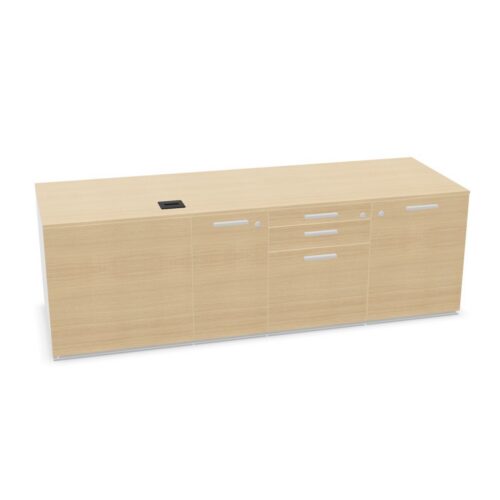
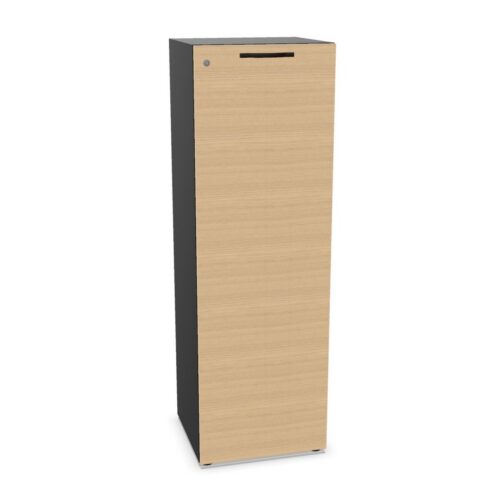


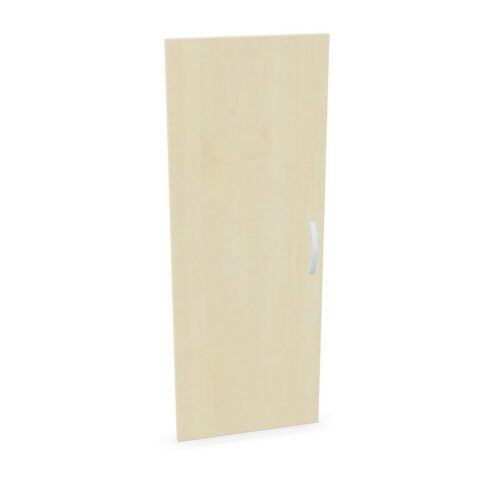


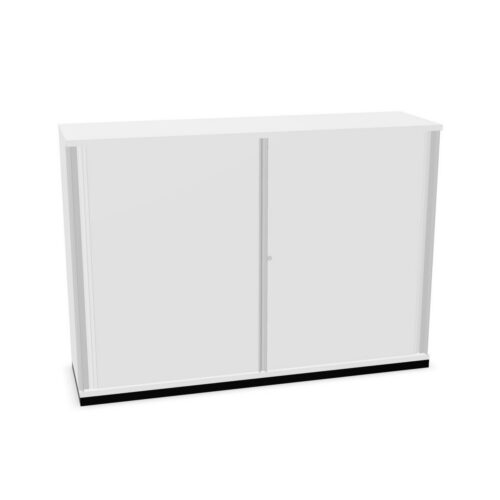

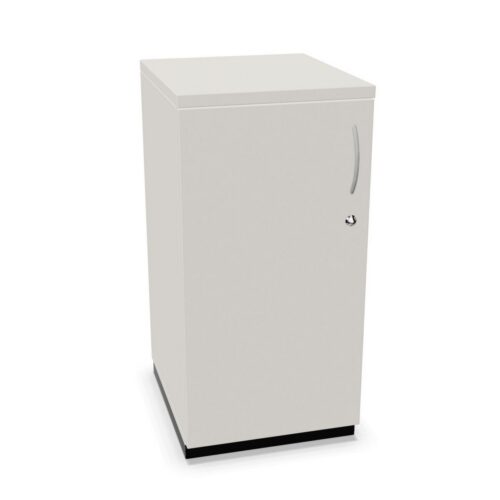

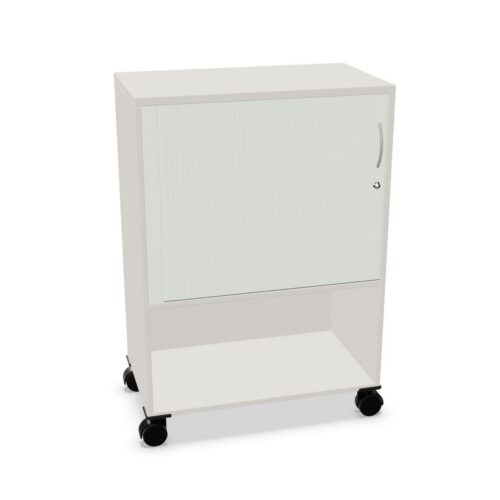

Confirm the lock and key information
Check that the selected model includes a cylinder lock and review any notes about keys, operation or replacement. The filter does not tell you how many keys are provided, whether the lock is keyed alike or what security level it meets. Confirm those points before assigning access.
For a shared office, decide who will manage keys and how authorised users can obtain them. Keep operating instructions with the product record. If a project requires a particular lock standard, obtain documentation for the exact cabinet and fitting rather than relying on the catalogue label.
Review the plastic door specification
The plastic value describes the doors in this filter. Check the individual listing for surface finish, panel construction, colour, handles and hinges. The cabinet body and interior may use different materials, so review them as separate components.
Consider the opening direction and space needed for access. Follow the care instructions supplied for the actual door surface, especially where the cabinet will be handled frequently. The material category alone does not specify cleaning agents or establish a performance claim.
Match storage to the interior
Confirm shelf count, internal measurements and included fittings on the product page. A lock and door material do not describe usable capacity. Measure files, containers or equipment against the documented clearances and review loading instructions before setting up the cabinet.
If several colleagues will use the storage, label shared contents and keep frequently needed items accessible. Make sure stored materials do not prevent the plastic doors from closing or block access to the lock. Follow guidance for placing heavy objects.
Frequently asked questions
Does a cylinder lock specify the key system?
No. Confirm the key details for the selected cabinet.
Does plastic describe the whole cabinet?
No. It is the door-material value.
Does a lock indicate a security grade?
Not by itself. Check the product’s technical documentation.
