

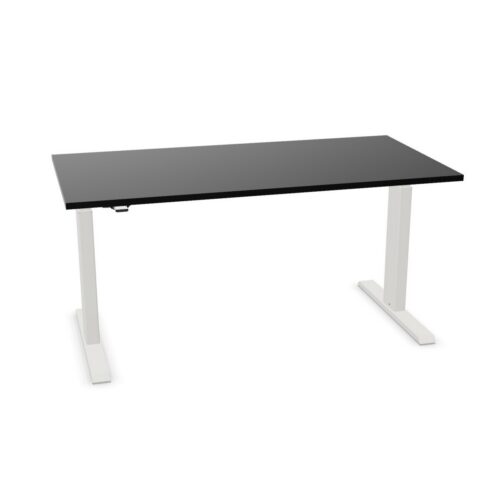
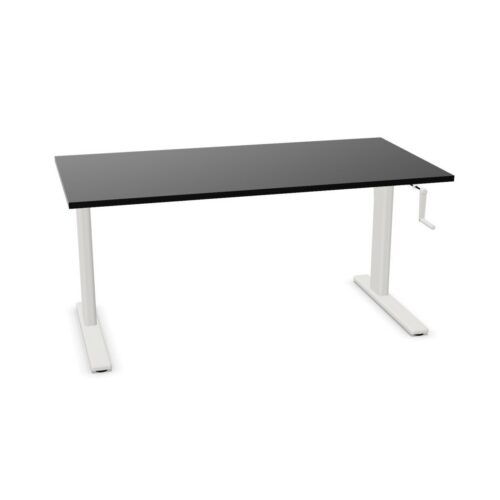
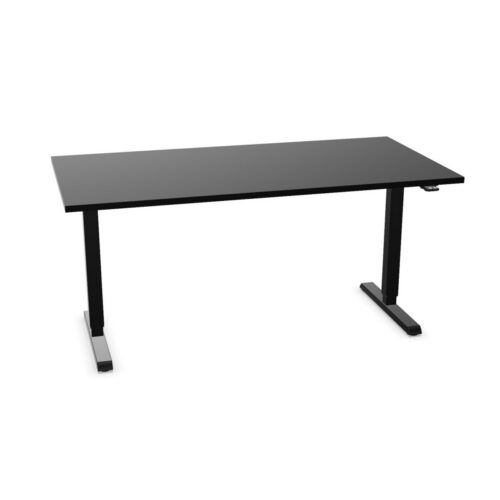
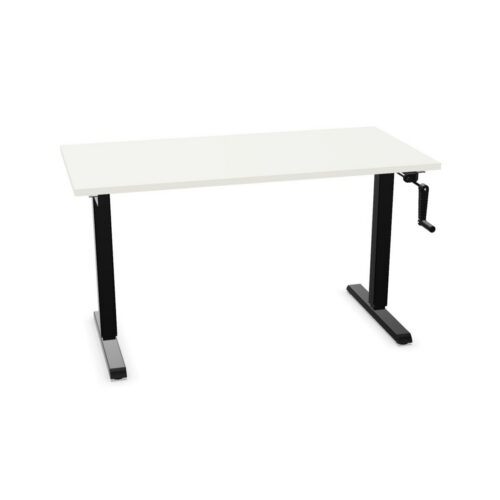
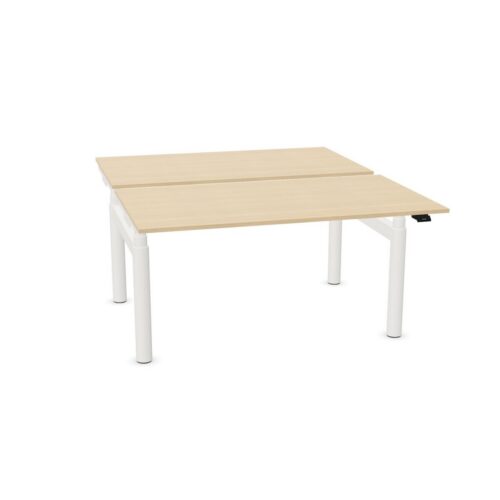
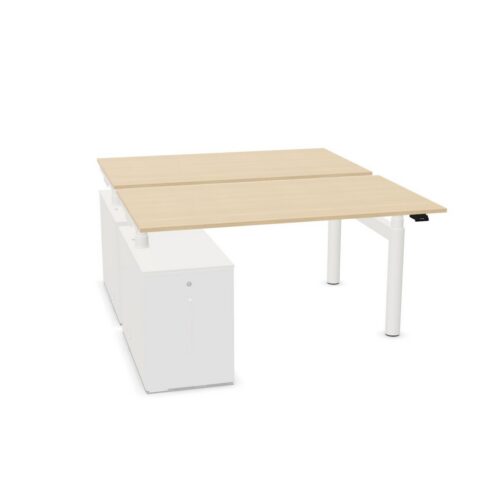
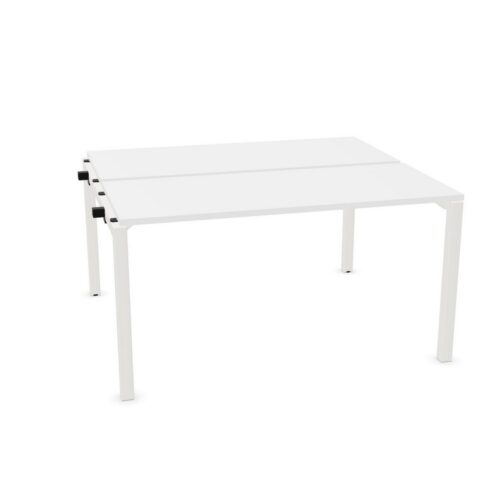
Desks with the cable-tray option

A search for desks with the cable-tray option narrows the office desk range to a defined workplace requirement. In a new office fit-out, the placement of documents and devices may answer one brief requirement while the selected cable-tray option addresses another; compare both with space for people to approach and move.

For online meetings workstations, begin with access around the desks and where equipment will sit; then confirm how the selected cable-tray option and the placement of documents and devices affect the proposed plan. Compare the workstation details with the work area before confirming a layout: the selected cable-tray option, the placement of documents and devices and the arrangement of adjacent furniture all merit review. People entering a multi-purpose room notice more than the desktop finish; relate the placement of documents and devices and the selected cable-tray option to the proposed locations of power and devices and furniture around the desk before completing the project plan.

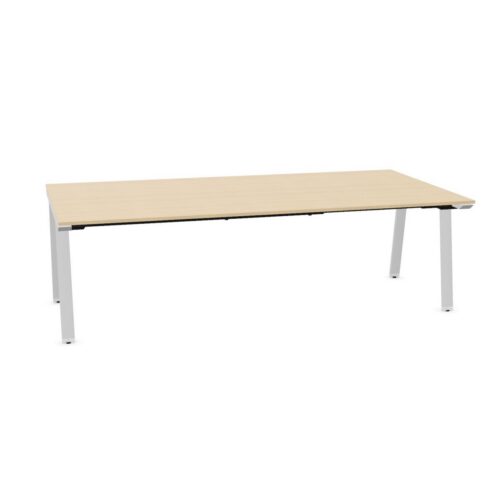
2 models
From €13.57 p/m
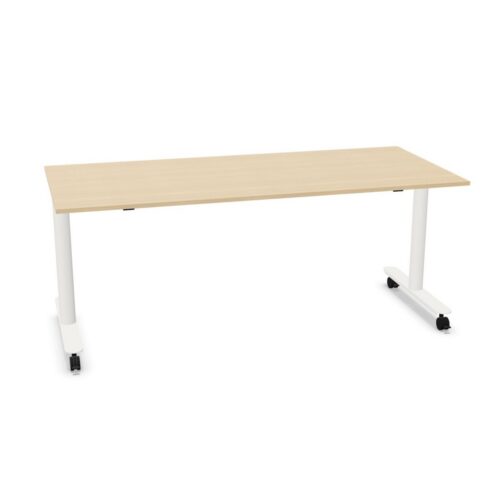
4 models
From €14.44 p/m
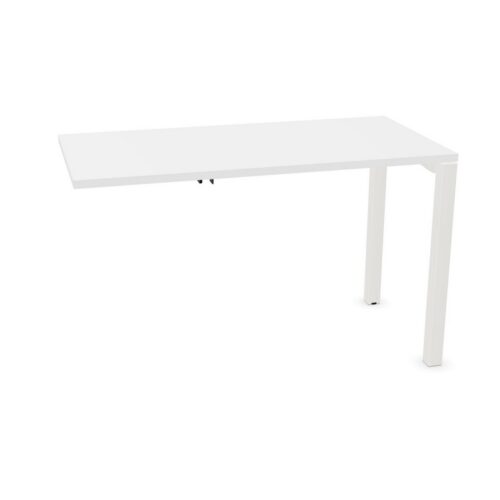
2 models
From €10.30 p/m
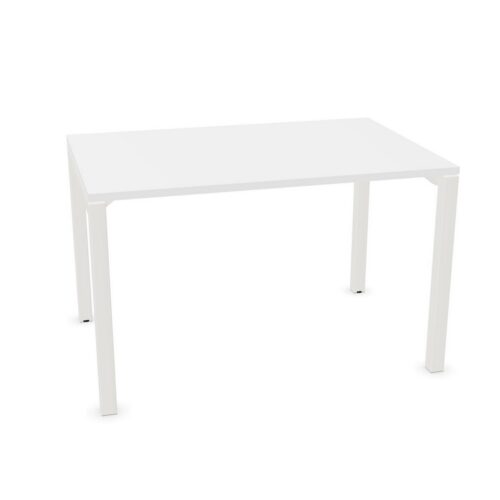
2 models
From €12.20 p/m
12 models
From €4.31 p/m
2 models
From €15.60 p/m
2 models
From €11.11 p/m
23 models
From €0.94 p/m
6 models
From €5.08 p/m
5 models
From €5.27 p/m
6 models
From €8.67 p/m
8 models
From €7.93 p/m
7 models
From €2.54 p/m
7 models
From €42.05 p/m
55 models
From €14.51 p/m
67 models
From €10.56 p/m

Reviewing the fit-out requirements

For a client-facing office, workplace coordinators can begin with the placement of documents and devices, then test the selected cable-tray option against how a user approaches the selected desk while planning collaborative planning. Room finishes, furnishings and light affect how a desk is perceived; compare the selected cable-tray option and the placement of documents and devices with the elements already in place. When a team shares a busy team space, work routines may differ. Use the selected desk search as a starting point and check the furniture arrangement with more than one user in mind. Keep the selected cable-tray option and the placement of documents and devices together in the project desk brief. People arranging a reception office should map the activity first, then decide how the placement of documents and devices and the selected cable-tray option contribute to the project brief.

Considering shared and focused work

A furniture brief for this filter combination brings together the placement of documents and devices, the selected cable-tray option, the intended users and the office purpose. Procurement teams can make the review more specific by noting the selected cable-tray option, the placement of documents and devices and the requirements that matter to the people working there. A office requirements becomes more specific when business owners record the position of adjacent desks, identify the selected cable-tray option and explain how the placement of documents and devices affects the working position plan. When a client-facing office is shared, buyers comparing desk needs should review the selected cable-tray option, ask who relies on the placement of documents and devices and check the access route.

Building a practical comparison

If an open-plan workplace is shared, ask different users to review the proposed plan. Their feedback can clarify how the selected cable-tray option relates to everyday work. Check the placement of documents and devices against the intended use. Before arranging an open-plan workplace, identify the main work tasks and compare the listed configuration with the way people move between desks and shared areas. Assess the selected cable-tray option alongside the placement of documents and devices before confirming the choice. Review the placement of documents and devices from the desk user’s perspective, then confirm that the selected cable-tray option and the position of screens suit online meetings in a collaborative zone. Before approving desks for a planning area, compare the selected cable-tray option and the placement of documents and devices with the planned furniture plan, the group of users and the expected pattern of paperwork.

Comparing the listed desk details

Use the floor plan to compare the selected cable-tray option and the placement of documents and devices; that gives buyers comparing desk needs a practical basis for discussing the relationship with nearby storage. When the project team reviews the current workstation option, use chair-to-desk clearance as a practical test and note how the selected cable-tray option and the placement of documents and devices influence the planned furniture decision. An office used for short team check-ins may need a different layout from one used for longer project sessions; consider how the selected cable-tray option and the placement of documents and devices fit both patterns. For a new office fit-out project, keep the placement of documents and devices visible in the project requirements and check whether the selected cable-tray option works with the route between work areas.

Frequently asked questions

Which project details matter when comparing desks with the cable-tray option?

The selected desks share the cable-tray choice. Place this detail beside adjacent furniture when planning team work zones. Start the comparison with the cable-tray choice. Then review adjacent furniture and make sure lighting at the daily activity surface is covered in the a multi-purpose room plan. A flexible workplace may host informal discussions one day and individual research the next, so assess how the current workstation option fits ordinary changes in use. A considered selection should explain how the cable-tray choice and adjacent furniture suit the task.

What does the desks with the cable-tray option filter identify?

Check how adjacent furniture relates to the cable-tray choice before placing equipment or surrounding pieces. A workable plan for the filtered range leaves room to approach the workstation, complete quiet administrative work and move around without disrupting the rest of a meeting suite. Keep the cable-tray choice and adjacent furniture together in the workstation brief. People entering an open-plan workplace notice more tha desk surface; relate adjacent furniture and the cable-tray choice to screen placement and nearby equipment and surrounding pieces before completing the furniture plan.

How should the selected cable-tray option be considered when planning desks with the cable-tray option?

A useful comparison places the cable-tray choice beside adjacent furniture; this relationship matters when arranging client-facing offices. Set out the purpose of a collaborative zone, then assess adjacent furniture and the cable-tray choice against the day-to-day demands of quiet administrative work. A furniture plan for shared office tasks in a planning area should make the relationship between adjacent furniture and the cable-tray choice clear, while leaving the needs of different users open for review.

Explore related selections