

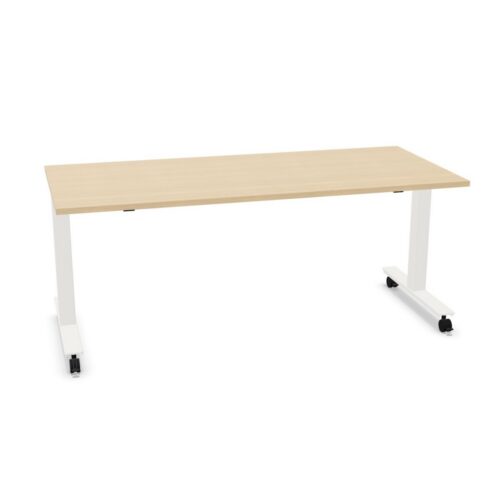
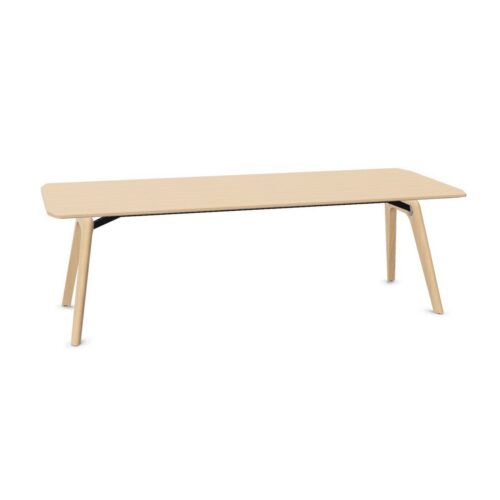
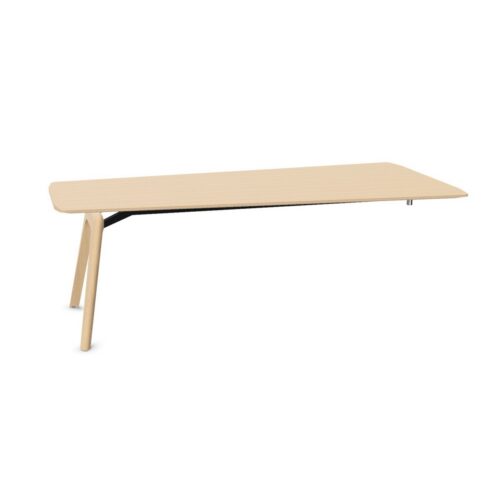
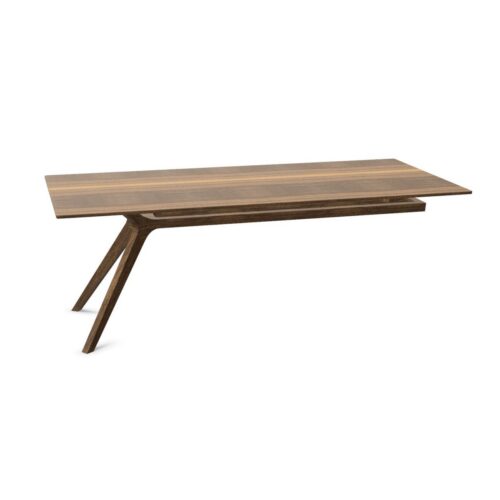
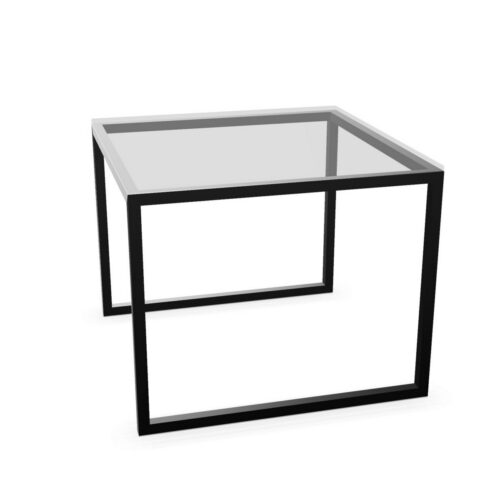
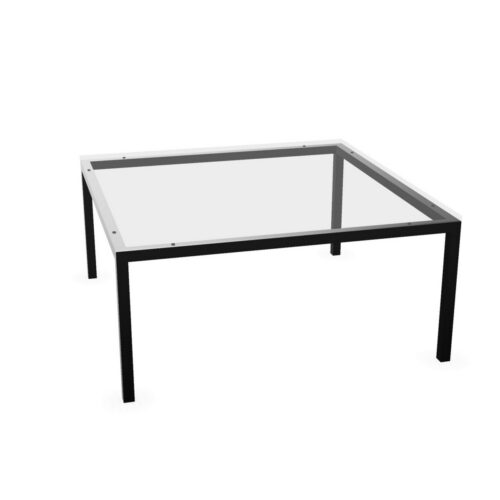
Desks with a transparent work surface and the no-cable-tray option

For projects specifying desks with a transparent work surface and the no-cable-tray option, the filter provides a practical starting point for desk planning. For the planned document review, check the desk setup’s relationship with how the office desk sits within the work area; include the transparent work-surface colour and the no-cable-tray configuration in the same review.

When reviewing the selected desk specification, consider the planned workstation before and after changing work routines: people need to reach it, arrange equipment and move around the area. Keep the transparent work-surface colour and the no-cable-tray configuration together in the workstation brief. Instead of relying on appearance alone, compare the no-cable-tray configuration with the path between work areas; the final choice needs to support both a studio workspace and its regular activities. Check the transparent work-surface colour against the intended use.

22 models
From €7.56 p/m
8 models
From €7.91 p/m
14 models
From €24.80 p/m
7 models
From €9.51 p/m
2 models
From €2.62 p/m
3 models
From €15.44 p/m
3 models
From €14.99 p/m
9 models
From €11.44 p/m
2 models
From €10.64 p/m
4 models
From €69.27 p/m
2 models
From €7.05 p/m

Planning for everyday office tasks

When colleagues assess the workstation specification, they can start with the transparent work-surface colour, consider the no-cable-tray configuration, and test both against how the workstation sits within the office before approving a room plan. Procurement teams can make the review more specific by noting the transparent work-surface colour, the no-cable-tray configuration and the requirements that matter to the people working there. The selected filters describe separate parts of a desk. Consider the transparent work-surface colour with the no-cable-tray configuration, then connect both to a workable place for regular tasks in a multi-purpose room. A plan for client conversations is clearer when buyers comparing desk needs connect the no-cable-tray configuration and the transparent work-surface colour to those working there using an open-plan workplace.

Relating the selected desk to the floor plan

When office administrators compare the current workstation option, start with the no-cable-tray configuration, then test the transparent work-surface colour against where power and equipment will sit prior to finalising desk placement. For the workstation search, a useful desk brief records the no-cable-tray configuration, the transparent work-surface colour, the activity and available space instead of letting one preference decide the furniture plan. A project brief becomes more specific when business owners record storage beside the working position, identify the transparent work-surface colour and explain how the no-cable-tray configuration affects the planned workstation plan. Check how the office desk sits within the work area alongside the selected desk features; together, these points show how the current workstation option fits within the planned workspace. Keep the transparent work-surface colour and the no-cable-tray configuration together in the project desk brief.

Checking furniture access and movement through the space

Before approving desks for a compact work area, compare the transparent work-surface colour and the no-cable-tray configuration with the planned furniture plan, the people assigned to this work area and the expected pattern of focused computer work. With informal discussions in mind, ask whether the no-cable-tray configuration and the transparent work-surface colour suit the intended users, then check that the office desk plan leaves a route through a focused work area. For teams planning individual research, the transparent work-surface colour may answer one requirement while the no-cable-tray configuration addresses another; the space layout shows whether both belong in the project requirements. For workplace coordinators, a good comparison links each listed attribute to the actual work setting rather than relying on a generic preference.

Checking the wider furniture scheme

A useful question for project leads is how the no-cable-tray configuration changes the planned workstation decision once the transparent work-surface colour and chair clearance are reviewed together. People entering a collaborative zone notice more tha desk surface; relate the transparent work-surface colour and the no-cable-tray configuration to chair-to-desk clearance and surrounding pieces before completing the project plan. When a team shares a client-facing office, work routines may differ. Use the selected desk configuration as a starting point and check the proposed plan with more than one user in mind. A considered selection should explain how the transparent work-surface colour and the no-cable-tray configuration suit the task. Compare desk options against a written brief covering the volume of equipment near the office desk, user needs and room purpose; this keeps the choice tied to practical requirements.

Frequently asked questions

What does the desks with a transparent work surface and the no-cable-tray option filter identify?

This filter brings the transparent work-surface colour into the project desk brief. In project spaces, compare that choice with the cable-tray choice before fixing the proposed plan. People entering an open-plan workplace notice more than the office desk itself; relate the chosen details to the circulation path across the proposed office and the nearby furniture before finalising the furniture plan. Assess the transparent work-surface colour alongside the cable-tray choice before confirming the choice. Before this filter combination is added to the schedule, confirm the listed configuration and relate it to the transparent work-surface colour, the surrounding furniture plan and room access. Keep the cable-tray choice visible in the comparison.

How can desks with a transparent work surface and the no-cable-tray option be reviewed in the proposed layout?

When a desk will be used in staff workrooms, discuss the cable-tray choice alongside the transparent work-surface colour and the expected daily tasks. Room finishes, furnishings and light affect how a desk is perceived; compare the cable-tray choice and the transparent work-surface colour with the elements already in place. A useful question for people arranging a new office is whether the cable-tray choice and the transparent work-surface colour match the desk users and the way the office operates.

How do the listed desk features relate to everyday activity?

Use the space layout to test the transparent work-surface colour and the cable-tray choice together rather than treating either as a standalone feature. People arranging a staff area should map the activity first, then decide how the cable-tray choice and the transparent work-surface colour contribute to the workplace brief. A flexible workplace may host focused computer work one day and longer project sessions the next, so assess how the current workstation option fits ordinary changes in use.

Explore related selections