



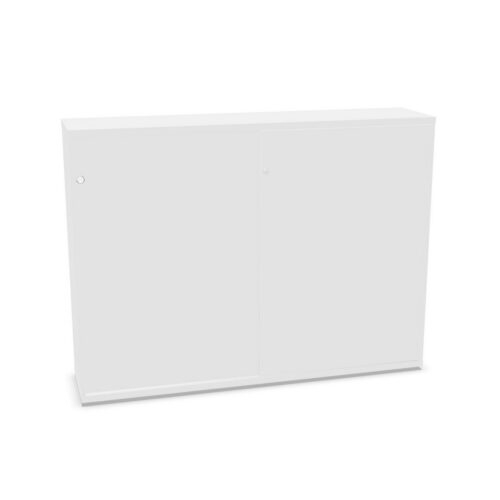


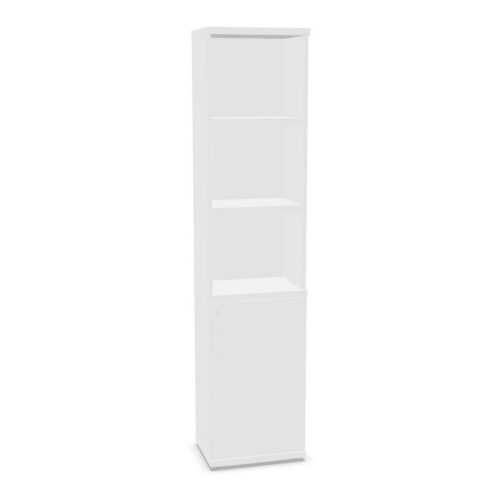


Compare brown finishes with the space
Review product images and written finish details to understand each cabinet’s appearance. Consider nearby desks, floors and storage, and whether the unit should blend with the room or create a distinct visual point.
The brown colour value does not define exact tone, surface or material. Verify product-specific information where these details matter. If selecting multiple units, compare their finishes together and check the stated details for each model.
Check what one shelf supports
The filter indicates one shelf but does not state its position, dimensions or capacity. Review the cabinet’s interior information and compare it with the planned contents. Check specific item sizes and consider whether other interior features are included.
A clear storage purpose can make one shelf useful. Group related materials and keep frequently accessed items convenient as the actual layout permits. If others share the cabinet, explain where contents belong and how the arrangement should be maintained.
Review access and placement
Check overall dimensions and opening details against the intended position. Consider nearby work areas and routes through the room. The chosen cabinet should fit its location and allow users to retrieve contents comfortably.
Decide who will maintain shared storage and how often it should be reviewed. A defined role helps prevent miscellaneous items from accumulating. Consider the finish alongside practical storage requirements in the broader room plan.
Questions about brown cabinets with one shelf
Does the filter confirm all interior details?
No. Review the selected product listing for the complete configuration and dimensions.
Does shelf count define storage capacity?
No. Check the model’s specifications for measurements and any stated capacity.
How can shared cabinet storage stay useful?
Define its contents, communicate the arrangement and review it periodically with users.
