









Review the white finish
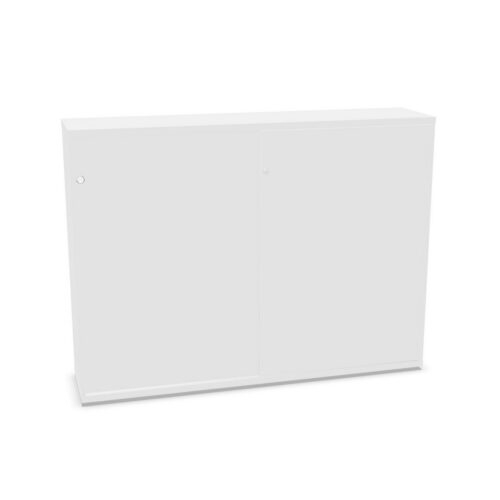
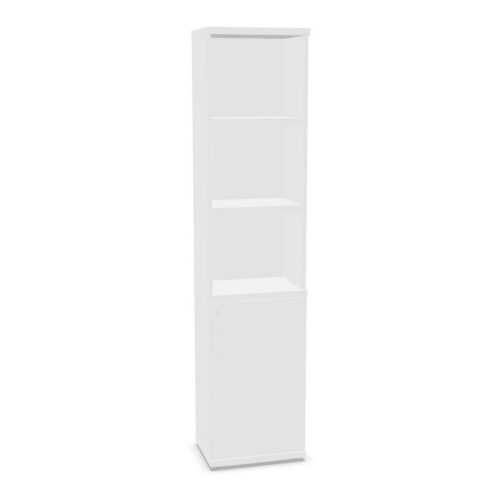
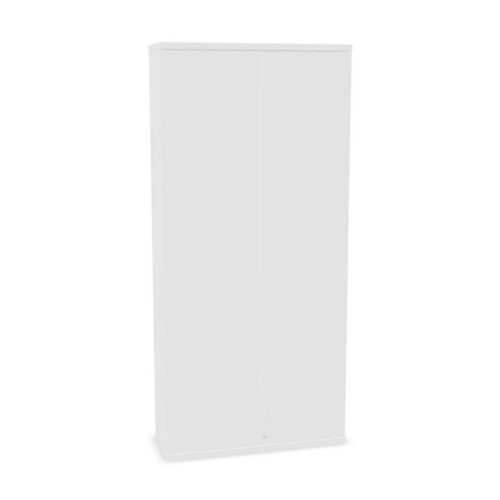
White can appear in different tones and surface treatments. Compare each cabinet’s images and written finish information with nearby desks, walls and storage. A light cabinet may coordinate with an interior or create contrast against darker furniture.
The colour filter does not define exact tone, sheen or material. Confirm those details on the product page if they matter. When several units are planned, compare each model’s information and assess them together.
Check what one shelf can hold
The filter indicates one shelf but does not state its position, dimensions or capacity. Review the actual product interior and compare it with the contents. Check size-sensitive materials against stated measurements before planning around the cabinet.
Give the shelf a clear purpose and group related items together. If other people share the cabinet, explain where contents belong and how to maintain the arrangement. Keep frequently used materials accessible as the selected model’s layout permits.
Consider room placement and access
Compare the cabinet’s overall dimensions and opening details with the intended location. Consider nearby furniture, routes and how users will approach the unit. Practical access depends on both the selected product and the room layout.
For shared use, decide who will review the contents and remove materials no longer needed. A defined role can help prevent miscellaneous items from taking over. Include the white finish in the room plan alongside practical needs.
Compare full product details
Products matching white and one shelf may differ in materials, doors and other interior features. Read each listing for verified information and care guidance. Do not assume every result has the same configuration.
Compare the actual product with the storage task, available space and user routine. Confirm details that affect the choice before selecting a cabinet.
