



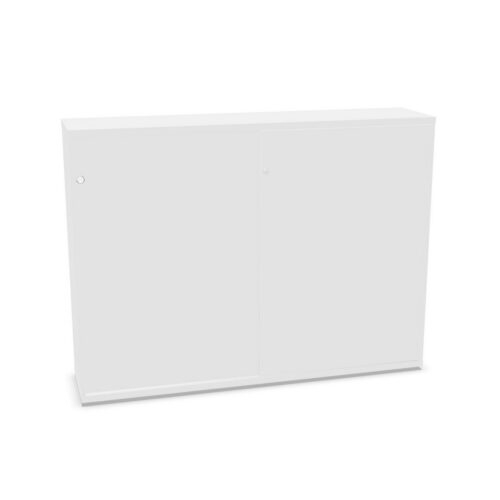


Confirm the visible surfaces
Check product images and descriptions to identify which parts are transparent. The filter value does not confirm that the full cabinet has the same appearance or material. Verify the exact model.
Review construction and cleaning guidance. Transparent surfaces can have model-specific care needs, so follow the product’s own instructions.
Review three-shelf configuration
Compare measured shelf positions with intended contents. The count does not establish spacing or capacity, and products may differ in interior arrangement.
Confirm fittings, doors and loading information in the product listing. Use actual measurements rather than the shelf label to plan storage.
Keep visible categories clear
If contents are visible, use simple groups and labels so users can identify materials quickly. Arrange by task, ownership or frequency of access.
Agree who maintains the cabinet and how items are returned. Review categories periodically to avoid visual clutter and outdated supplies.
Consider room and lighting
Compare the product’s appearance with surrounding furniture and consider how lighting affects visibility. Check dimensions and opening access against the planned location.
Make sure users can approach the cabinet and retrieve contents without blocking circulation. Confirm placement guidance before installation.
Compare complete specifications
Assess visibility, interior, access, construction, care and planned contents for each candidate. Verify decision-critical facts in product information.
After selection, follow the model’s maintenance and loading instructions. Keep the three-shelf arrangement useful as work needs evolve.
Frequently asked questions
Does transparent describe the entire unit?
Not necessarily. Check the product’s panel details.
Does three shelves determine capacity?
No. Use model-specific measurements and loading details.
What helps visible storage stay clear?
Simple categories and regular contents reviews.
