



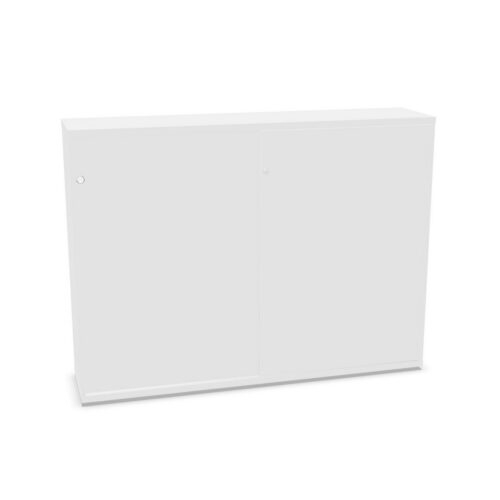


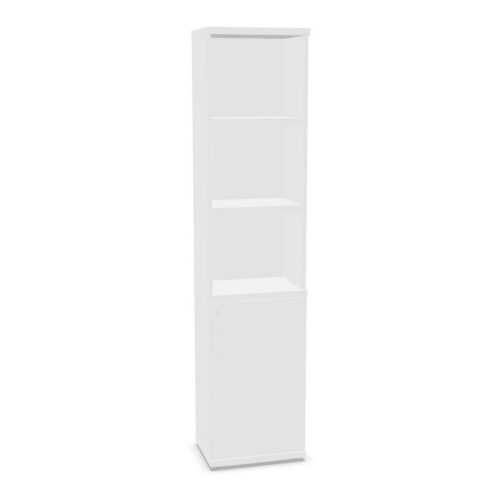


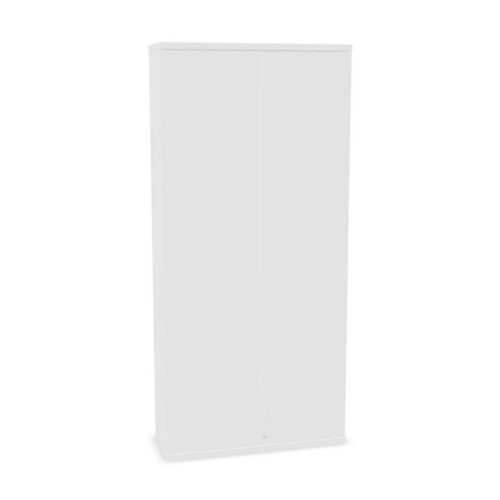


Compare brown finishes in context
Brown can cover different tones and surface appearances. Review the product images and written details for each candidate, then consider nearby desks, floors and other storage. Decide whether the cabinet should coordinate with the room or provide a distinct storage point.
The colour filter does not define exact tone, texture or material. Verify details for the selected product where they affect the project. If multiple units are planned, compare their product information together and confirm each model individually.
Plan the three-shelf arrangement
The filter indicates three shelves but does not specify spacing, dimensions or load capacity. Review the selected cabinet’s interior information and compare it with the items to be stored. Consider whether users can reach each level and keep materials distinct.
A simple plan can group contents by task, ownership or frequency of use. Explain the arrangement to colleagues and check any size requirements against the model’s stated measurements. Do not assume capacity from the shelf count.
Check placement and access
Compare the cabinet’s dimensions and opening details with the planned location. Consider nearby workstations, routes and user approach. Convenient access depends on both the model and the surrounding room.
For shared storage, decide who maintains the contents and when to review them. A defined purpose can keep shelves useful and prevent unrelated materials from accumulating. Include the brown finish as part of the wider room scheme.
Verify the full product details
Products matching brown and three shelves can vary in materials, doors and other interior features. Read each listing for verified specifications and care guidance. Do not assume that similar filter results are interchangeable.
Compare the actual product against the intended contents, access needs and available space. Confirm details that affect the project before choosing. This keeps the decision grounded in the cabinet itself.
