



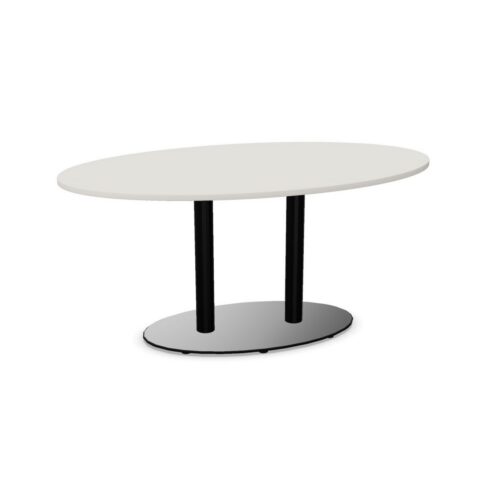


Routing cables for conference tables with elliptical tops
Map the route between the room's services, the tray and the devices used during meetings. The curved tabletop edge does not determine that route, and the tray may serve some working positions differently from others. Check how leads would reach participants near the ends as well as those along the sides. Keep the route away from the places where chairs are approached or moved. If a shared device stays in the room, decide where its connection belongs before planning temporary laptop leads. This gives the room a coherent starting arrangement rather than a different cable path at each session.
Match working positions to the curve
Participants seated around an ellipse face different directions, so consider device use alongside conversation. Someone reviewing a laptop should still be able to look toward colleagues or the shared display without moving equipment into another person's area. Check the available working surface at each intended position and how a connected lead would leave it. Do not infer identical working conditions around the entire perimeter from the tabletop shape. Try the seating arrangement with the kinds of items meetings involve, then adjust chair positions where the curve changes the relationship between personal notes, devices and shared reference material.
