

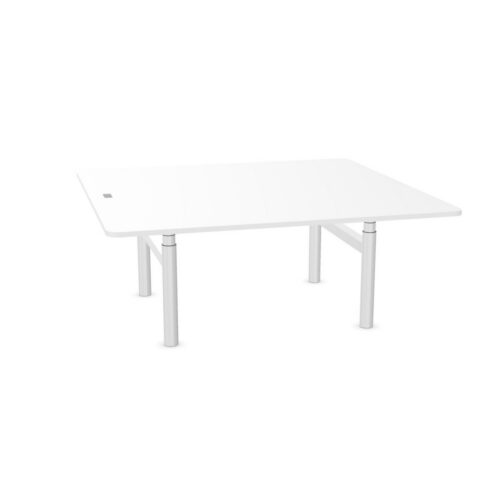
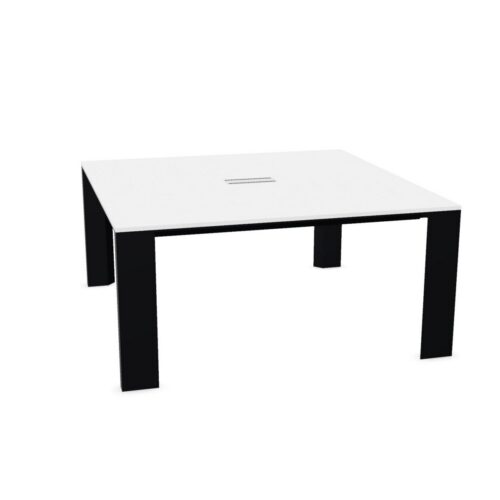
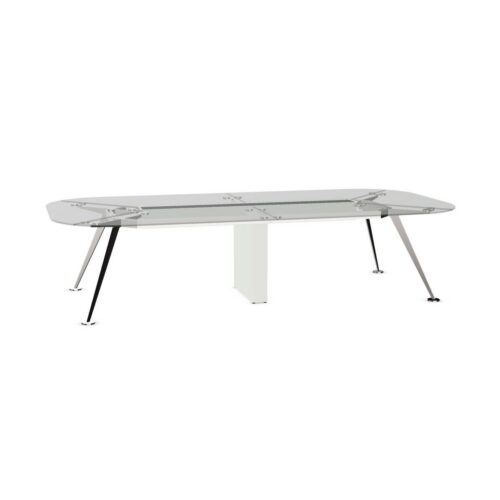
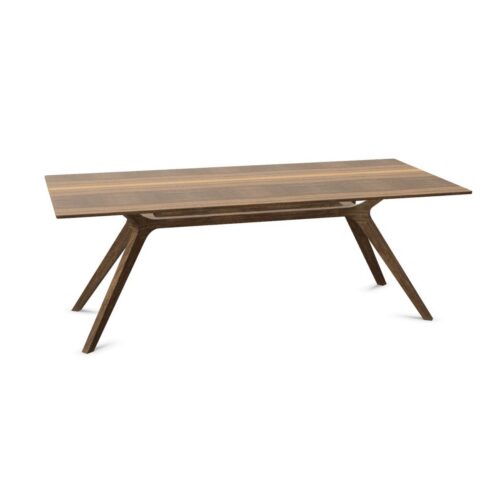
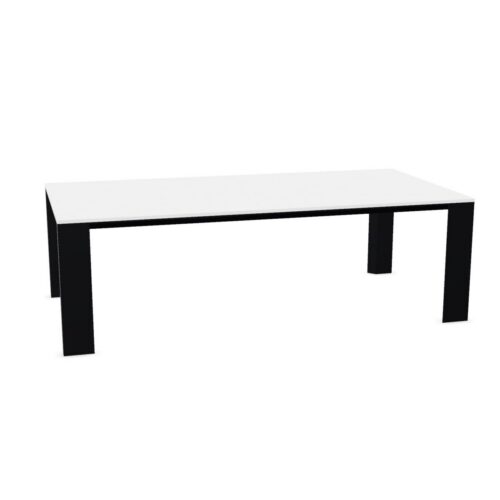
Rectangular Meeting Tables With Cable Trays

Conference tables with rectangular tops and a cable tray bring straight-sided meeting organization together with a place to gather cables. The combination is relevant when participants use devices from opposing positions or when shared presentation equipment stays in the room. The rectangular outline helps define sides and ends, while the tray needs to be assessed against the actual positions where connections will be used.

Plan the meeting arrangement from the people and equipment outward. Decide where the presenter will work, how participants will face shared information and where the room’s connections enter the arrangement. Then inspect the tray’s location and access. Cable organization does not establish electrical provision or identical access from every seat. A useful layout considers the full route from room services to devices while preserving the approaches along the sides and around the ends of the table.

€31.41 p/m
2 models
From €10.48 p/m
13 models
From €8.10 p/m
3 models
From €40.16 p/m
18 models
From €19.86 p/m
3 models
From €39.32 p/m
2 models
From €18.08 p/m
2 models
From €17.77 p/m
3 models
From €6.50 p/m
3 models
From €5.49 p/m
€63.08 p/m
€20.77 p/m

Planning conference tables with rectangular tops

Identify the room's usual meeting pattern before settling on an orientation. Opposing side positions may suit discussion across the surface, while a shared display introduces another direction of attention. Check how both activities work with connected devices in place. Mark the intended positions for the host and shared equipment, then trace their cable routes toward the tray. The table's straight edges can provide a clear reference for seating, but they do not determine the best route from room services. Include occupied chairs and the entrance path in the same assessment so connection planning reflects the room in use.

Check device routes on opposing sides

People seated opposite each other may have different paths to the cable tray. Examine where leads leave each working area and whether they pass through a neighboring position. Do not assume the tray is centered, equally accessible from both sides or reached in a particular way. Inspect the actual arrangement and use it to guide device placement. Shared papers should remain accessible when laptops are connected. If the meeting alternates between screen work and document review, test that transition with the equipment in its intended place rather than evaluating the tabletop only when it is clear.

Keep the ends useful for movement

Conference tables with rectangular tops need particular attention at the ends, where routes along the sides may meet. Check whether people pass through these areas to reach chairs, the display or the exit. A cable entering from an end should not be treated as resolved simply because part of it reaches the tray. Follow the remaining route and examine its relationship to movement. If the host sits at an end, include standing, turning and leaving that position in the check. Reconsider equipment placement where a connection would repeatedly need to be moved for someone to pass.

Separate shared connections from temporary ones

A consistent room setup makes the tray easier to use purposefully. Decide which leads remain for shared equipment and how participants add and remove their own connections. Check whether that process is practical before people sit down or during the session, based on the tray's actual access. Keep unused temporary leads out of chair approaches and return them after the meeting. Establish the room's electrical and presentation provision independently; a tray organizes cables but does not confirm outlets or ports. The preparation routine should make the intended route understandable without requiring each host to redesign it.

Frequently asked questions

Will both sides have equal access to the tray?

That cannot be inferred from a rectangular top and the presence of a tray. Check its location and how each intended working position connects. Compare the cable paths with occupied chairs, personal working areas and routes around the table.

Where should shared presentation equipment go?

Choose a position that supports viewing, operation and the complete connection route. Test the host's movements as well as the audience's view. The equipment should not take over a chair approach or require repeated cable changes during ordinary meeting activity.

How should this combination be assessed in use?

Review conference tables with rectangular tops with devices connected on the intended sides and at any host position. Check the transition from laptop work to discussion, then walk the end routes to see whether the planned tray arrangement respects everyday circulation.

Explore related selections