











Make a dark work surface part of the room plan
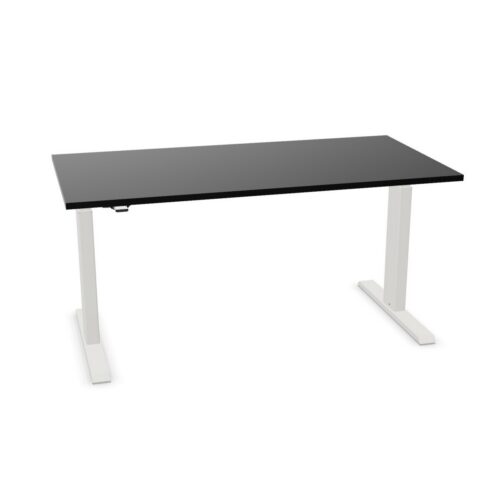
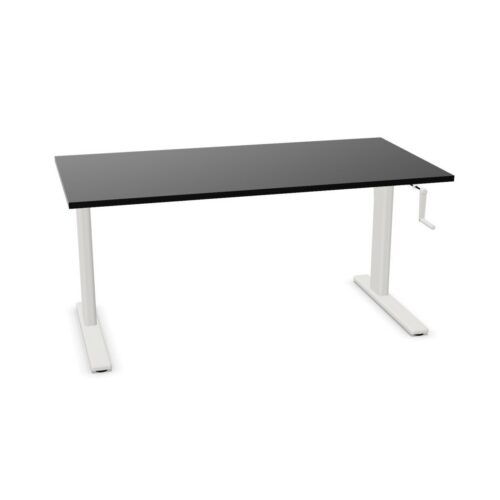
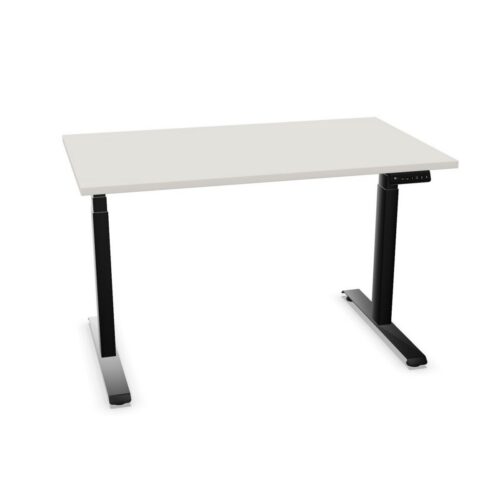
A black desktop can create contrast against light walls, pale flooring and neutral storage. In a room with darker finishes, it can instead connect the workstation to existing furniture and equipment. Decide which effect is useful for the space. Repeating black details in monitor stands, task lighting or chair components can make the arrangement feel intentional, while a lighter wall or screen surround can stop a cluster of dark surfaces from dominating the room.
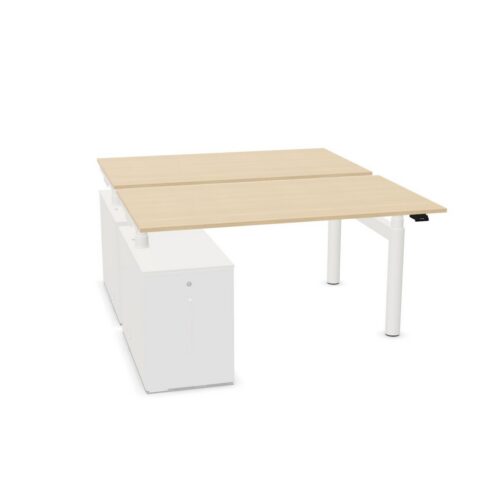
Consider how the desk appears from different viewpoints. A row of black worktops may read as a clear line across an open office, which can help organize the floor visually. In a smaller room, balance that effect with lighter surrounding surfaces and enough open space around each chair. The choice is not only decorative: a well-planned layout also keeps circulation paths clear and makes shared work areas easier to navigate.
Match powered adjustment to the way people work
Electric height adjustment changes the desk position using a powered mechanism. It can support users who want to vary their working position or need a workstation that accommodates different people. Consider the pattern of use before selecting a configuration. A desk assigned to one employee may be set up around that person's equipment, while a shared desk needs a straightforward routine for adjusting screens, chairs and other items between users.
Leave room for movement around the desk and check what sits below the top. Cable connections, storage, chair arms and nearby furniture can affect whether the surface can move freely. Think about where the power source is located and how device leads will be guided. Confirm the specific product's adjustment and cable details rather than treating all electric desks as identical; the frame and accessories can differ from one design to another.
