













Make the black surface work with the room
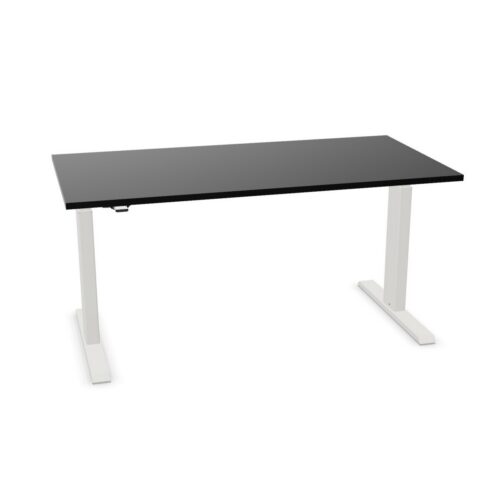
A black worktop can create a strong outline, especially when placed against light walls or pale storage. It can also link a desk to dark monitors, chairs or task accessories. Consider how much contrast the room needs and whether the desk should be a focal point or part of a repeated furniture scheme. Using lighter elements nearby can keep a grouping of dark desks from feeling visually heavy.
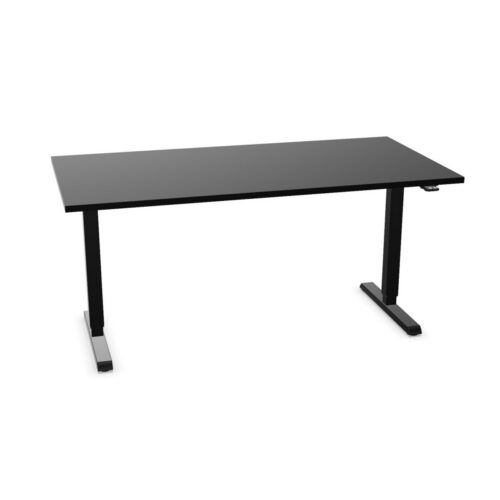
Compare the exact finish descriptions across products. Black surfaces and frame details can vary, so check each item when the desks need to coordinate. Think about lighting, too: the screen, worktop and room light interact throughout the day. A planned workstation should remain comfortable to use while its dark finish supports the interior rather than competing with the equipment on the desk.
Use height adjustment with a clear purpose
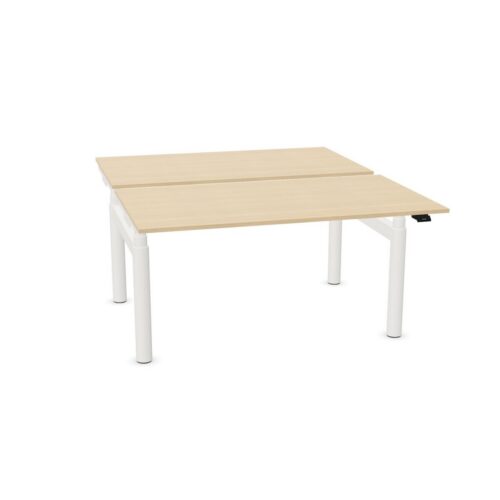
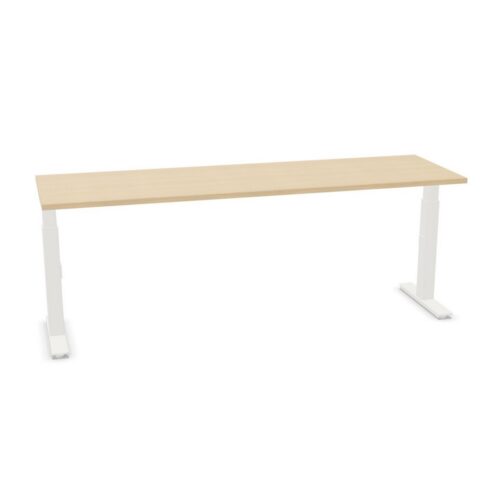
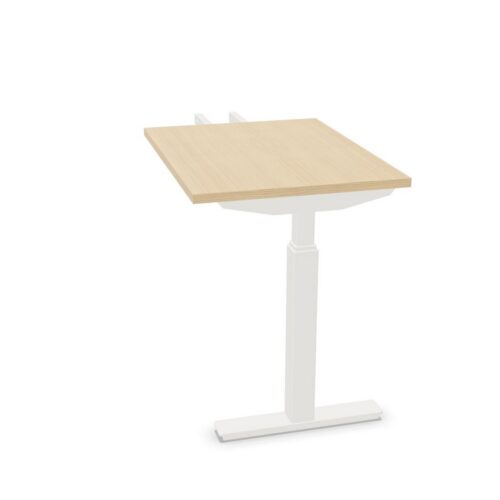
A height-adjustable desk can be set to support different users, tasks or working positions. Consider how the workstation will be used: a personal desk may follow one person's preferred routine, while a shared station may need to be reset throughout the day. Decide which equipment should remain attached or placed on the surface when its height changes.
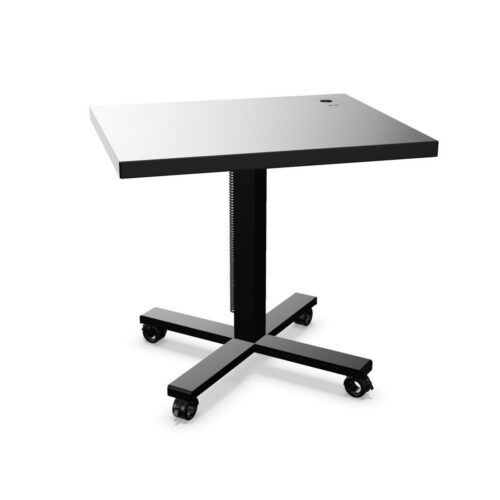
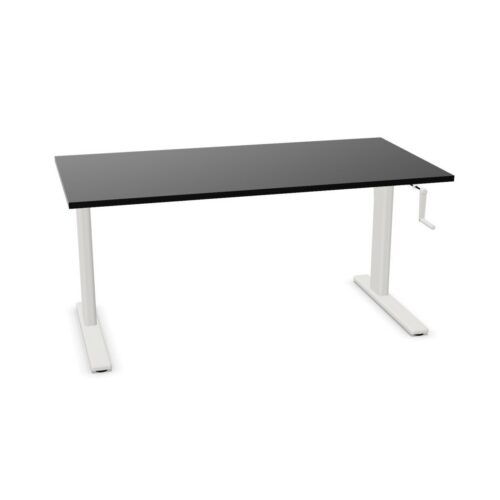
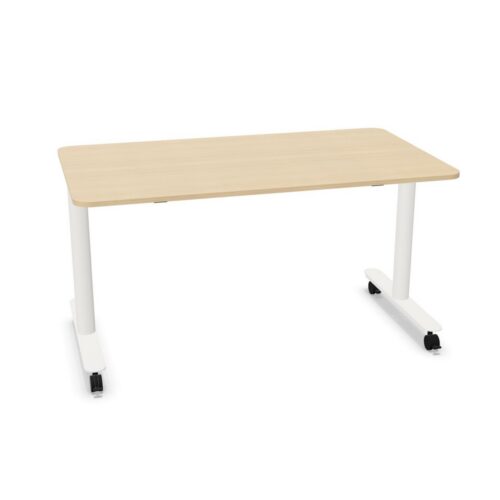
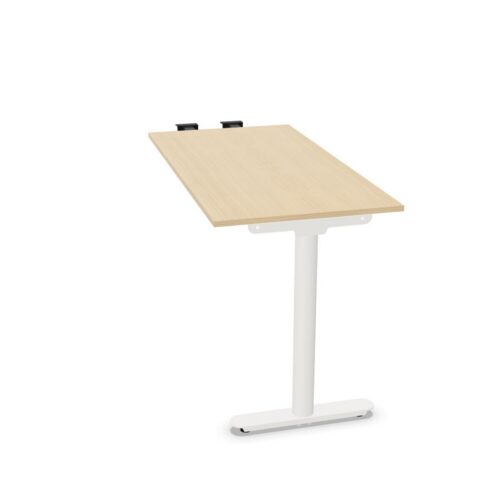
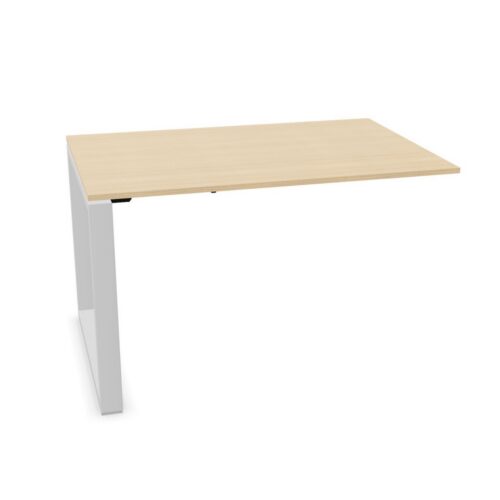
Check the surrounding movement space and cable route before positioning the desk. Monitor arms, lighting, storage and nearby furniture should not obstruct the worktop. Power leads need enough freedom to move without becoming tight or catching against the frame. The selection includes varied configurations, so review the product details for its adjustment method and accessories instead of assuming that each model operates identically.
