


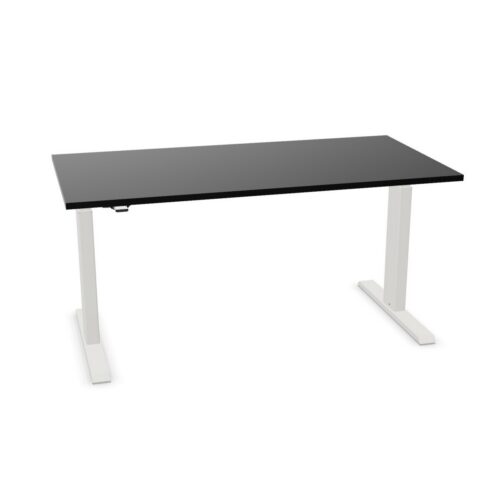

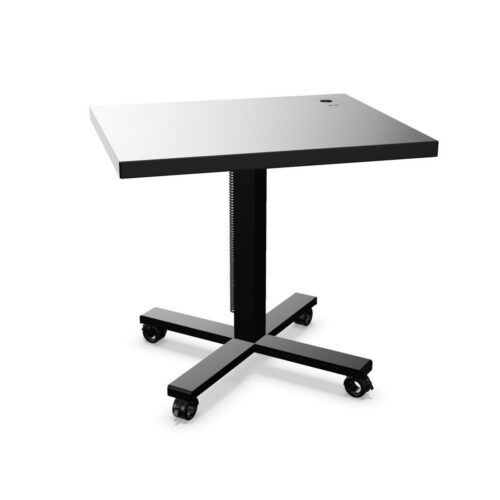
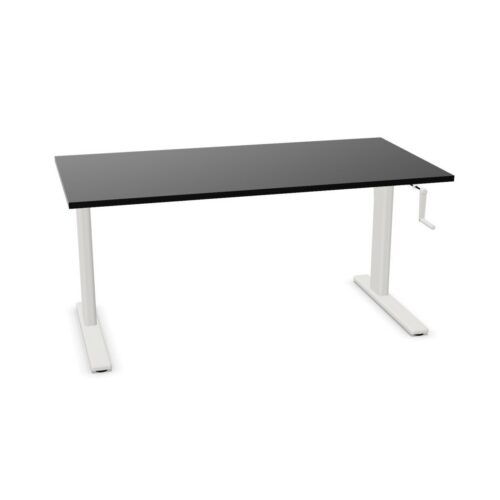


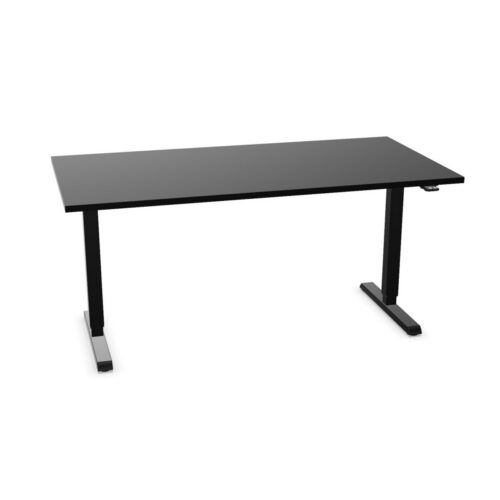

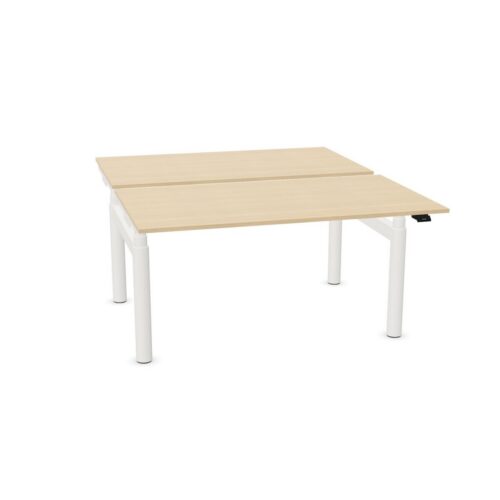

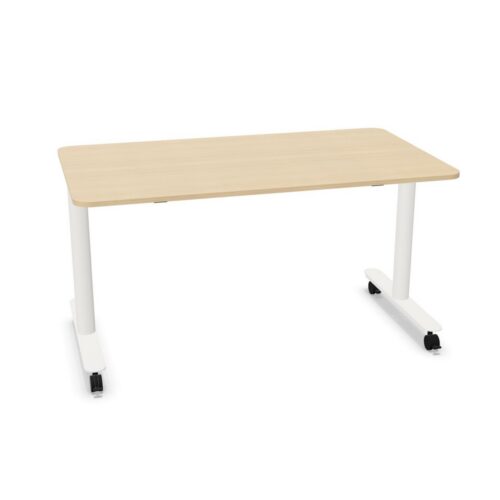
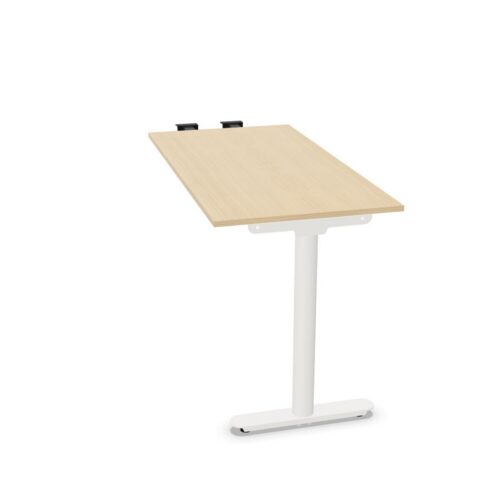
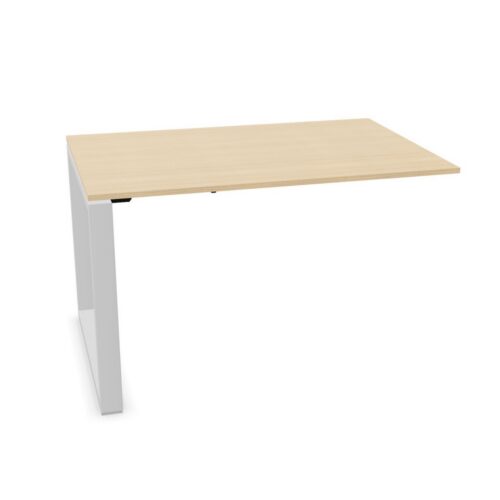


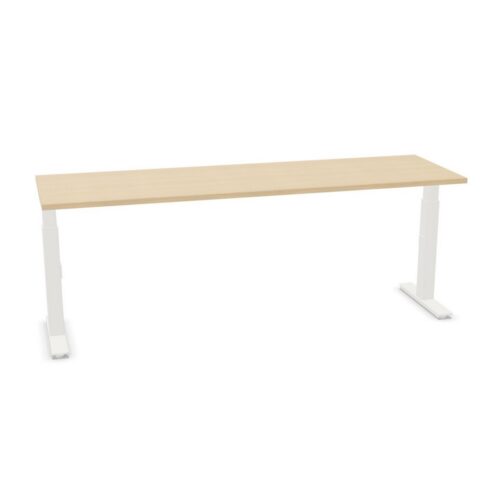

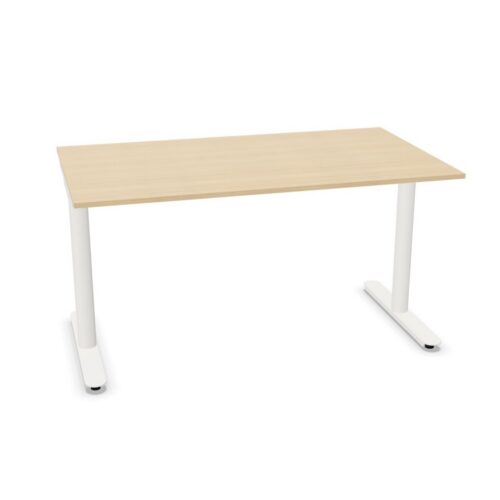



Use a neutral surface to bring the setup together
Grey can link black equipment, light storage and warmer finishes without drawing too much attention to the desk. It may be a useful choice where furniture from different ranges needs to sit in one room. Product shades and textures still vary, so review the details of each surface if consistency matters. The color name is only one part of how the complete workstation will look.
Think about the desk in relation to its surroundings: flooring, partitions, chairs and nearby storage all influence the effect. A repeated grey surface can create a calm visual thread across work areas, while different frame arrangements support different tasks. If adding desks to an existing office, compare their finish with what is already there and decide whether matching or a deliberate contrast is more useful.
Plan how adjustment fits the daily routine
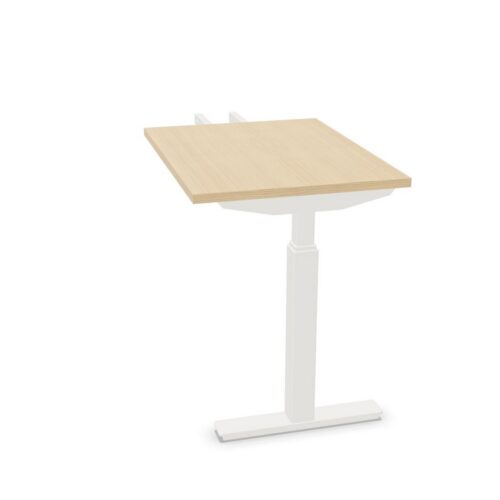
Height adjustment lets a user set the worktop for different users, tasks or working positions. Consider whether the desk will be assigned or shared and how often people will change its position. A clearly arranged workstation can make adjustment straightforward. Screens, keyboards, lighting and other equipment should remain practical as the surface moves.
Check the movement area around the desk before installation. Nearby shelving, chairs and accessories should not block the top. Plan a flexible path for power and device cables so they can follow the worktop without pulling or catching. Adjustment systems and included components vary by model, so confirm the product details instead of expecting one control style or cable solution across the whole selection.
