

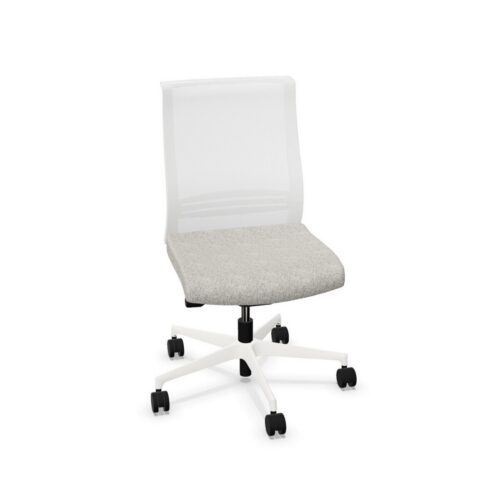
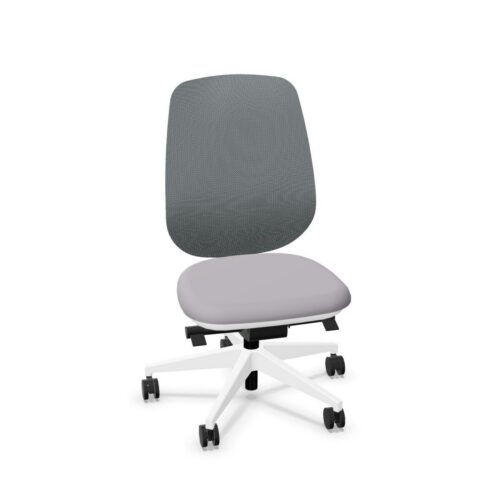
White-Base Office Chairs With Adjustable Seat Depth

Office chairs with white bases and adjustable seat depth pair a light-colored base with a seating dimension that can be changed from front to back. White applies to the base rather than the upholstery or the whole chair. Adjustable depth provides a way to assess thigh support and knee clearance while keeping the user’s back in contact with the backrest.

For workspace planning, these office chairs invite two separate checks: how the white base sits among nearby finishes, and whether the available depth settings suit the intended users. Compare the base against desk legs and flooring in the room’s usual lighting. Then try the chair at a representative workstation, changing the depth according to its instructions. The adjustment method and available positions need confirmation, as do other controls. A coordinated appearance and a suitable seating position should each be established on their own evidence.

6 models
From €10.17 p/m
4 models
From €6.13 p/m
7 models
From €7.54 p/m
2 models
From €8.08 p/m
5 models
From €8.28 p/m
5 models
From €17.02 p/m
2 models
From €15.27 p/m
9 models
From €10.37 p/m
3 models
Price on request
8 models
Price on request
9 models
From €4.49 p/m
4 models
From €7.32 p/m
4 models
From €8.24 p/m
10 models
From €5.35 p/m
12 models
From €6.44 p/m
6 models
From €8.63 p/m
24 models
From €6.31 p/m
7 models
From €2.97 p/m

White Bases and a Changeable Seating Dimension

White-base office chairs with adjustable seat depth combine a visible finish at floor level with a feature that changes individual fit. The base color can support the room's palette, while the depth adjustment helps place the seat edge appropriately relative to the user's legs. Begin with the back against the backrest and explore the available positions. Look for useful support beneath the thighs and comfortable space behind the knees. Confirm the adjustment's extent and operating method on the actual chair. The presence of depth adjustment alone does not establish that every intended user will find a suitable position within its available settings.

Judge White Alongside Neighboring Surfaces

A white base may relate closely to white desk supports or draw attention against a darker floor. Even within a broadly white interior, adjacent surfaces can differ in tone and appearance. Examine the actual finishes together under the lighting used during work. Office chairs viewed beneath a desk present a different composition from chairs pulled into an open meeting arrangement, so consider both positions if relevant. Check the complete base and its visible outline from ordinary room viewpoints. Upholstery, backrest details and other components remain separate color decisions. Their relationship with the base determines how much of the chair reads as light-colored.

Help Users Establish Their Own Depth Setting

When workstations are shared, a clear setup routine can make depth adjustment more useful. Each user should understand how to change the setting and how to judge the result while seated. White-based chairs with adjustable depth still need a fit assessment during normal tasks, because the feature name cannot establish comfort. Office chairs may also have other controls, but those require individual confirmation. Establish the user's overall working position, then assess whether the seat depth supports back contact and leg clearance together. If the desk is used by several people, check that each can recognize and restore a suitable depth setting.

Build a Specification Around Fit and Finish

Request the actual seat dimensions, depth adjustment information and overall footprint before completing the workstation plan. These details help establish whether the chair fits the user and the space around desk supports. When comparing office chairs, a fixed-depth alternative asks the user to fit one existing front-to-back dimension; a different base color changes the visual decision. Keep those comparisons separate. Obtain maintenance guidance for the white base's actual finish rather than inferring cleaning requirements from its color. Finally, confirm every other adjustment required for the assignment and review upholstery samples alongside the base if the room needs a coordinated overall appearance.

White Base and Adjustable Depth Details

Will the upholstery also be white?

The selected white color applies only to the base. Upholstery and other visible parts need separate confirmation. Look at the complete chair beside surrounding furniture to decide whether the base creates a repeated light detail or a stronger contrast within the workstation.

How do I know whether the adjustment is sufficient?

Try the available positions with the intended users. Each person should be able to maintain back contact with suitable thigh support and comfortable knee clearance. Office chairs vary in their actual dimensions, so adjustability should be assessed through the positions it provides.

What should a shared workstation setup note include?

Explain how to operate the depth control and how users can assess their seated position. Include any reference information supplied for the adjustment. Confirm the rest of the chair's controls separately so the setup note describes the actual chair accurately.

Explore related selections