

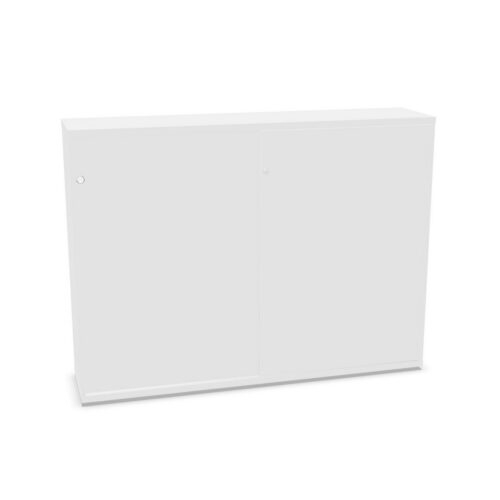
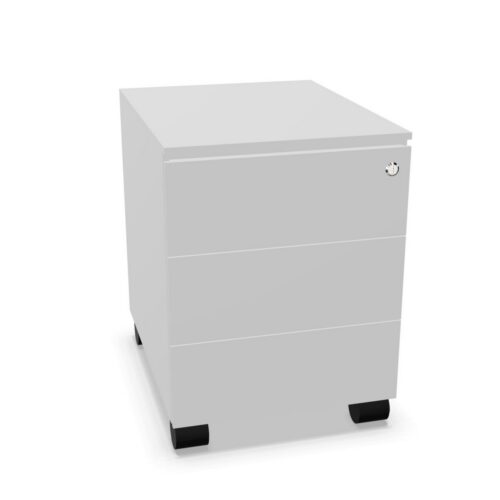
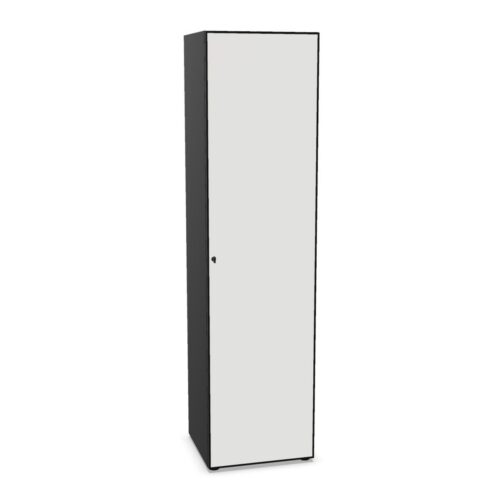
Office Cabinets with No Hanging File Frame and Metal Doors

Office Cabinets with No Hanging File Frame and Metal Doors

Explore cabinets listed with metal doors and no hanging folder frame. The two filters narrow the catalogue but do not describe the complete door assembly or interior arrangement. Review the exact model’s details to confirm materials and supplied fittings. Verify cabinet fittings and door construction for the model you are considering. Check the supplied fittings and available interior space before ordering a model.

The no-frame value does not establish whether an accessory can be installed. Metal doors can also vary in panel construction, finish and hardware. Check product information and ask for clarification if a particular configuration is required.

Compare the cabinet’s usable interior, door access, loading guidance and room fit. Follow model-specific installation and care instructions, and choose based on the workplace task.

2 models
From €18.55 p/m
5 models
From €6.95 p/m
5 models
From €15.31 p/m
3 models
From €16.97 p/m
13 models
From €3.20 p/m
39 models
From €5.17 p/m
2 models
From €7.99 p/m
2 models
From €17.65 p/m
131 models
From €2.93 p/m
8 models
From €9.02 p/m
2 models
From €10.09 p/m
10 models
From €21.87 p/m
2 models
From €12.69 p/m
€7.26 p/m
2 models
From €6.35 p/m

Review the metal door construction

Metal is a broad category that may cover different panels, finishes, frames and fittings. Check the full specification for the selected cabinet. If procurement depends on a particular property, request manufacturer documentation tied to the exact model.

Follow product care instructions for the metal surface and other cabinet materials. Avoid unapproved abrasives or chemicals. Keep the product reference and maintenance advice accessible to facilities staff.

Understand the no-frame classification

The filter indicates that a hanging folder frame is not listed. It does not show whether the cabinet accepts an optional frame or what other interior fittings are supplied. Check product drawings, dimensions and accessory information.

If shelves will hold documents or equipment, compare the items with actual usable space. Consider door access and loading guidance. Organise shared contents with clear categories and labels.

Plan practical storage

Identify what the cabinet will store and how often users need access. Place frequent-use materials where they can be reached easily, and keep heavier items within manufacturer loading recommendations. Remove outdated contents to preserve useful capacity.

Shared cabinets need clear ownership. Decide who updates labels and reviews the contents, especially after projects or team changes. A simple system helps users return materials to the right area.

Measure and install

Check cabinet dimensions and clearance for doors, handles and user approach. Review the delivery route and assembly instructions before purchase. Confirm that the chosen location will leave circulation unobstructed.

After installation, test access and verify that doors operate freely. Keep loading and setup information with facilities records. If the cabinet moves, reassess the position and storage plan.

Compare exact model details

Review door finish, panel construction, interior layout, frame compatibility, dimensions, load guidance and care. Products with matching filters can still differ in important ways. Record the selected model and supplied components.

For a replacement, check that the new cabinet provides the required interior and access. Do not rely on matching colour or material labels as proof of identical construction.

Ongoing product review

Keep a model-specific record of metal finish and interior fittings. If the cabinet is shared, assign responsibility for contents and recheck access after room changes. Retain the instructions for any future move. A routine review can confirm that the cabinet remains appropriate for current contents and that users can access it without difficulty. Check hardware, storage categories and finish condition, and update the product record after a move. If adding another cabinet, compare the actual metal surface and interior arrangement. Shared attributes are useful for discovery but do not guarantee matching construction. Clear records help procurement and maintenance staff make decisions using the installed product’s real details. The selected cabinet should be recorded with its exact door material, interior fittings, dimensions and care instructions. These details can be useful if a matching unit is needed or a maintenance issue arises. Review the storage arrangement after changes in team responsibilities and keep access clear. If the cabinet is relocated, follow installation guidance and update the room record. This lets future staff assess the actual product instead of relying on filter labels. Keep users informed about any change in access.

Frequently asked questions

Does metal identify the complete door assembly?

No. Check product-specific panel, frame and hardware details.

Can a hanging frame be added?

Confirm compatibility for the exact cabinet.

What supports shared storage?

Clear categories, accessible placement and regular contents reviews.

Explore related selections