

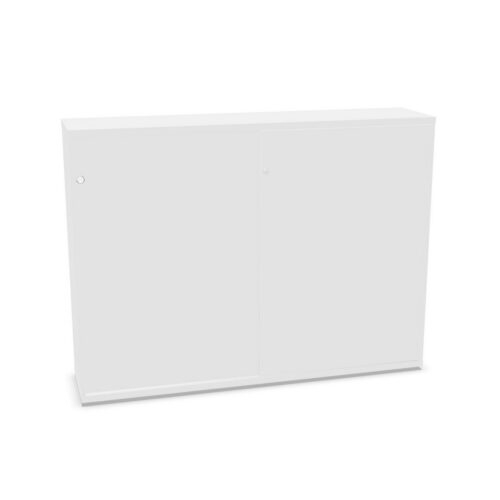
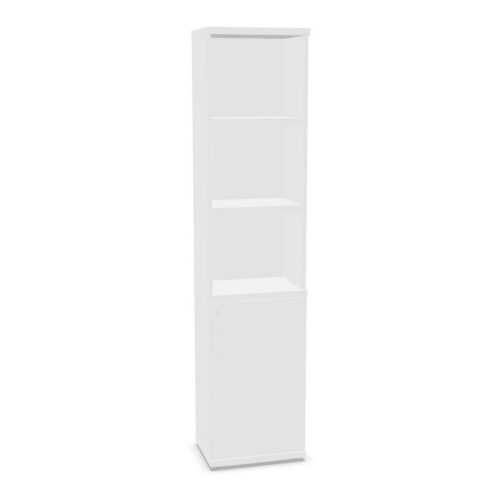
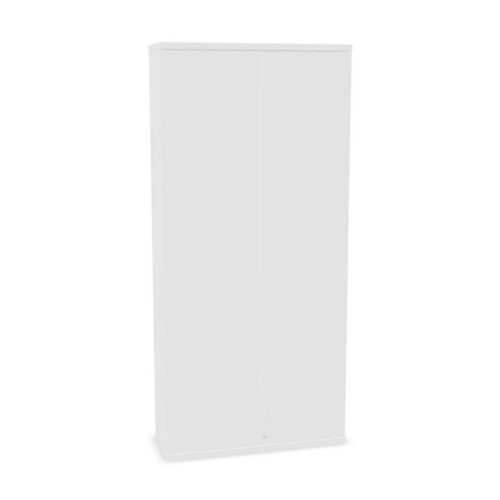
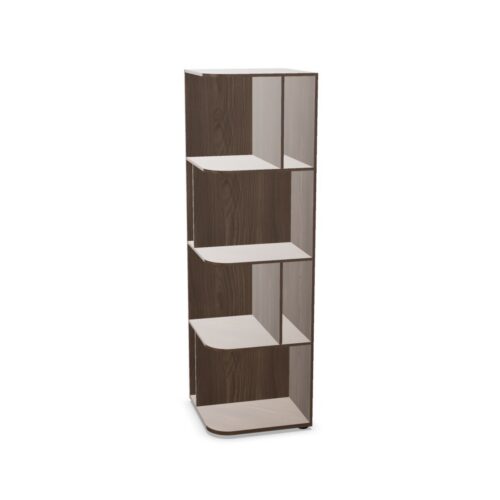
Office Cabinets with No Hanging File Frame and Four Shelves

Office Cabinets with No Hanging File Frame and Four Shelves

Browse office cabinets carrying the no hanging folder frame value and a four-shelf classification. These filters help identify a particular interior setup, but they do not specify shelf spacing, adjustability or the rest of the cabinet construction. Check the selected model’s full specification. Confirm the exact shelf arrangement and check how users will reach each level.

Four shelves can offer several levels for organising materials, though actual capacity depends on internal dimensions and shelf placement. Confirm what is supplied and whether the configuration is fixed. If filing needs involve hanging folders, verify compatibility rather than assuming an accessory will fit.

Assess the cabinet’s use, access and room fit before choosing. Compare contents with the available interior, follow loading guidance and consider how shelves will be organised for daily work.

4 models
From €13.90 p/m
4 models
From €6.01 p/m
3 models
From €5.51 p/m
5 models
From €15.31 p/m
10 models
From €3.42 p/m
14 models
From €2.44 p/m
3 models
From €5.51 p/m
3 models
From €8.38 p/m
10 models
From €4.96 p/m
2 models
From €4.22 p/m
2 models
From €6.38 p/m
3 models
From €16.21 p/m
13 models
From €3.20 p/m
39 models
From €5.17 p/m
2 models
From €48.56 p/m
131 models
From €2.93 p/m
11 models
From €5.74 p/m
2 models
From €260.73 p/m

Confirm what the filter says about hanging files

The no-frame value indicates a catalogue classification, not the compatibility of every possible accessory. Read the exact product description and ask the manufacturer if hanging-frame support matters. Confirm the supplied interior arrangement before making procurement decisions.

If the cabinet will store documents, consider whether shelves or another filing system better fit the task. Check how folders can be placed, labelled and retrieved. The intended filing method should guide the cabinet choice, not just the attribute name.

Review four-shelf storage

Check whether all four shelves are included and whether they can be repositioned. The product’s usable interior and shelf spacing determine what fits; the count alone is not a measure of capacity. Review published dimensions and assembly details before planning storage boxes or equipment.

Plan a useful hierarchy, placing frequent-use materials where users can reach them. Follow loading recommendations and avoid overfilling shelves. For shared storage, make categories visible and update them when work changes so the cabinet remains easy to navigate.

Match contents to the interior

Make a list of materials and their approximate sizes. Compare them with the cabinet’s usable interior, shelf positions and door access. Consider how items will be handled and whether users need clear space to remove them without disturbing neighbouring contents.

A cabinet can support several categories when responsibilities are clear. Assign an owner to review labels and remove obsolete files or supplies. This keeps the four-shelf arrangement purposeful and prevents it from becoming difficult to maintain.

Measure access and location

Check the cabinet’s footprint and clearance for doors, handles and user approach. Confirm that the delivery path and assembly requirements are manageable. The proposed location should let people access each shelf while preserving circulation around nearby work areas.

After setup, verify that the shelves are reachable and that doors open freely. If the room is rearranged, repeat the access check and reconsider the storage plan. Retain manufacturer instructions for loading, assembly and any future move.

Use model details for comparison

Compare the selected cabinet with alternatives using the same criteria: frame compatibility, shelf count, adjustability, interior dimensions, construction and care. Filter values may match while the actual designs differ. Keep the model reference and specification for future additions or replacements.

Review the cabinet periodically to make sure it still serves its intended filing or storage task. If another model is chosen later, confirm shelf configuration and accessory compatibility directly rather than transferring assumptions.

Ongoing storage review

Keep the cabinet reference with its shelf configuration and loading guidance. Review the four levels after team changes and remove materials that are no longer required. This helps shared storage remain easy to navigate. Clear ownership helps prevent unrelated supplies from filling the cabinet. Let users know how the cabinet is divided and who maintains shared files or supplies. Review contents after projects end and adjust shelf categories when work changes. Keep the exact model information available so a future replacement can be compared for interior layout and accessory compatibility. A simple contents check prevents the shelves from becoming a catch-all. Remove material that has no current owner and check that the cabinet remains easy to access when doors are open. Keep installation notes available for future movement.

Frequently asked questions

Does the four-shelf value show shelf spacing?

No. Check the selected model’s internal measurements and layout.

Can a hanging frame be added later?

Compatibility varies. Confirm with the exact product specification or manufacturer.

How can shelves stay organised?

Use clear categories and review shared contents regularly.

Explore related selections