

Office Cabinets with No Hanging File Frame and No Shelves

Office Cabinets with No Hanging File Frame and No Shelves

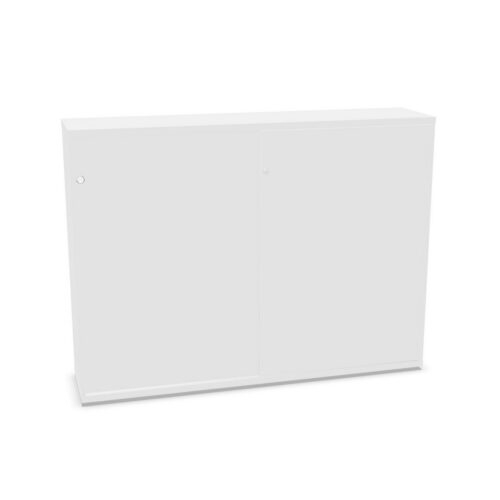
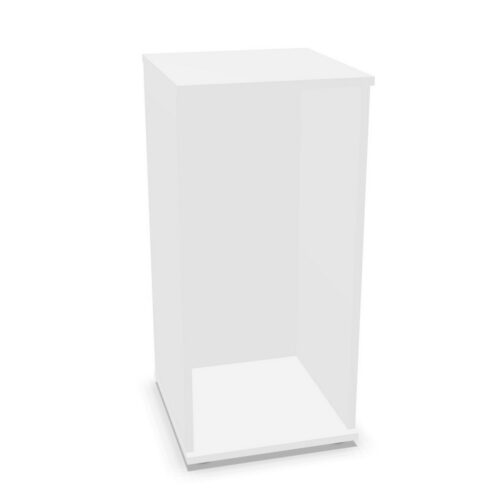
This selection groups cabinets marked without a hanging folder frame and without shelves. The filter values identify catalogue attributes, but they do not explain all interior fittings or guarantee an empty internal space. Review the model details to see what the cabinet includes.

A cabinet without shelves may suit items that need an open interior, while the absence of a hanging frame indicates a different filing arrangement. Verify usable dimensions, obstructions, fittings and access for the exact product. If shelves or filing components are optional, check compatibility with the manufacturer.

Consider the items to be stored and how users will retrieve them. Compare cabinet dimensions, door design, loading advice and room fit. A product specification will show whether the interior can support the intended task.

4 models
From €13.90 p/m
5 models
From €6.95 p/m
2 models
From €6.60 p/m
2 models
From €7.81 p/m
4 models
From €6.01 p/m
3 models
From €5.51 p/m
3 models
From €0.96 p/m
3 models
From €14.62 p/m
2 models
From €7.15 p/m
6 models
From €4.98 p/m
3 models
From €5.92 p/m
5 models
From €15.31 p/m
10 models
From €3.42 p/m

Clarify what “no shelves” means

The filter value describes the listed configuration but may not tell you whether optional shelves can be added. Check the product page and manufacturer documentation for included parts, internal supports and accessory compatibility. Do not assume that all un-shelved cabinets share the same open space.

Measure the items that need to fit and compare them with the published interior. Look for fixed rails, braces or other elements that may affect usable volume. Confirm the cabinet’s load limits and handling advice before storing bulky or heavy materials.

Check the filing arrangement

A no hanging-frame classification means the attribute is not present in catalogue data; it does not establish whether other filing accessories are supported. If a specific document system is required, verify the model’s configuration with the supplier.

For storage that does not use hanging folders, decide whether open space supports boxes, equipment or larger supplies. Organise contents with suitable containers and labels, and keep frequently accessed materials within comfortable reach.

Plan an open interior responsibly

An open interior can be flexible, but it may also make contents harder to separate. Define what belongs inside, how items should be arranged and who maintains the cabinet. Use containers only when their size and weight are compatible with the product instructions.

Avoid stacking contents in ways that block access or exceed loading guidance. Review the arrangement after work changes and remove obsolete materials. A simple storage plan helps users share an open cabinet without creating clutter.

Verify the whole product before choosing

Compare construction, interior supports, door access, loading limits, dimensions and care instructions across candidates. The no-shelf and no-frame filters do not reveal every functional detail. Use the exact model’s documentation to confirm the configuration.

If the cabinet’s purpose changes, review whether open storage remains suitable. When replacing it, verify that the new model has the same usable interior rather than relying on matching filter values.

Check dimensions, doors and placement

Compare external and internal measurements with the intended location and stored items. Allow space for doors and user approach, and review the delivery route and assembly instructions. Check how the cabinet will be accessed if bulky objects are stored inside.

After installation, confirm the interior is usable for the planned contents and doors operate freely. If the unit moves, reassess access and load placement. Keep product guidance with facilities records for maintenance and future relocation.

Ongoing storage review

If the cabinet is used for bulky contents, document loading and access considerations. Keep manufacturer instructions accessible and review the arrangement if contents or location changes. Keep a record of the model and any optional fittings that have been confirmed. For open storage, agree what belongs inside and whether containers are needed to keep items grouped. Check load guidance and do not assume optional shelves can be added. If the cabinet changes location, remeasure access and confirm the open interior still suits its purpose. Review the product specification before changing the interior. If supplies are placed directly on the cabinet base, ensure they can be handled safely and do not exceed the instructions. Document the arrangement for shared use.

Frequently asked questions

Does no shelves mean an empty interior?

Not always. Check the model for fixed fittings and usable dimensions.

Can shelves be added later?

That depends on the cabinet. Verify accessory compatibility with the manufacturer.

What is important for open storage?

Plan contents, check load guidance and keep categories clear.

Explore related selections