

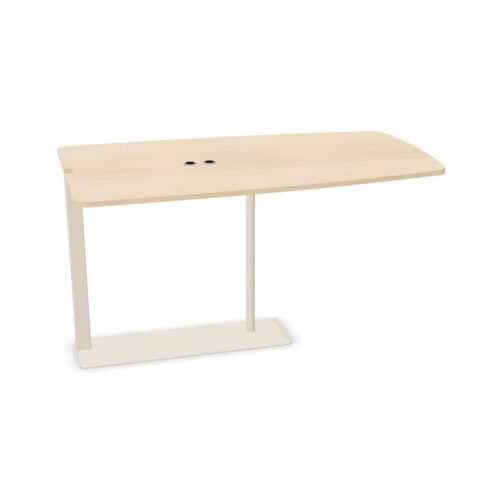
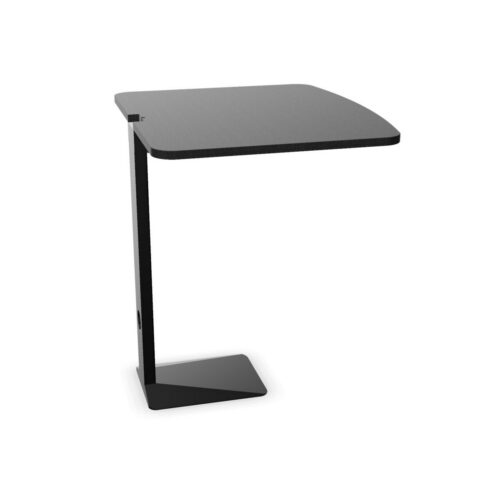
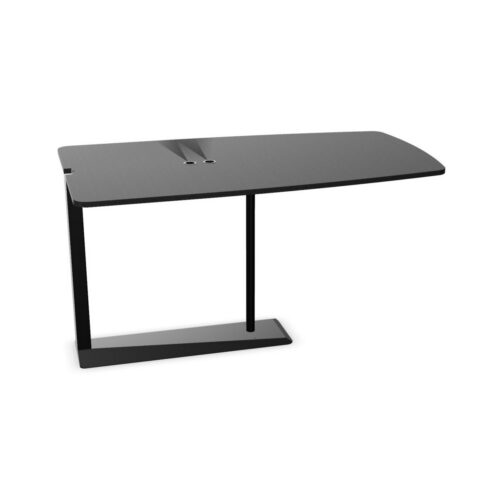
Rectangular Conference Tops Without Cable Trays

Conference tables with rectangular tops provide straight sides and defined ends for organizing meeting positions. Without a cable tray, the room also needs a separate approach to any connected equipment. This combination can be considered for discussions built around notes and documents, as well as laptop sessions where devices use battery power. If wired connections are routine, their path should be planned alongside the table’s orientation and chair access.

Begin by deciding whether the meeting focuses across the table or toward a presentation area. Straight-side seating can be assessed in relation to opposing participants, while the end positions need their own check for views and circulation. The rectangular outline can help establish an orderly room arrangement, but it does not determine where people should sit. Use the actual entrance route, display location and meeting activities to decide how the surface will be approached and used.

2 models
From €18.78 p/m
11 models
From €21.26 p/m
10 models
From €16.65 p/m
9 models
From €22.04 p/m
18 models
From €27.49 p/m
3 models
From €20.05 p/m
2 models
From €28.04 p/m
€31.41 p/m
€11.34 p/m
2 models
From €19.95 p/m
2 models
From €10.48 p/m
2 models
From €30.93 p/m

Aligning conference tables with rectangular tops

Use the room's working relationships to establish the table's direction. For discussion across the tabletop, check how opposing participants will see one another and share reference material. For presentation-led sessions, assess the turn required toward the display from both sides and the ends. A rectangular outline provides clear edges for alignment, but aligning it with a wall is only useful if the resulting chair approaches work. Include the route from the entrance and any movement toward presentation equipment. Test the proposed orientation with occupied chairs, since the practical circulation boundary includes people using the table.

Decide what the end positions are for

The ends may be considered for hosts, participants or access to shared material, depending on the meeting routine. Avoid giving them a fixed role before checking the view of the group and the room. Someone hosting from an end may need to turn toward a screen or leave their chair to present. Check that these movements do not conflict with people passing nearby. If an end position is not needed for a particular session, keep its approach purposeful rather than allowing spare equipment to accumulate there. The straight-sided layout should support the agenda rather than dictate it.

Resolve wired equipment before the session

Conference tables with rectangular tops without a cable tray require a separate path for laptop leads and shared presentation connections. Start at the room service point and follow the route to the intended user. Check crossings beside the straight sides as well as around the ends. A lead that looks orderly beside an empty table may interfere with a chair once the meeting begins. For occasional wired use, prepare the route before attendees arrive and remove it afterward. For frequent use, assess the external arrangement as a regular part of the room rather than relying on repeated improvisation.

Arrange materials for meetings across the table

Straight sides can make it straightforward to identify opposing working positions, but shared materials still need an agreed place. Keep reference documents distinct from personal notes and device areas. Consider whether papers will be passed across the surface or presented from another point in the room. Participants should not need to move a colleague's belongings to follow the discussion. Where laptops run on battery power, establish expectations before the session so charging does not become an unplanned room-layout task. At the end, clear temporary equipment and restore the working areas for the next group's activities.

Frequently asked questions

Should the table always run parallel to a wall?

No. Compare that arrangement with the entrance, display and occupied chair positions. Parallel placement can be visually orderly, but the practical choice depends on where people need to walk and which direction they face during the meeting.

Is an end position necessarily the host's seat?

No. Hosting from a side may work better for some agendas or display arrangements. Assess the host's view, notes and movement toward presentation equipment before assigning a regular position at either end of the table.

What matters most when there is no cable tray?

For conference tables with rectangular tops, establish how any wired device will connect without obstructing side or end approaches. The table shape organizes the seating outline; cable handling needs its own room plan and a clear reset after use.

Explore related selections