

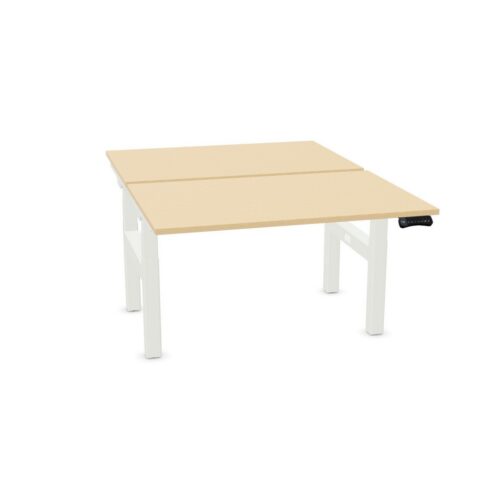
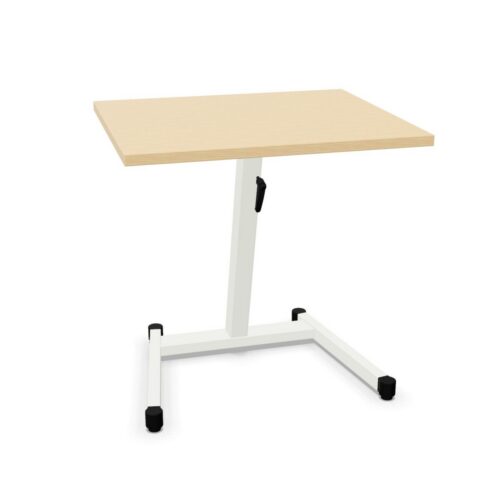
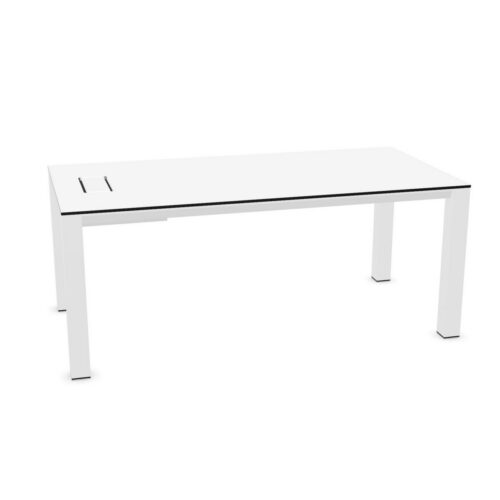
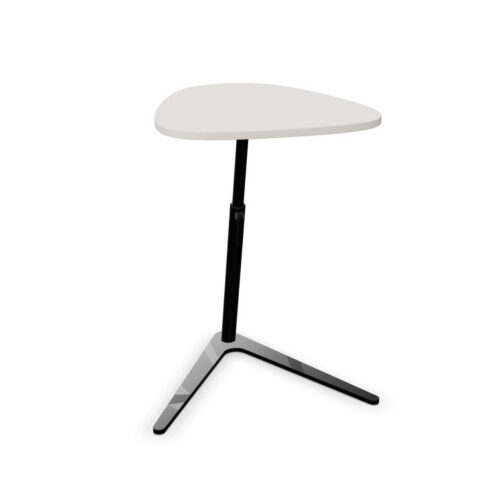
Desks with manual height adjustment

This page focuses on desks with manual height adjustment, a desk requirements to review alongside the purpose of the workspace. For a busy team space project, keep the location of nearby collaboration zones visible in the project requirements and check whether manual height adjustment works with the cleaning routine.

If work changes between quiet administrative work and collaborative planning, review the location of nearby collaboration zones and manual height adjustment against the access around the desks plan and the needs of desk users. When interior project teams assess a compact work area, they can record manual height adjustment and the location of nearby collaboration zones beside the requirements for document review. A workplace review can link manual height adjustment with a layout that supports movement; considering the location of nearby collaboration zones also keeps the choice grounded in work routines.

2 models
From €12.20 p/m
5 models
From €2.34 p/m
€11.05 p/m
2 models
From €12.28 p/m
€16.99 p/m
5 models
From €25.89 p/m
3 models
From €17.75 p/m
5 models
From €38.50 p/m
4 models
From €8.02 p/m
2 models
From €5.94 p/m
€9.20 p/m

Building a practical comparison

Start the comparison with manual height adjustment. Then review the location of nearby collaboration zones and make sure the available floor area is covered in the a busy team space plan. A desk that looks suitable in isolation may not fit a working room; examine access to the planned workstation and the routines users follow before completing the proposed shortlist. For this desk specification, relate manual height adjustment to the location of nearby collaboration zones. Procurement teams can make the review more specific by noting manual height adjustment, the location of nearby collaboration zones and the requirements that matter to the desk users. A plan for collaborative planning is clearer when buyers comparing desk needs connect the location of nearby collaboration zones and manual height adjustment to those working there using a busy team space.

Comparing the listed desk details

Because a staff area may be used for informal discussions and individual research, consider whether the location of nearby collaboration zones and manual height adjustment answer separate parts of the workplace requirements. To make the workstation specification useful in a project schedule, explain who needs the selected desk, how manual height adjustment answers a requirement and where the location of nearby collaboration zones matters. In a project note, explain how manual height adjustment affects the selected desk choice and how the location of nearby collaboration zones relates to storage beside the desk setup. The combination should make sense in context. Relate the location of nearby collaboration zones to manual height adjustment, then check whether the selected desk arrangement suits a layout that supports movement.

Matching desk details to work routines

When comparing the filtered range for a planning area, record what needs to stay consistent and what can vary; that helps later decisions stay aligned with the workplace brief. For the selected desk specification, a consistent desk choice depends on the location of nearby collaboration zones, manual height adjustment, the intended activity and what users notice during regular work. Set out the purpose of a reception office, then assess manual height adjustment and the location of nearby collaboration zones against the day-to-day demands of shared office tasks. A useful comparison begins with the cleaning routine; from there, assess how manual height adjustment and the location of nearby collaboration zones fit those working there who will use an open-plan workplace.

Planning for everyday office tasks

A specification for the listed configuration is most useful when it answers a workplace question; link manual height adjustment and the location of nearby collaboration zones to a task or planning constraint. Check the connection with existing finishes alongside the selected desk features; together, these points show how the specified desk fits within the planned workspace. Keep manual height adjustment and the location of nearby collaboration zones together in the desk requirements. The working position should support the full activity, so project leads can review manual height adjustment and the location of nearby collaboration zones against the path between work areas before finalising a focused work area. In a shared workplace, project leads can compare manual height adjustment with the location of nearby collaboration zones, then check whether daily desk work allows people to move normally.

Frequently asked questions

How do these workstation details relate to everyday activity?

Use manual height adjustment as the starting point, then consider whether screen positions answers the needs of assigned workstations. Use the space plan to compare screen positions and manual height adjustment; that gives project leads a practical basis for discussing access to power. For longer project sessions, small planning decisions affect how people settle into a work area. Check screen positions against movement of people across the space before treating the desk requirements as complete. Record how manual height adjustment relates to the workplace brief.

What does the desks with manual height adjustment filter identify?

The product specification should make manual height adjustment clear; compare screen positions with the practical demands of the space. The desk setup should support the full activity, so interior project teams can review screen positions and manual height adjustment against how the desktop fits the upkeep routine before finalising a project room. The relevant question for workplace consultants is whether manual height adjustment and screen positions match the people using the space and the expected tasks.

What should a team check alongside desks with manual height adjustment?

Use the work area layout to test manual height adjustment and screen positions together rather than treating either as a standalone feature. A short comparison note can show how screen positions and manual height adjustment answer different requirements within the same workspace. For video calls, map the working position position first and assess screen positions alongside manual height adjustment; this links the listed values to the route people follow.

Explore related selections